





Something for the Weekend - Part 266 - Move closer
Thanks to all who took part in our last, ‘Holy Island’, challenge. There were some great entries that showed the imagination and skill of this community.
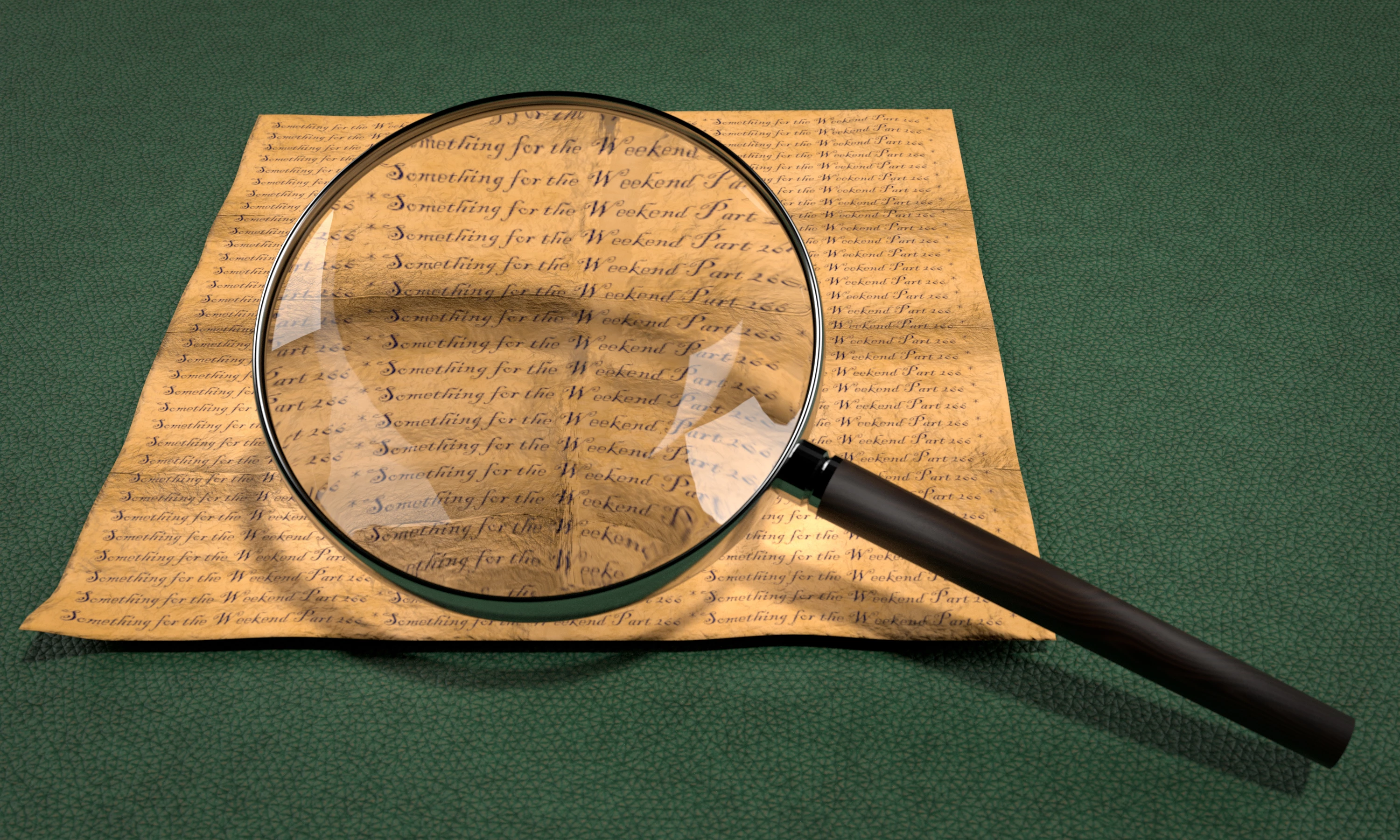
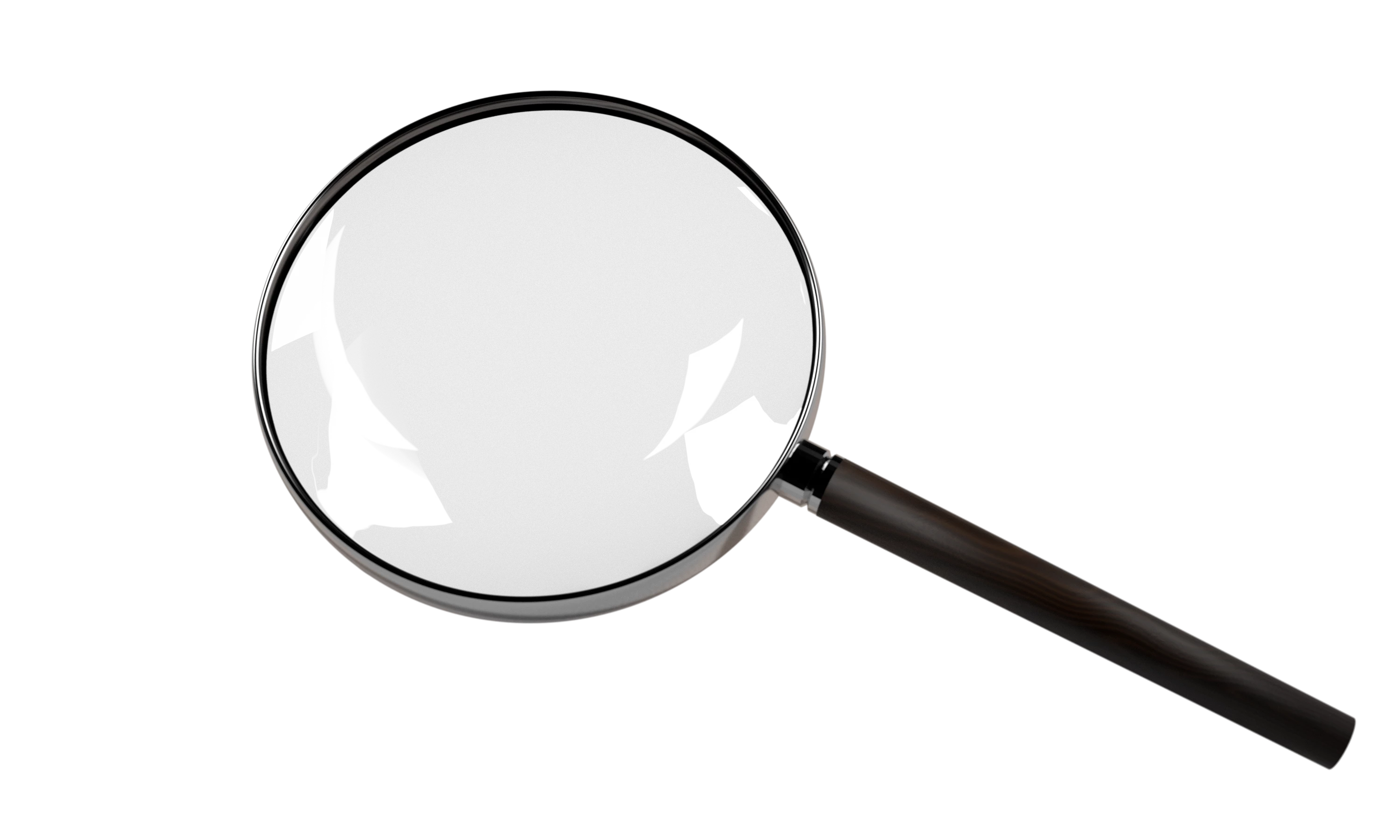
The regulars in these challenges will know that sometimes we start with a scene and sometimes an object. This week we have two starter images, the first with a magnifying glass and a paper. The second is the same magnifying glass but with a transparent background. You can use either, or both, to start your entry. The scene was created and rendered in Blender 3D with Adobe Substance 3D Designer and Adobe Substance 3D Painter used for textures.
How imaginative can you get with this simple scene, or object?
The “rules”:
- Use the starter image as at least part of your own image entry.
- Anything goes, as long as it meets the forum rules on decency, copyright, etc.
- Anyone, and everyone, is welcome to have a go, whether you are a complete beginner or a Photoshop expert. This is not just for our forum “regulars”.
- The challenge is not limited to Photoshop. Any Adobe software can be used.
- There are no prizes apart from the chance to practice, show off your skills, or bring a bit of humor and fun. Don't be shy, join in and have a go!
- The starter image is made available for you to use in this forum challenge only.
To download either of the starter images, click it, then, when the image opens in its own window, right-click and choose “Save Image As/Save Target As” (or similar, depending on your browser).
When posting back your image, please use the reply button in this first post and use the 'Insert Photos' icon at the bottom of the reply box. If posting a comment on someone else’s entry, then please use the reply button next to their image post.
Have fun!
Dave.
 AdChoices