


Participant
July 8, 2018
Answered

The foreground and background color are switching back and forth.

  • July 8, 2018
  • 2 replies
  • 9370 views

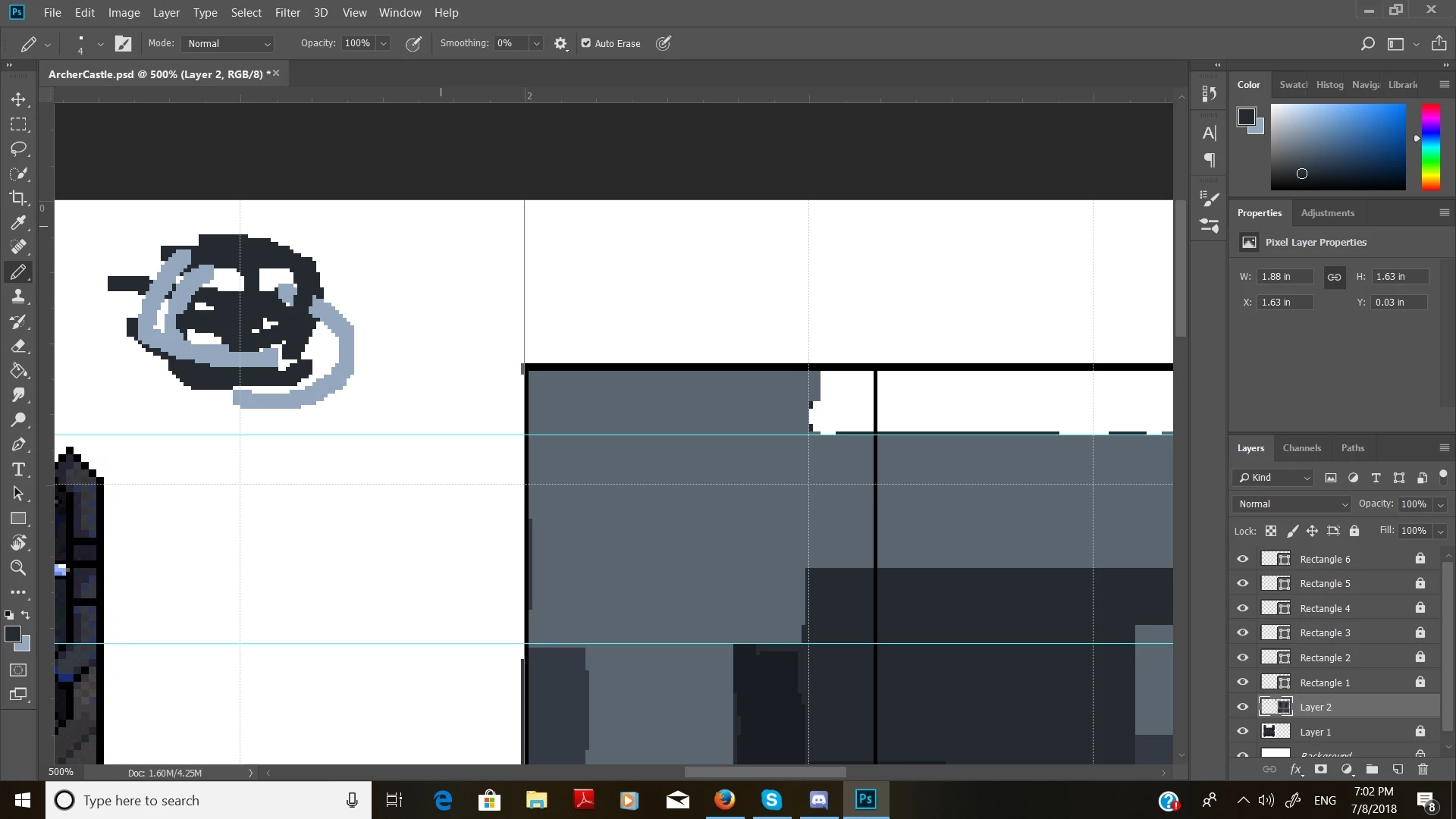
I am having an issue with Photoshop. When I paint or draw, the foreground and background colors are swapping on its own. For example, if I have blue as the foreground and color and drawing with it, the program will automatically switch to the red, the background color, even when it is now selected. Is there a way to stop this because I have never seen Photoshop do this before.
This topic has been closed for replies.
Correct answer Nancy OShea


When Photoshop misbehaves, Reset Preferences On Quit from the General Preferences Panel and  then restart PS.   See screenshot below.

2 replies

pixxxelschubser
Community Expert
Community Expert
July 8, 2018

Hmmh?

I don't know what you mean. Photoshop changes automatically foreground and background color?

Do you know that the keyboard shortcut eXchange foreground and background color?

Nancy OShea
Community Expert
Community Expert
July 8, 2018

X = switch foreground to background.

Nancy O'Shea— Product User & Community Expert
Nancy OShea
Community Expert
Nancy OSheaCommunity ExpertCorrect answer
Community Expert
July 9, 2018


When Photoshop misbehaves, Reset Preferences On Quit from the General Preferences Panel and  then restart PS.   See screenshot below.

Nancy O'Shea— Product User & Community Expert
Nancy OShea
Community Expert
Community Expert
July 8, 2018

Can you show us your workspace including the Layers panel? 

Nancy O'Shea— Product User & Community Expert