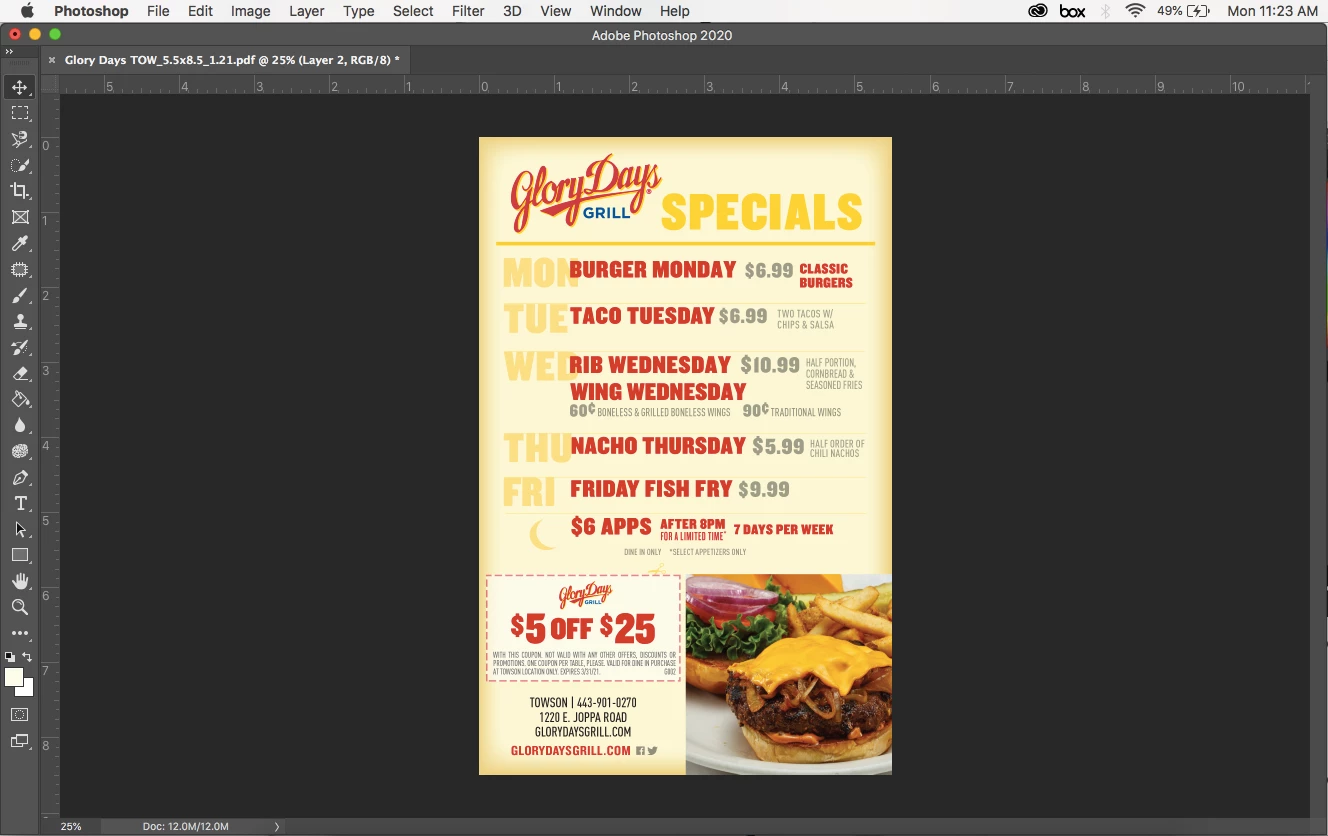
If this is still a problem for you, I think you might find the answer in this thread: https://community.adobe.com/t5/photoshop/photoshop-cc-2019-options-bar-is-missing-please-help/m-p/10390942 . Apparently hitting tab hides parts of the workspace to create more space for the image being worked on. If you don't realize that you hit the tab key, the workspace change seems like evil magic. To reveal the hidden workspace elements you hit tab again. I had this same issue, also with the 2021 version, and I followed the first answer proposed in that thread, which was to reset the workspace, and that also worked (but i had to rearrange the workspace to get it back how i like it).
Sign up
Already have an account? Login
To post, reply, or follow discussions, please sign in with your Adobe ID.
Sign inSign in to Adobe Community
To post, reply, or follow discussions, please sign in with your Adobe ID.
Sign inEnter your E-mail address. We'll send you an e-mail with instructions to reset your password.