

Answered
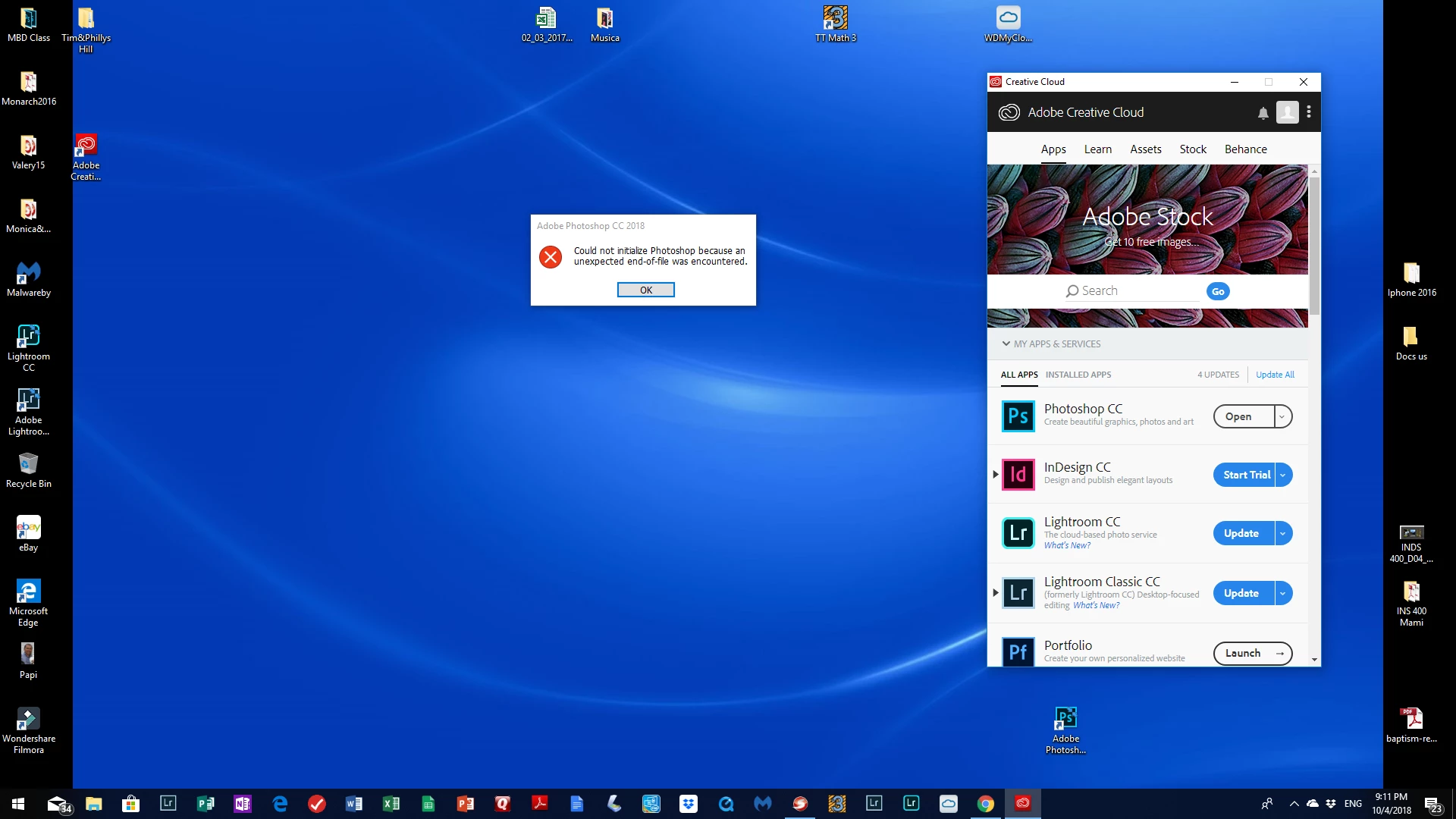
Unexpected en of file error
I keep getting "unexpected end of file encounter" every time I try to open Photoshop. I have uninstalled and installed Creative Cloud twice, no joy. Happens both in my Mac and My Windows PC.
Jacob

I keep getting "unexpected end of file encounter" every time I try to open Photoshop. I have uninstalled and installed Creative Cloud twice, no joy. Happens both in my Mac and My Windows PC.
Jacob
Hi jacobol62892833,
Sorry that you're getting an error "unexpected end of file encountered" while opening Photoshop CC 2018. You may restore Photoshop preferences to default as mentioned above by lambiloon. Refer to this article for more details: Preferences in Photoshop
If that doesn't help, you may want to reinstall the application.
Thanks,
Akash
Already have an account? Login
Enter your E-mail address. We'll send you an e-mail with instructions to reset your password.
 AdChoices