
Known Participant
April 6, 2026
Question

Updates to Photoshop CS5 download but don't install

  • April 6, 2026
  • 3 replies
  • 24 views

I finally trusted myself enough to pause my older computer’s installation of PS CS5 and successfully installed CS5 to my newest, much faster computer. Several questions and one issue.

First the issue,  although the program responds and downloads the updates found under Help/Updates it will not install them. It appears to try but fails. A screen shot is attached.
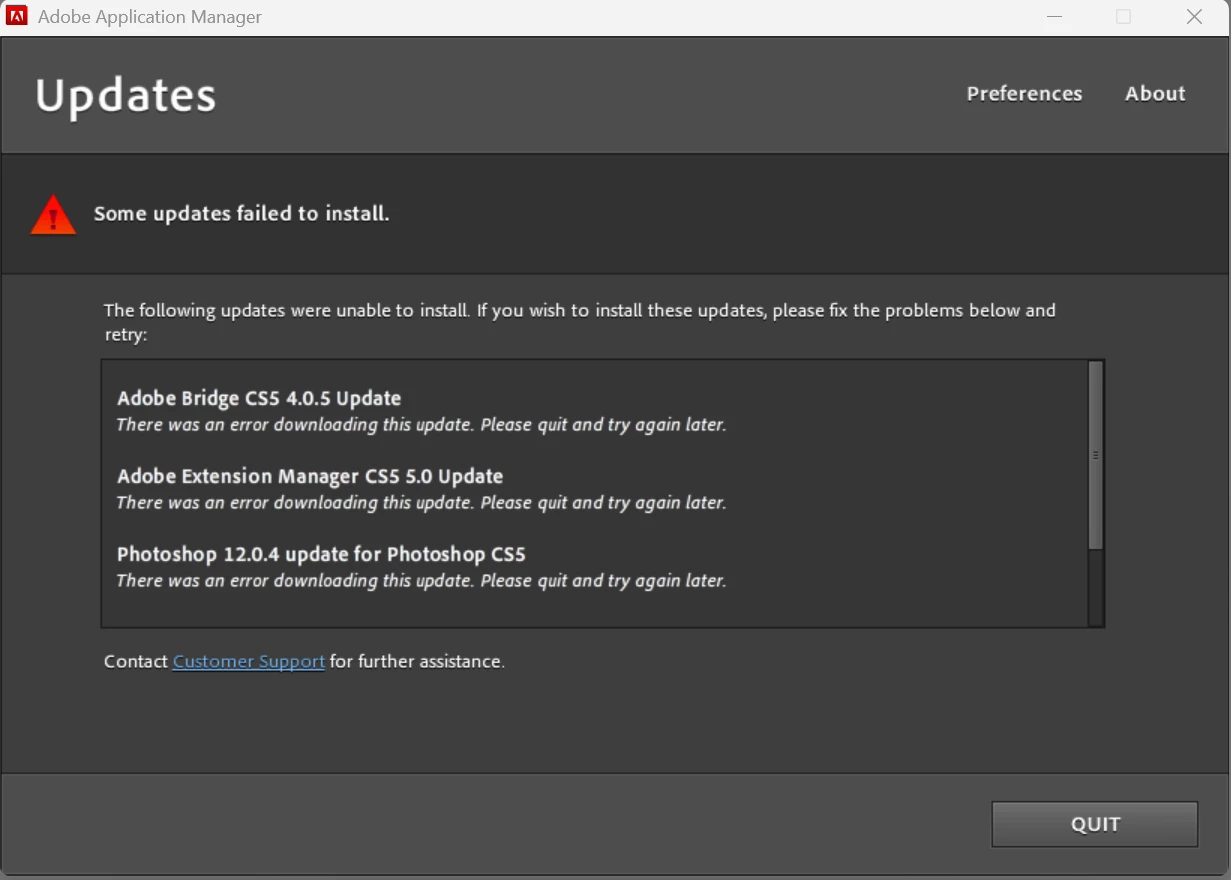
Failed Attempt

I’m at a loss to understand what I need to do now. 

On another note I’d really like to increase the display of the menu on top and the side panel actions if possible.

Thanks for any assist.

    3 replies

    Jeff Arola
    Community Expert
    Community Expert
    April 7, 2026

    You could try installing an updated Adobe Application Manager 10:

    https://download.adobe.com/pub/adobe/creativesuite/cc/win/ApplicationManager10.0_all.exe

    Peru Bob
    Community Expert
    Community Expert
    April 7, 2026

    Sorry, but those updates are not available for download.

    Known Participant
    April 6, 2026

    Related posts for updating shows a 6 year old reply that no longer applies it seems. Is there another way to accomplish updating? Installing a newer version is not practical for me as I use Photoshop for a few enhancements to my astronomy images. Old and retired this is a hobby, not a business so additional cost can’t be justified I’m afraid.