


Answered
Vertical banding on printed image--NOT printer issue
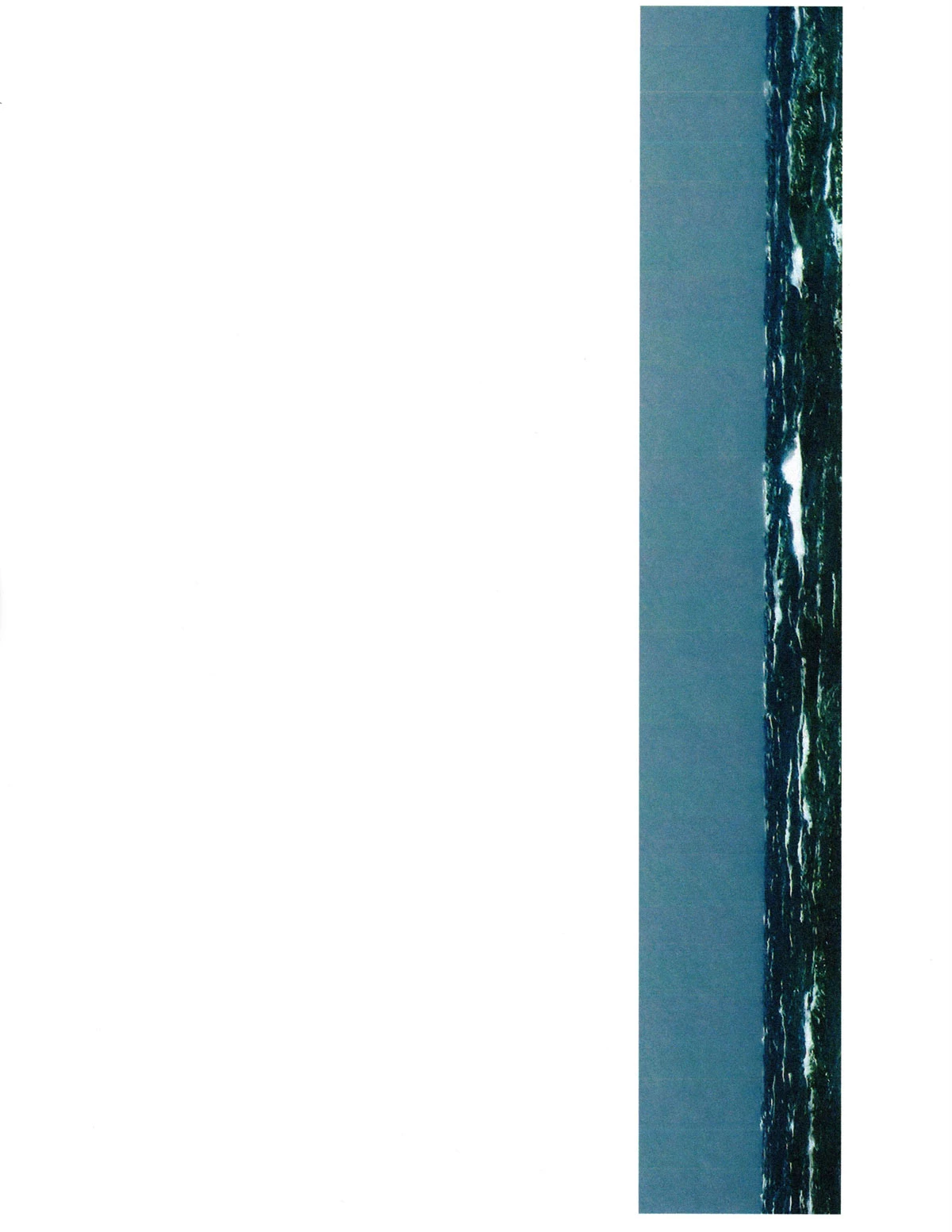
I am printing from Photoshop CC 2019 .psd file on Windows 10 and the result has vertical bands. Every other line has a slightly more magenta cast, or a slightly more yellow cast. Thin white lines appear between bands. The attached inline image which is a scan of the image printed with the banding.
- Not Printer: Completed Troubleshooting: I have established this is not the printer (Epson 7710 on Windows 10). I have run all troubleshooting with Epson Support and no banding appears in photocopies or prints from scans on the platen; all head alignments and cleaning are complete. It only happens when I print the image from photoshop.
- It is NOT in the original print, fyi. Help. FYI, settings include Printer Handles Settings.
- I tried it again with Photoshop Handles Settings and still get banding.
NOTE: when I print the same image to my black and white HP LaserJet MFP M426fdw, I see a few vertical lines to the right of the image but no other bands. Of course it's in black and white so the look is different. For what it's worth, on the HP there is a check by "Rendering intent Colormetric." No idea what that means.
 AdChoices