Known Participant
April 13, 2021
Answered

White haze on 3D sphere

  • April 13, 2021
  • 3 replies
  • 3258 views

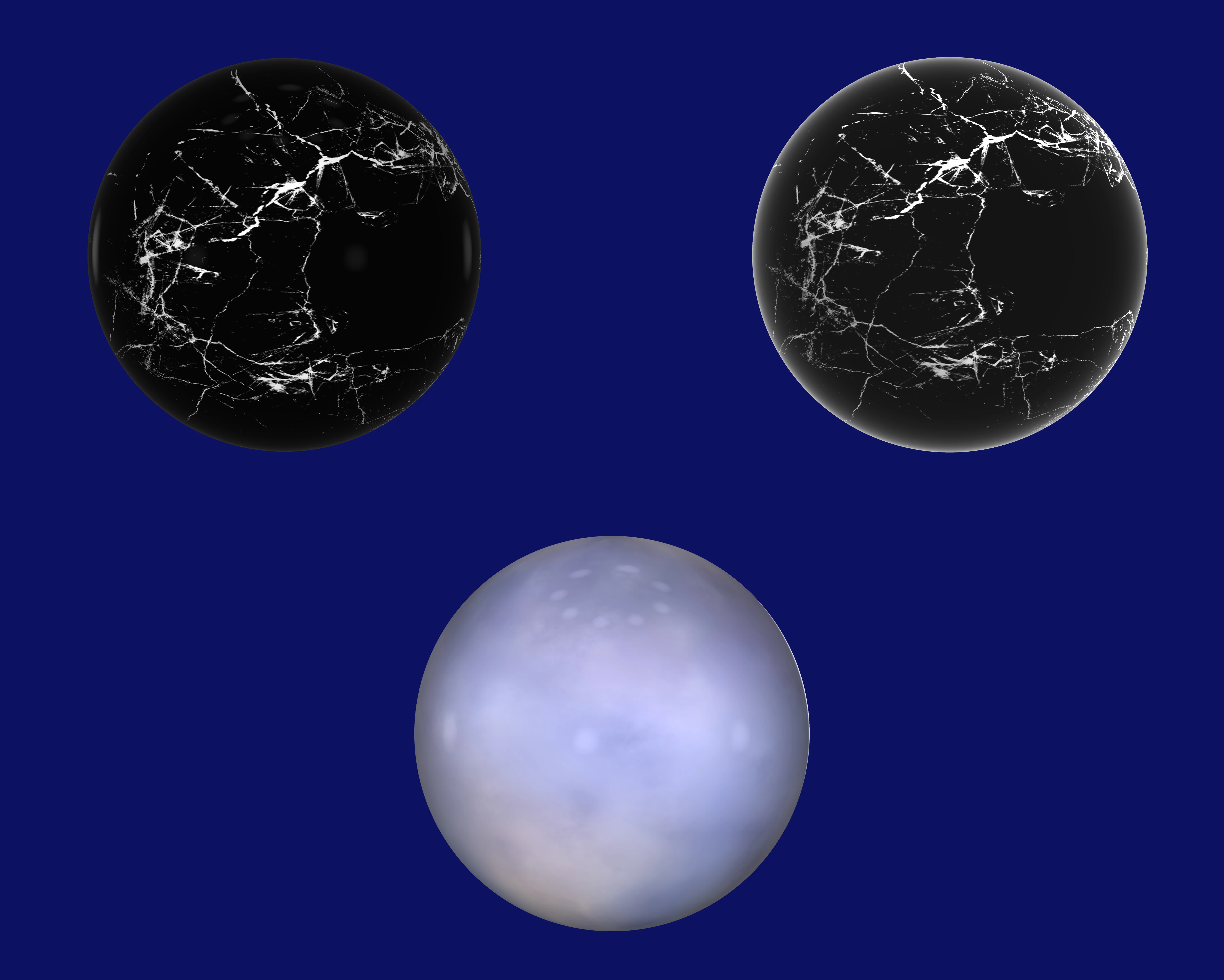
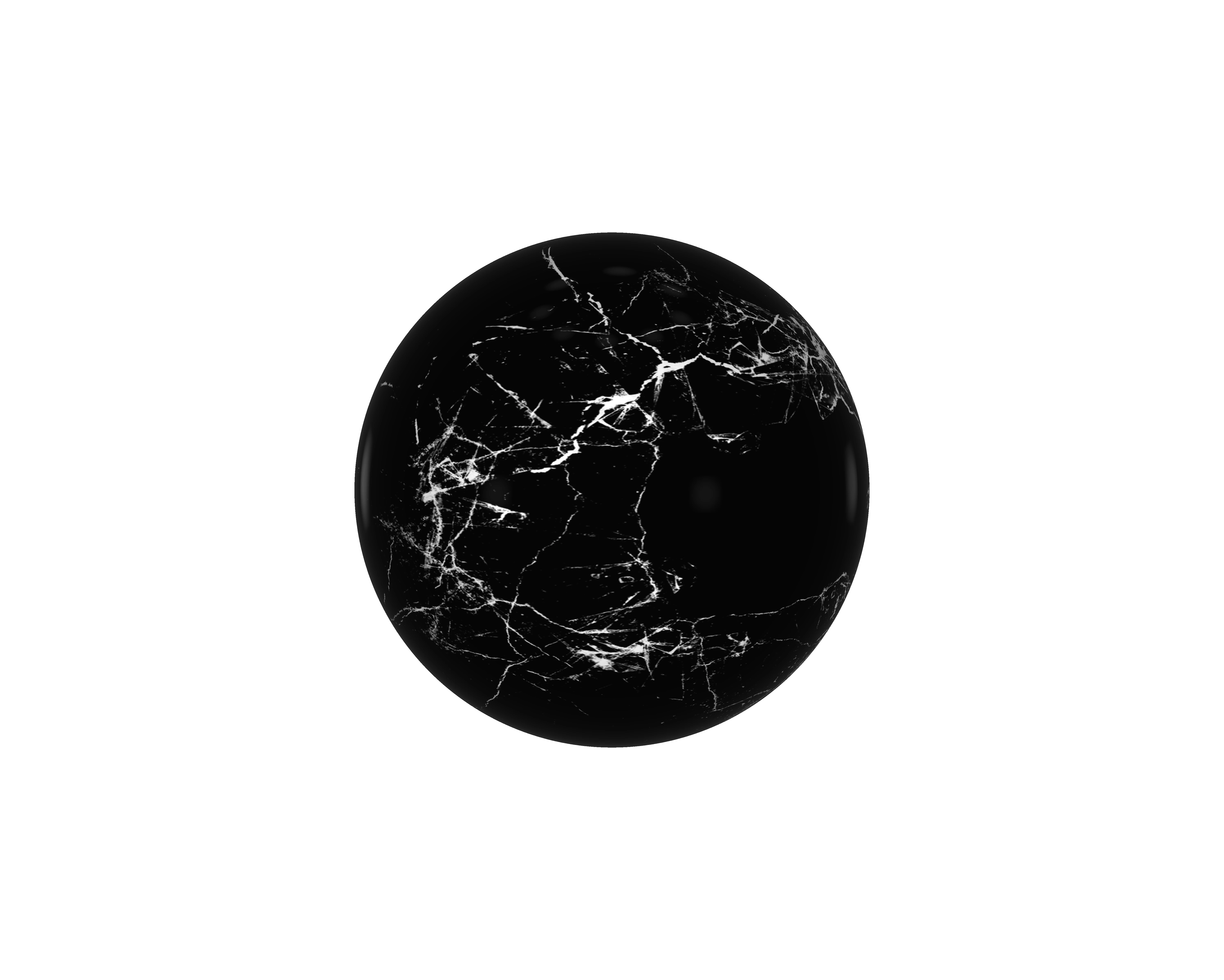
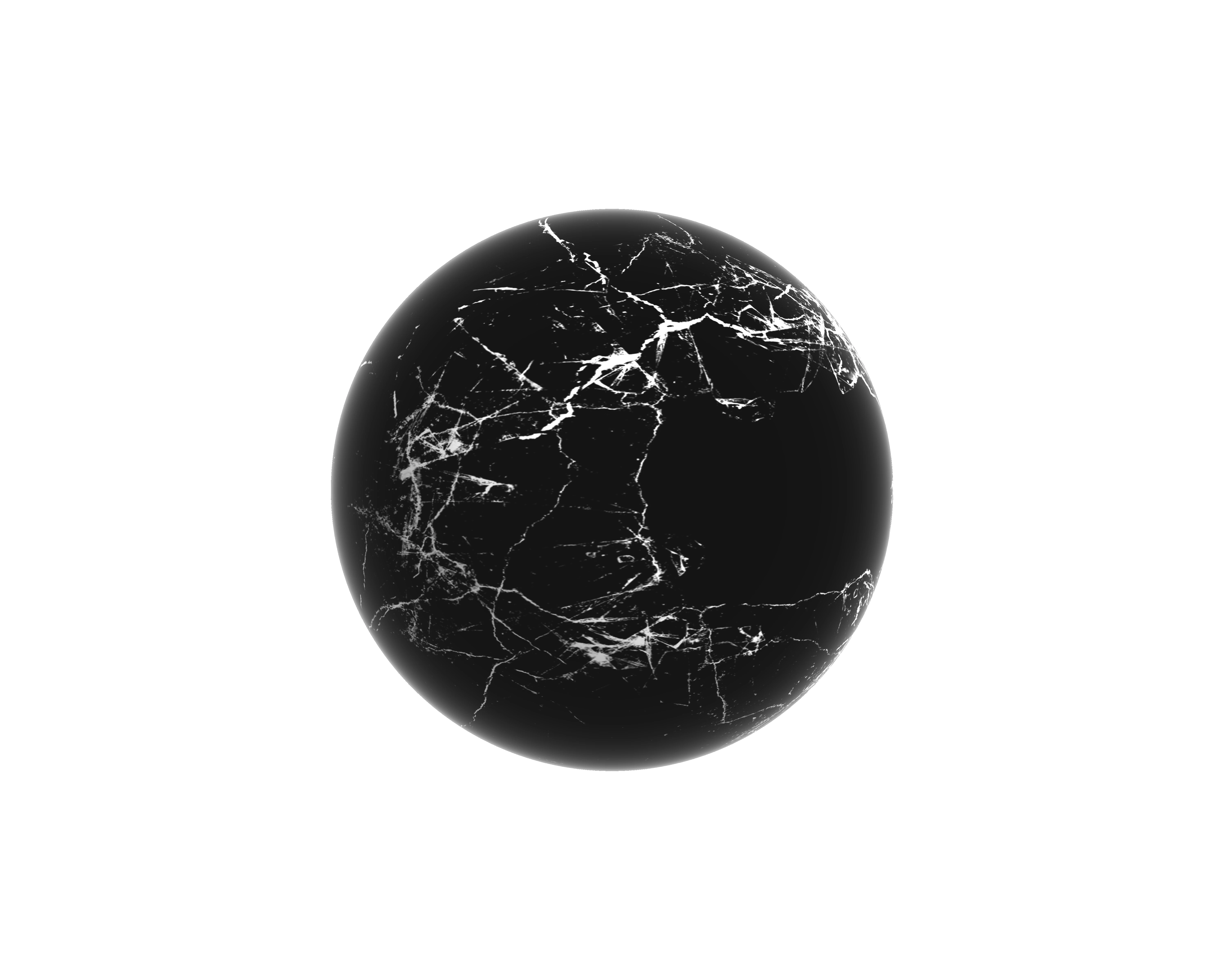
When I create a sphere in 2021, it adds a strange white edge and haze that I can't get rid of. I don't get this in 2020. I'm not experienced in 3D, so I'm looking for any advice I can get. (Sorry - the third sphere is a different issue.)
  

This topic has been closed for replies.
Correct answer davescm

This could be material /lighting settings or it could be one of the bugs introduced when the material system was changed to a Base/Metallic/Roughness workflow which introduced some hard transitions where they should be more subtle. Without seeing the file it is hard to tell. Can you post a link to the PSD and I'll take a look at it.


Dave

3 replies

davescm
Community Manager
davescmCommunity ManagerCorrect answer
Community Manager
April 13, 2021

This could be material /lighting settings or it could be one of the bugs introduced when the material system was changed to a Base/Metallic/Roughness workflow which introduced some hard transitions where they should be more subtle. Without seeing the file it is hard to tell. Can you post a link to the PSD and I'll take a look at it.


Dave

Known Participant
April 13, 2021
Known Participant
May 31, 2021

Adobe are updating the core graphics functions in Photoshop. This is driven by the operating systems of Apple and Microsoft in which the old Open GL/CL functions are being removed in the case of Apple, or deprecated in the case of Microsoft. This means that the graphics functions that have worked for years must be rewritten to use Metal and Direct X. At the same time, Adobe are sensibly updating those core functions to deliver the additional speed we require to handle the very large files of today.

Some functionality in Photoshop, such as 3D, still relies on the older Open GL graphics functions. To make these work, an additional preference Preferences>Technology previews>Deactivate Native Canvas has been added. This can be checked and Photoshop restarted to restore 3D functions to where they were in 22.3
Dave


Thank you, Dave. Good to know.

Mylenium
Legend
April 13, 2021

Looks like you cranked up the Fresnel effect. Check the Specular and Reflection settings.


Mylenium

Known Participant
April 13, 2021

Thanks, Mylenium. How do I do this? Where do I find these particular settings!

Trevor.Dennis
Community Expert
Community Expert
April 13, 2021

@davescm 


I've tagged our resident 3D expert.