


Whites displaying as tinted blues and reds. Are there any known fixes for this?
Hi everyone, this is my first time posting in this forum so I’ll do my best to explain my issue.
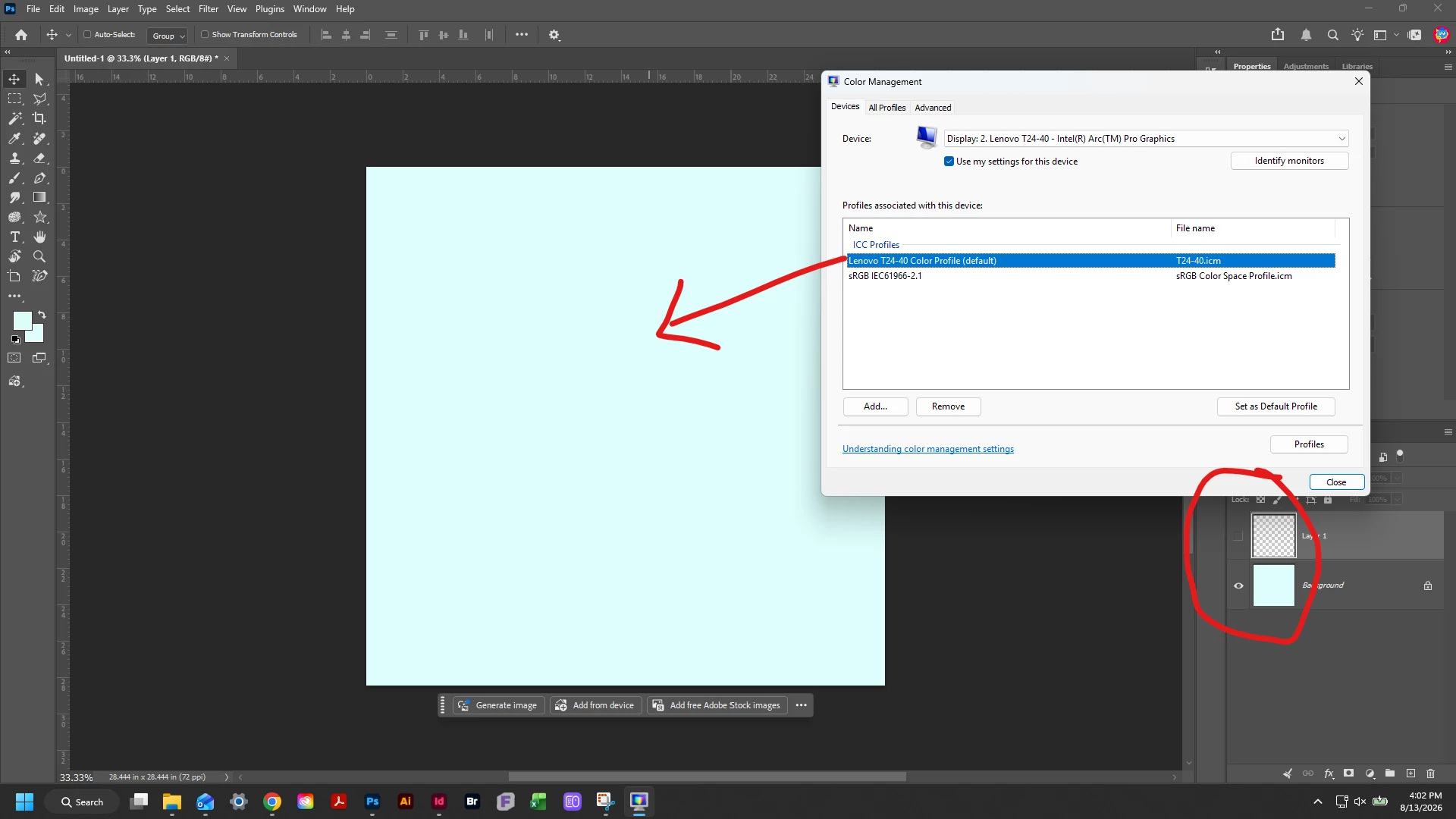
Today I encountered an unrelated issue regarding Photoshop brushes having seemingly random inputs. So, after a little reading, I saw that the solution seemed to be updating my drivers. I checked my laptop and saw there was a backlog of updating so I went ahead and installed those as needed. After rebooting and launching Photoshop, my brushes were fixed but I noticed the whites on my canvas, color picker, and layer thumbnails were tinted blue.
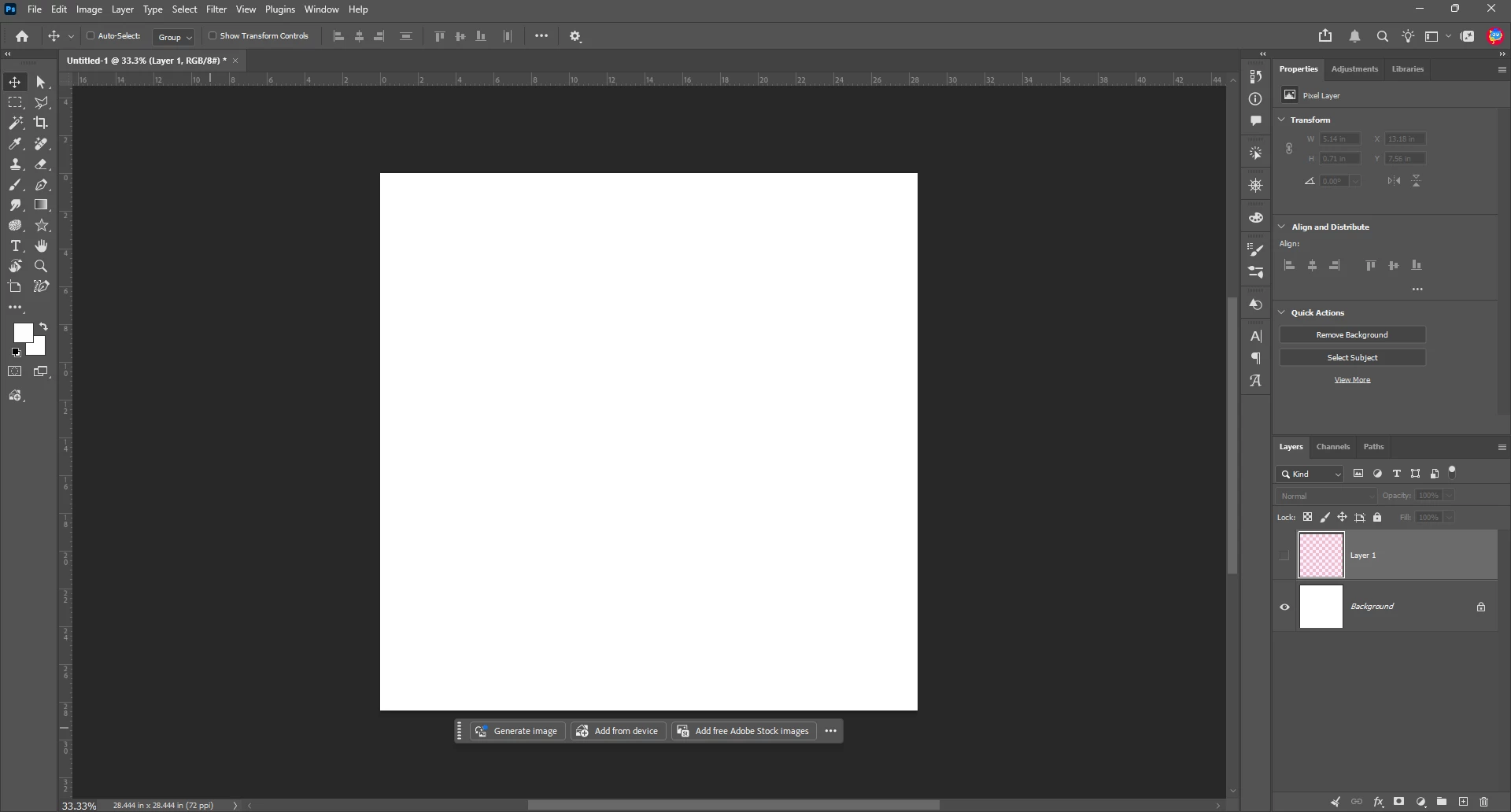
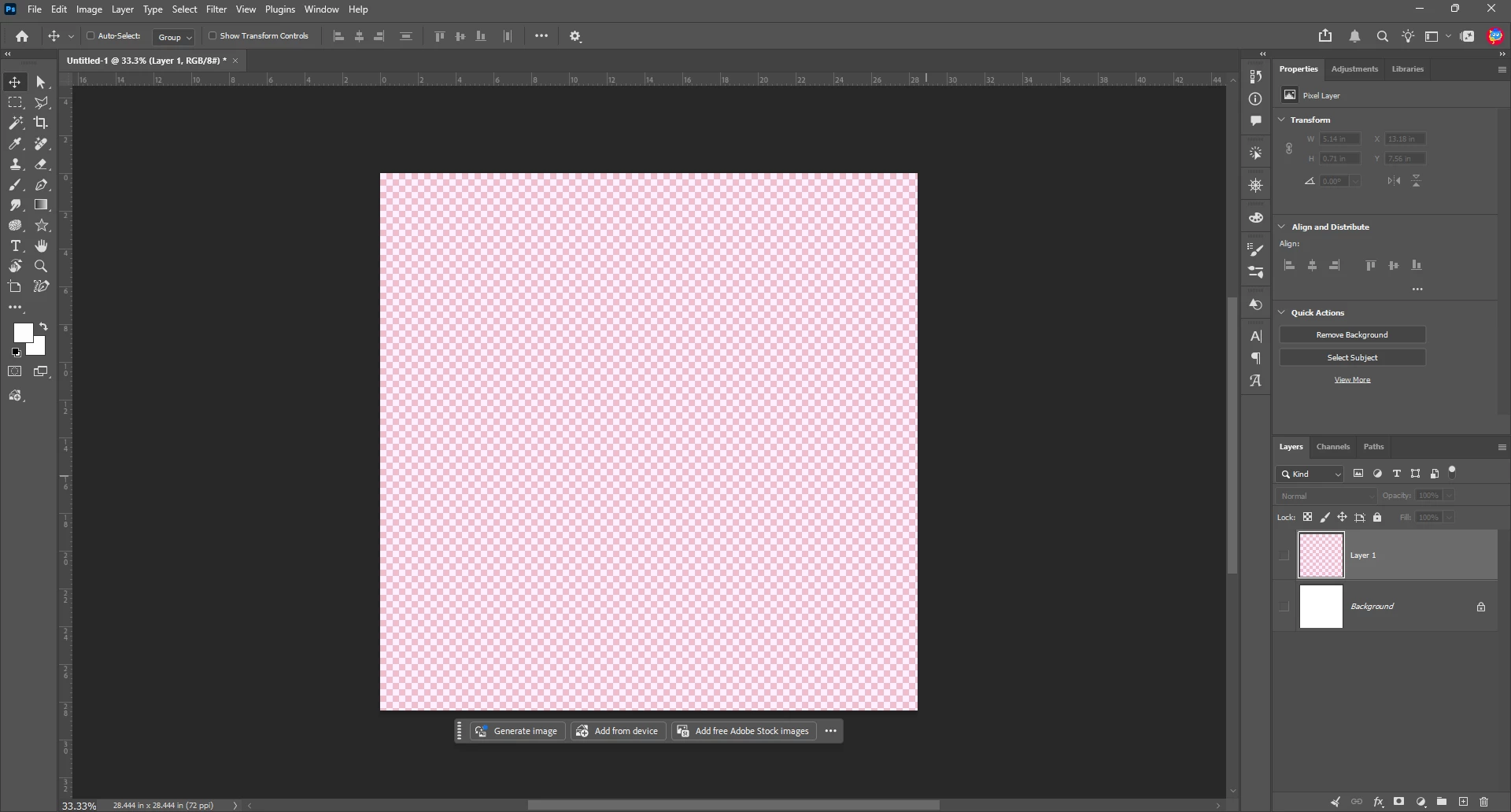
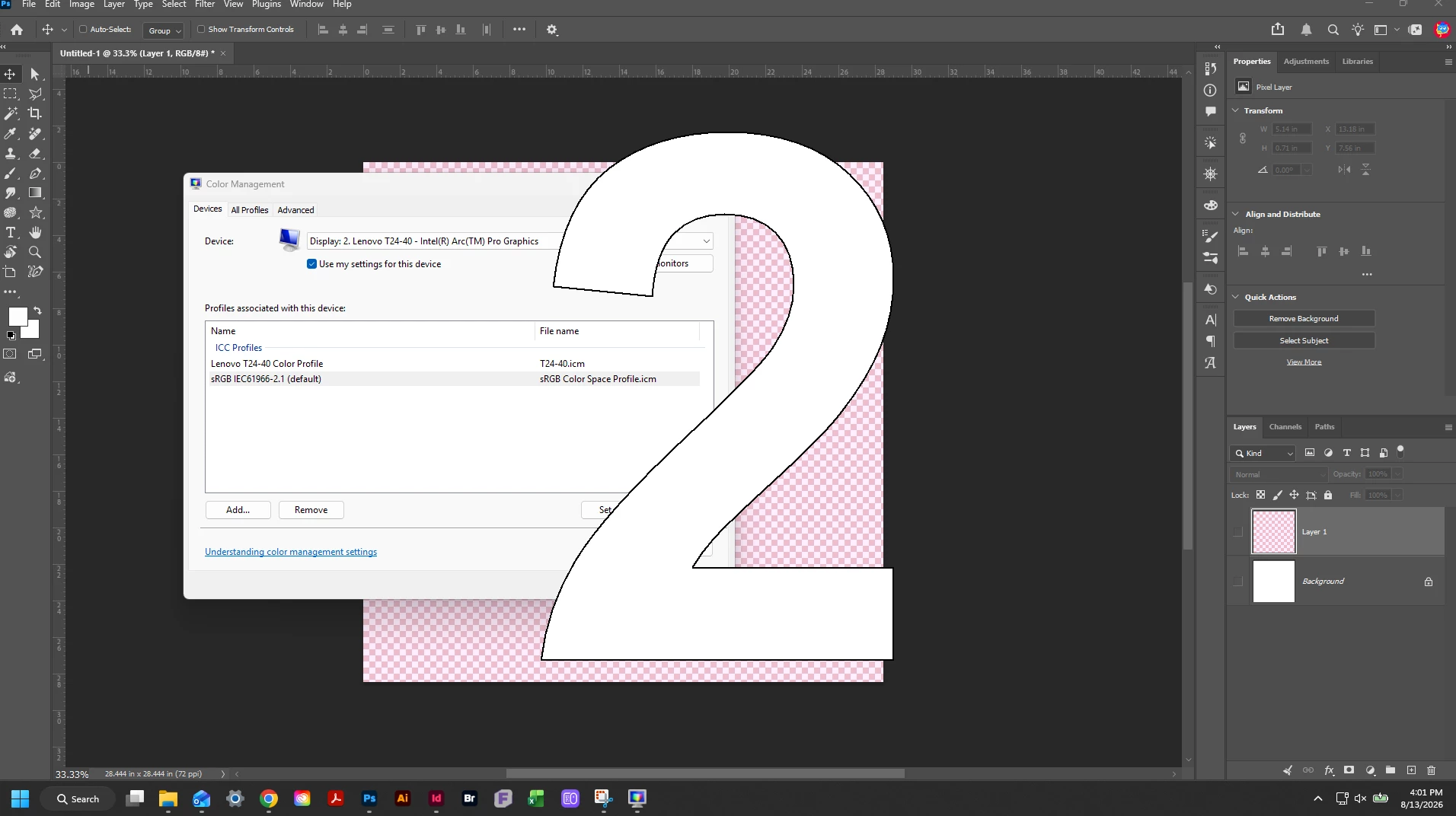
I searched this forum and found someone else encountered this on this thread but the posted solution there did not work for me. Instead, I found a YouTube video from 9 years ago addressing a similar issue (instead of blue, it was yellow). They went into Device Manager and added sRGB profile to their monitor and set that as default instead of the monitor’s native profile. That semi-worked for me. The whites in my canvas and color picker seemed fixed, but oddly enough, now my transparency grids are tinted pink!
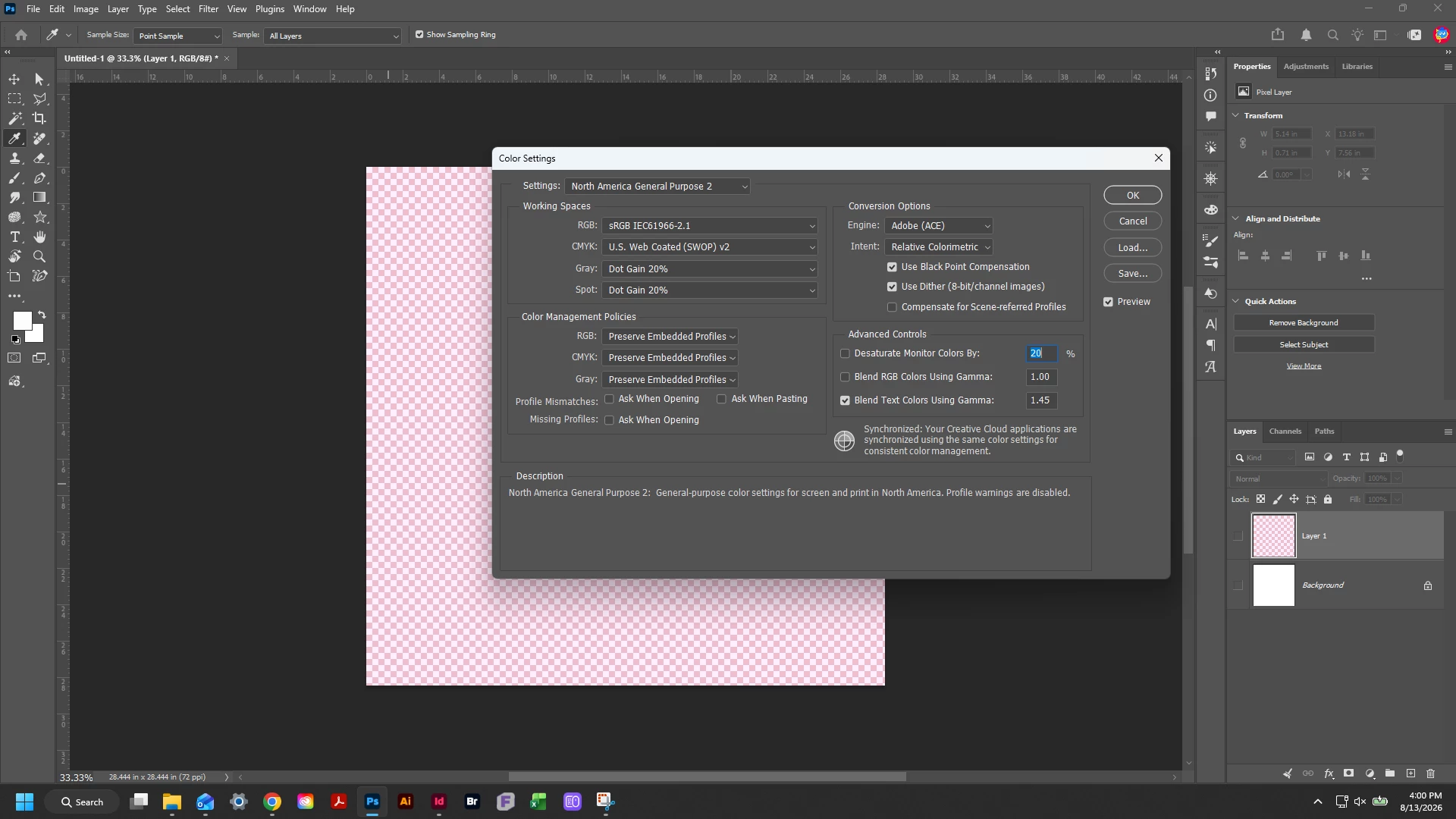
I’m at a loss as I’m not entirely sure what caused the issue and why the solutions I’m finding either don’t work or only partially work. Has anyone encountered this? I’m not nearly as techy as others seem to be in this community so I could really use some guidance. I’ll attach some screenshots of the current state. Thank you.

 AdChoices