


Participant
July 22, 2024
Question

Why does Smart Object automatically crop PNG images with an alpha channel?

  • July 22, 2024
  • 1 reply
  • 289 views

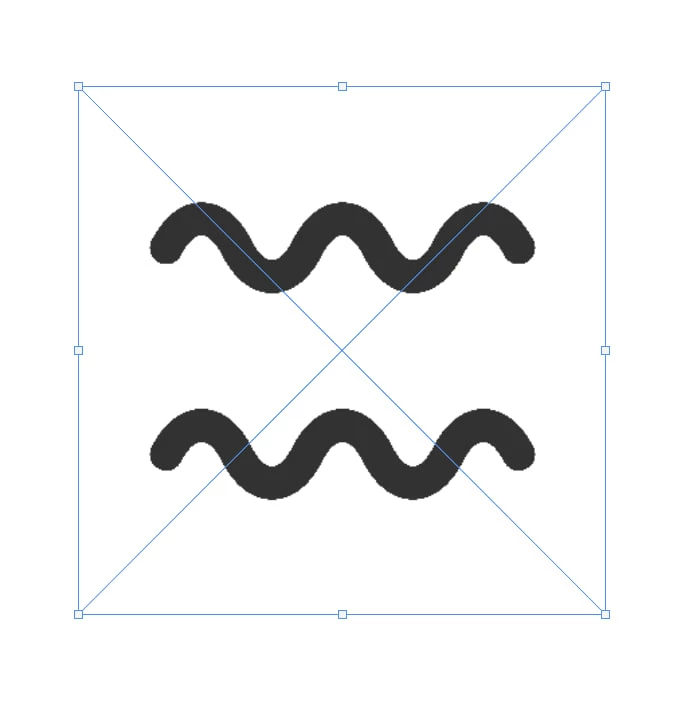
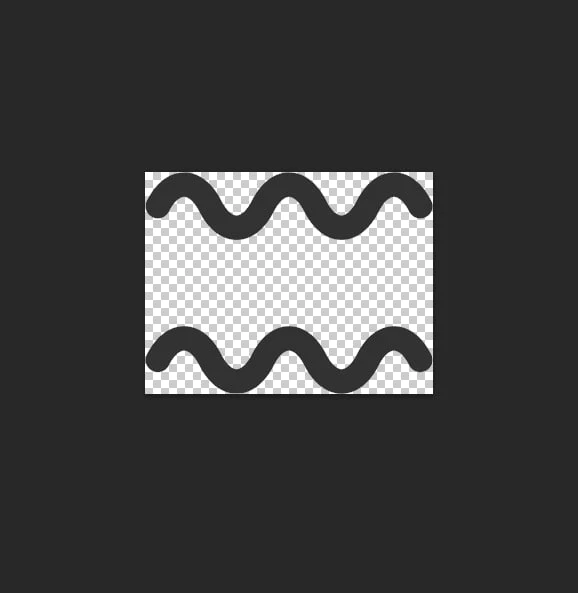
When I create a smart object from a layer, it automatically crops out all the empty pixels around the content. I need to maintain the original proportions of the image. How to do it?
 

This topic has been closed for replies.

1 reply

Myra Ferguson
Community Expert
Community Expert
July 22, 2024

Smart Objects can increase the file size of the document where they were created, so trimming the transparent pixels helps reduce the file size.


One way to create a Smart Object that has transparency and retain the image size of the original document would be to do the following:

  1. Create another layer
    • Either make it a Solid Color adjustment layer or a new layer that you fill with any color
  2. Select both layers
  3. Convert the 2 layers into a single Smart Object
  4. Double-click the new Smart Object to open it
  5. Click on the eyeball to toggle off visibility of the solid color layer
  6. Save the Smart Object