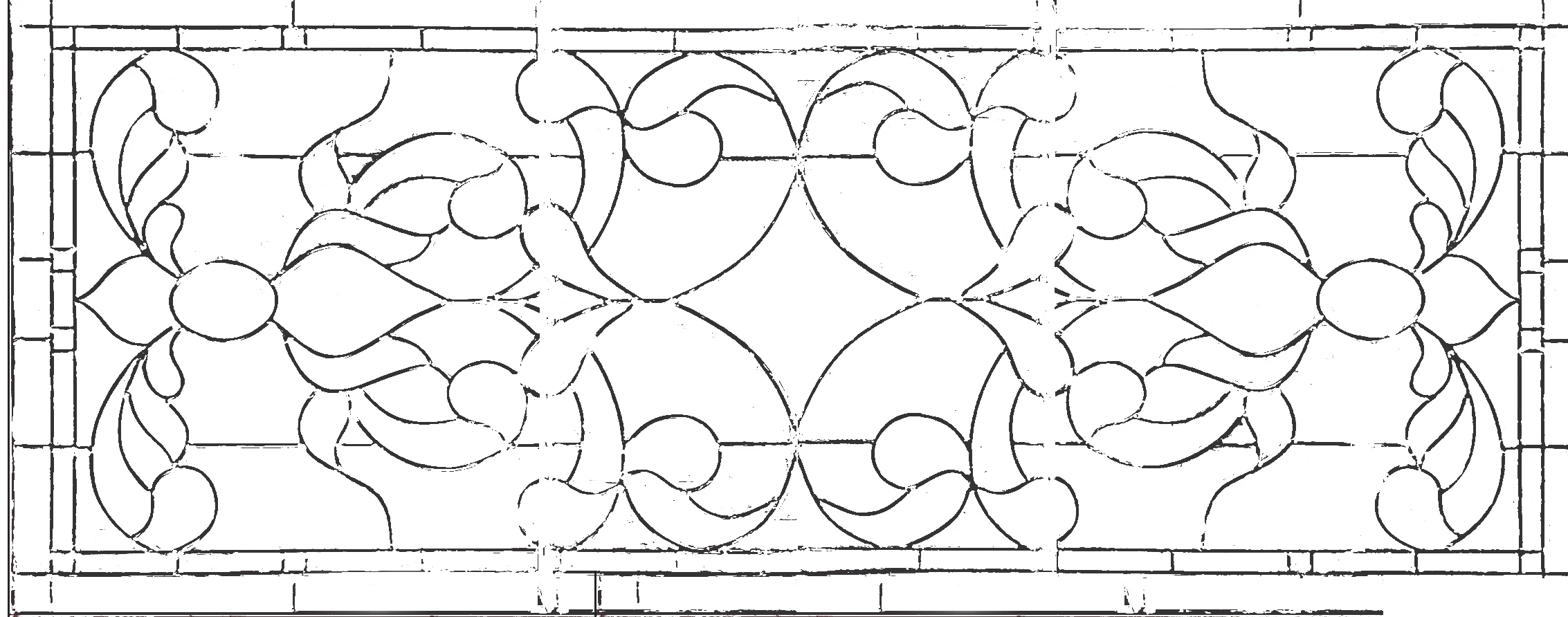
There is no automatic way to solve at this point. A better option would be to go back to the original image and not blow out the highlights etc. to better preserve the leading.
If thats not an option the Pencil tool in PS can be used to fill in the missing areas.
If you need this completely smoothed out - the best option would be to use the pen tool to redraw paths around the shapes them stroke.
Thanks, much. The issue with the blow-out is that this was a picture of the leaded glass door, which was leaned up against a bunch of junk in the background, so that material shone through, and was difficult to distinguish when making the Select-Color Range tool.




 AdChoices