Participant
June 30, 2024
Question

Ghost images or non-existent duplicates displaying while scrolling in PSE-Organizer

  • June 30, 2024
  • 2 replies
  • 189 views

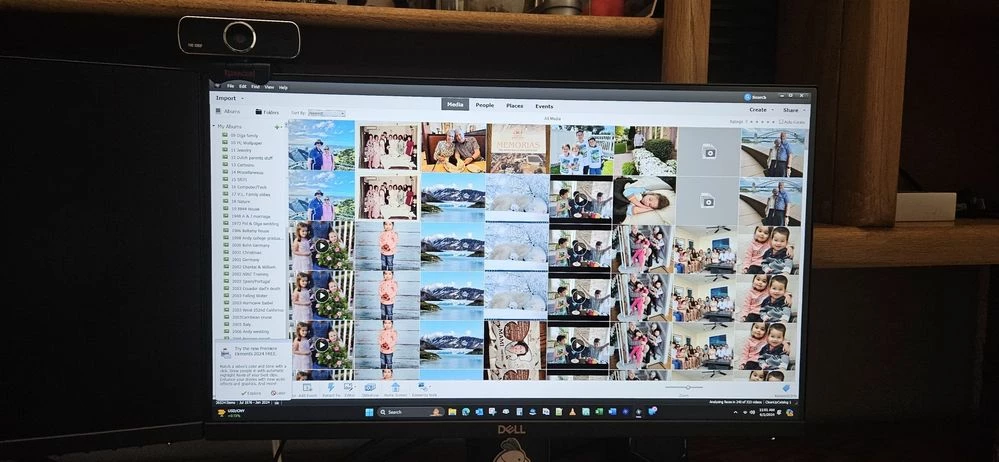
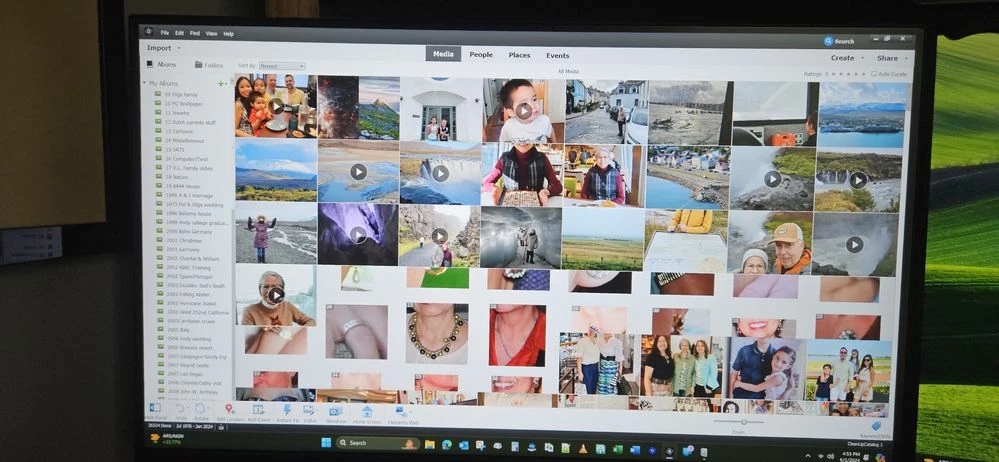
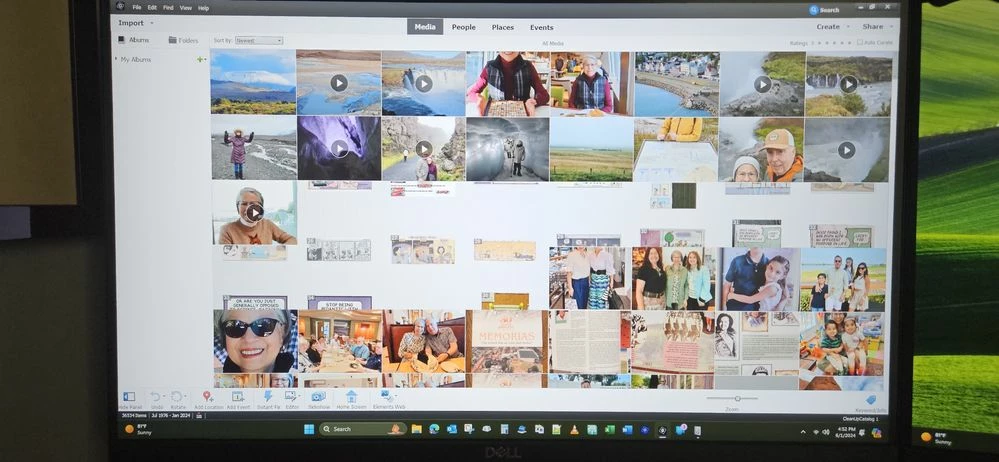
I'm baffled that PSE Organizer 2022 creates unselectable duplicate images, and at times when scrolling will fill the screen with columns of duplicate unselectable images. So I purchased PSE 2024 64bit,and the same issue occurs. I'm running the latest version of Windows 11 Pro, 32Gb RAM, nVidia T1000 video card, and Intel iCore-i7 processor. All s/w and drivers are up to date. I've tested all the major components of my system, RAM, storage, swapped out video card, etc. and all passed. I've run and eliminated all duplicate image files and videos. I've reloaded the OS, PSE, to no avail.
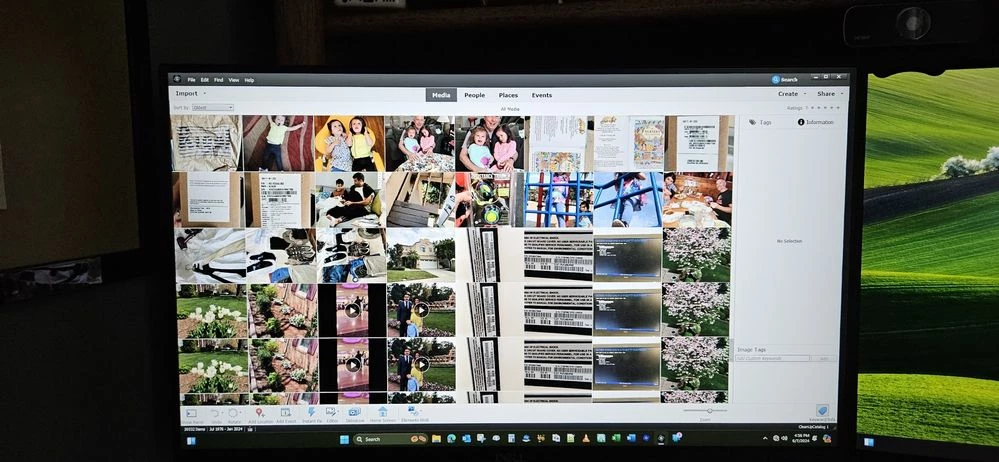
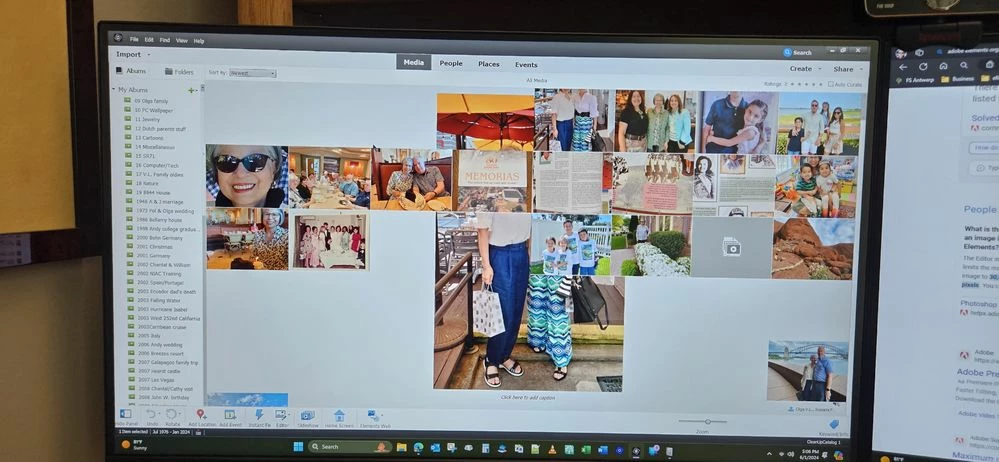


An example or two is shown below of what is displaying.

This topic has been closed for replies.

2 replies

Greg_S.
Community Expert
Community Expert
July 1, 2024

@pkhabu, it is not helpful to file duplicate posts.  Please continue this discussion in your original thread.   As I have mentioned there, the problem may be related to the fact that you are using multiple monitors.  Please let us know if the problem still exists if you disconnect one of the monitors.


I am locking this duplicate discussion.

Glenn 8675309
Legend
July 1, 2024

Give this a try, then restart the program:

FIND ALL COPIES ON YOUR COMPUTER of 

thumbs.db

AND DELET THEM

Restart organizer and see  what happens.

The thumbs .db fils are created automatically- zero concern with deleting them.