
Participant
January 18, 2022
Question

Photo Editor won't load

  • January 18, 2022
  • 4 replies
  • 1008 views

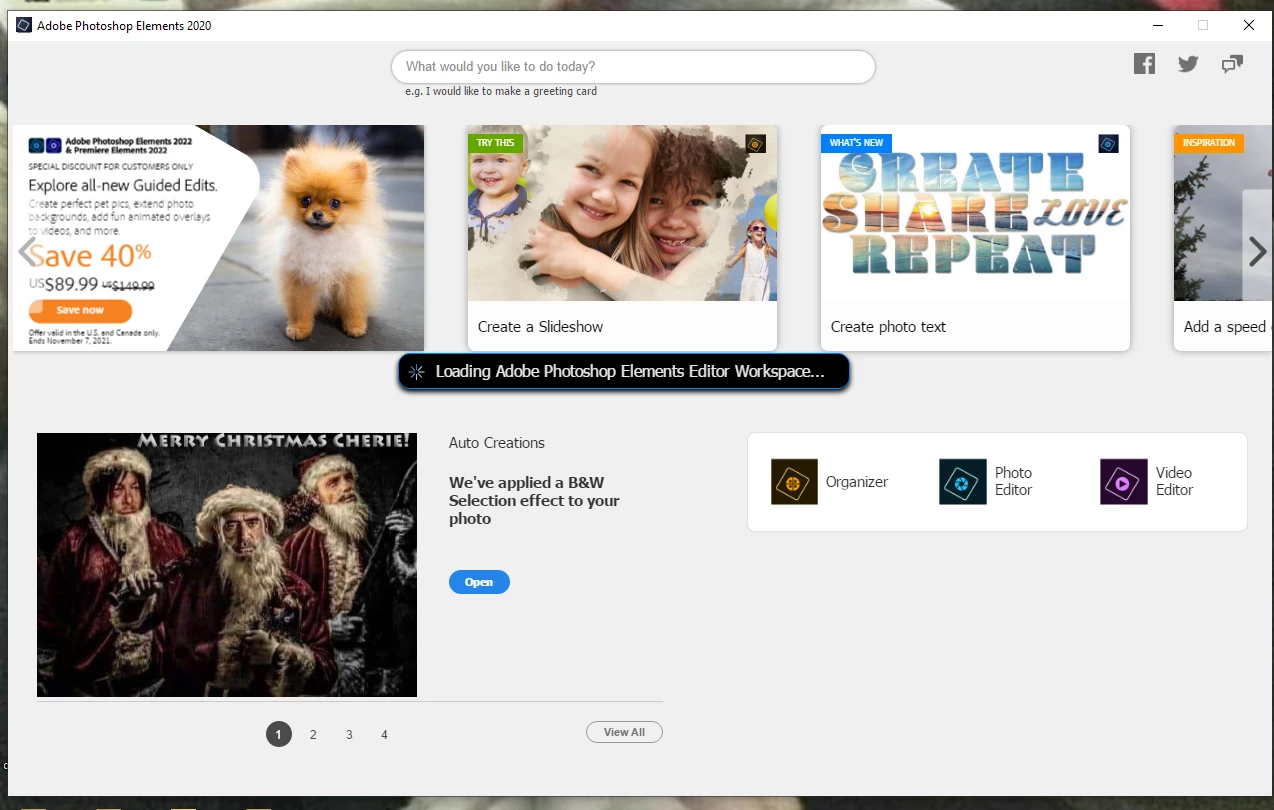
My photo editor will not load. I have checked in the task manager, no go. I am using Windows 10, and received an update the day before i noted it ceased working. I've been using the Elements program for months now with no issues and now this. i've attached a picture of the program trying to load, it does this for about a minute, then nothing, just stops. I'd appreciate any help with this, thanks.
This topic has been closed for replies.

4 replies

pelaird
Participating Frequently
July 3, 2022

See this thread and check for multiple instances of Elements 2022 Editor running.

https://community.adobe.com/t5/photoshop-elements-discussions/adobe-photoshop-elements-editor-won-t-load/m-p/12998539#M81588

pelaird

Glenn 8675309
Legend
July 2, 2022

Find this file, make a new shortcut on your desktop.  Make sure it's the exe file shown- people sometimes selectthe wrong file to make a shortcut.

Participant
July 2, 2022

I am having the same issue. Did anything finally end up working for you?


Participant
July 5, 2022

Yes, actually mine was very simple and most definitely operator error lol at some point, i'd forgotten my password so i signed in using facebook. Not the name on the account. Once i reset my password, it began working again. There are many other great suggestions i was given here as well. Just an fyi when i finally got it figured out, i called microsoft, they were very patient with me and walked me through the entire process, even had me completely reload the program. If all else fails that's a route you can go as well maybe. Good luck!

Participant
January 6, 2023

Sorry but that is exactly my problem and I would like to try this but i don't know where to sign in. and I haven't forgotten my password for adobe

where did you do this sign in? on th ewebsite or the app itself. I'm totally stuck


Glenn 8675309
Legend
January 19, 2022

Hold down your left shift key, then click on the icon used to start the editor.  Answer "yes" to the popup about.  See if that works. 


Participant
January 19, 2022

I wish i could say it worked (it can't ever be that easy right?). Didn't get a pop up, just did the same thing, but thank you for the suggestion!

Glenn 8675309
Legend
January 19, 2022