Participant
November 15, 2021
Question

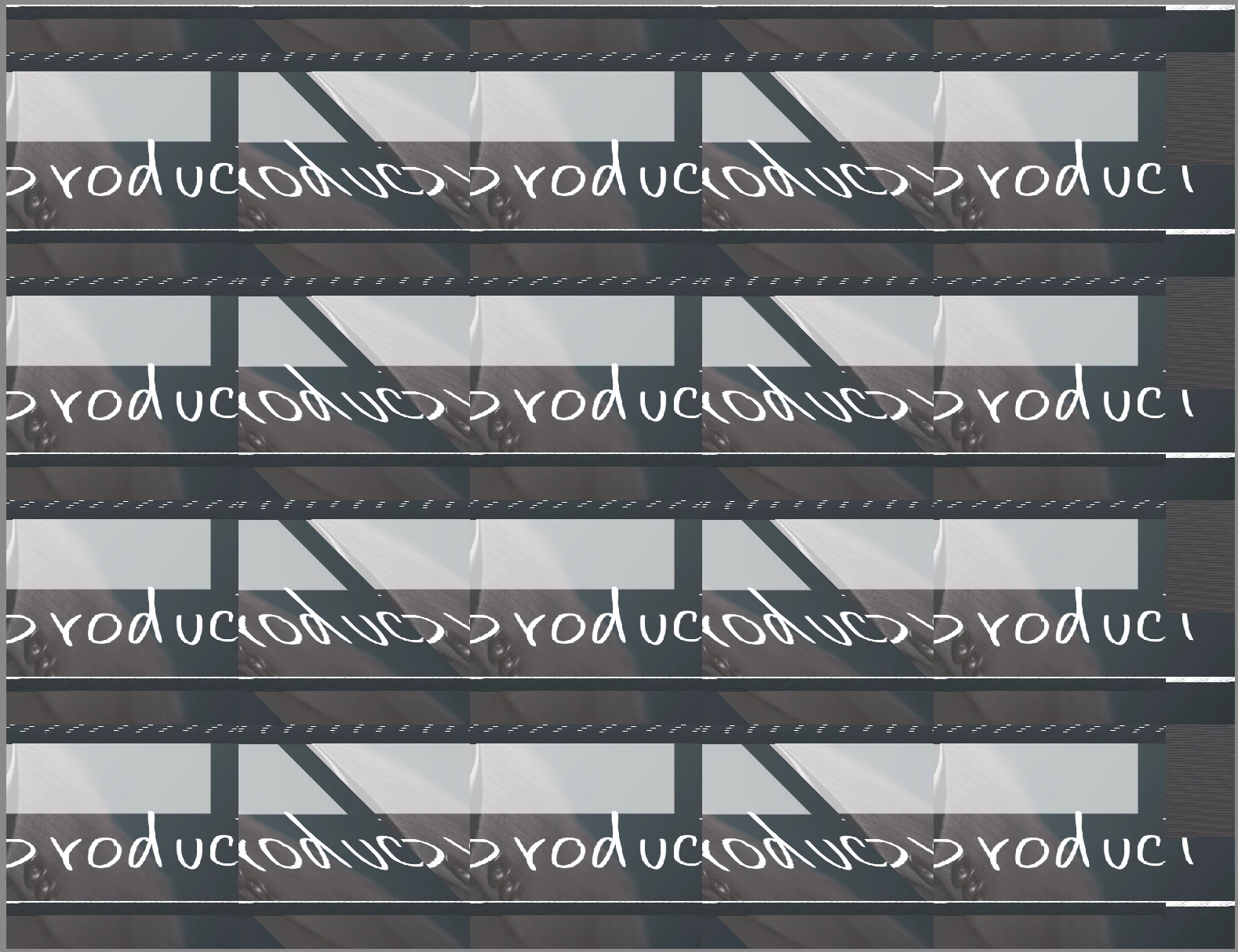
PSD files are now "jumbled up" on Photoshop Elements 15

  • November 15, 2021
  • 2 replies
  • 115 views

They worked fine about a month ago and I went to create something today and when I open any PSD file they are jumbled.  I have inserted what happens and what it should look like.  I am running Photoshop Elements 15 on macOS Monterey 12.0.1.  I need this resolved ASAP so any guidance would be greatly appreciated.  I've been using PSE15 since 2017 and never had any issues like this.  I have tried uninstalling and reinstalling it and it didnt fix the issue.
 

This topic has been closed for replies.

2 replies

Greg_S.
Community Expert
Community Expert
November 16, 2021

This message is from Apple.  I suggest you contact Apple support to see if this security message can be overridden.  I know nothing about Macs so can't help you any further. 

Greg_S.
Community Expert
Community Expert
November 16, 2021

Elements 15 was not designed to run on Monterey.  Even the latest version of Elements has issues with Monterey.  See one of the discussions here.  I am sure Adobe is working on a fix for Elements 2022.  But I am just as certain that no fix will be given for Elements 15. 

Having said that, the main reports from users that I am seeing is that the program does not terminate properly and it is necessary to reboot the computer in order to launch the program a second time.  If that is the only problem, the simple temporary fix would be not to close the program between computer boots.  I have not seen too many reports of the Editor actually failing to perform editing functions.  I am a Windows user so can't give you any personal experience.  I suggest you download the free trial of Elements 22 to see whether it works for your needs.

Participant
November 16, 2021

This is the error I get.