
January 2, 2026
Question

PSE requires an update app??

  • January 2, 2026
  • 2 replies
  • 129 views

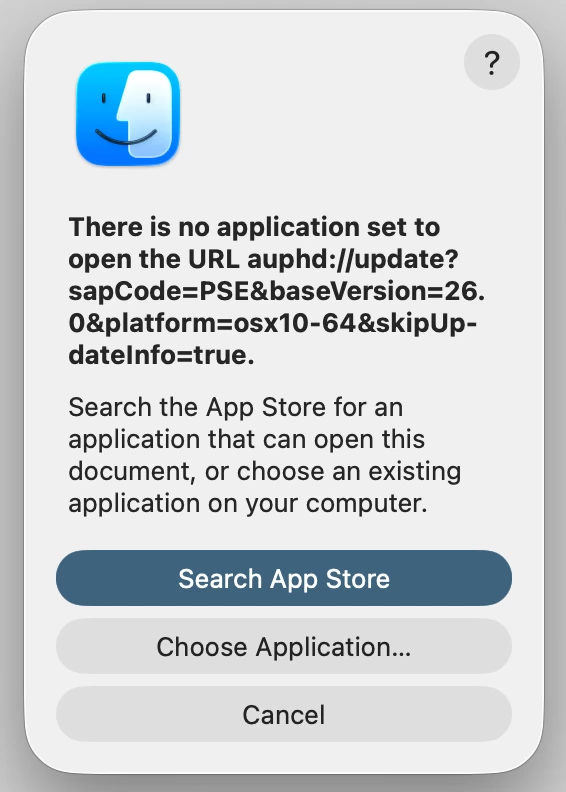
I use PSE 2026.  After replacing my iMac (which runs MacOS Tahoe), I now find that when attempting to close PSE I get the error message shown in the attached image. I have no idea what app should be on my system. Clicking "Cancel" just removes the message but does not allow me to close PSE. Seems the only way to close it is to install the app, whatever it is.  Can anyone comment?  Thanks.
2 replies

Medha_Sharma
Adobe Employee
Adobe Employee
January 5, 2026

Hi @Zazie Cat,


Can you please try to update the application manually by following the steps listed in this thread?

https://community.adobe.com/t5/photoshop-elements-discussions/cannot-update-pse-2019-osx/td-p/10401074


Let me know if you face any issues.


Regards,

Medha 

Peru Bob
Community Expert
Community Expert
January 3, 2026

Try uninstalling and reinstalling PSE.