
Question
Welcome To Photoshop Elements "Nag Screens"
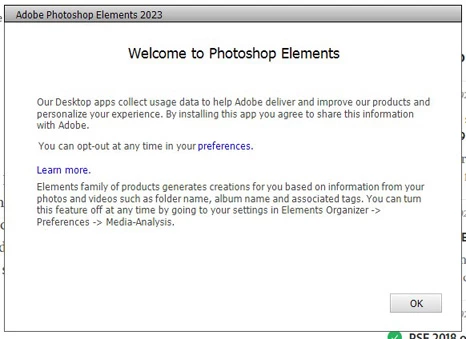
When using the executables for directly opening Elements and Organizer I get, fr lack of a better words, the attached "nag windows" which must be clicked on to access the programs. This is not happening with Premiere Elements. I would like to know how to eliminate these screens. I have tried all of the suggestions in cluded in this link Solved: Starting PSE15 - How to skip the "Welcome to Photo... - Adobe Support Community - 8728393 . Unfortunately nothing works.


 AdChoices