Participant
September 4, 2017
Answered

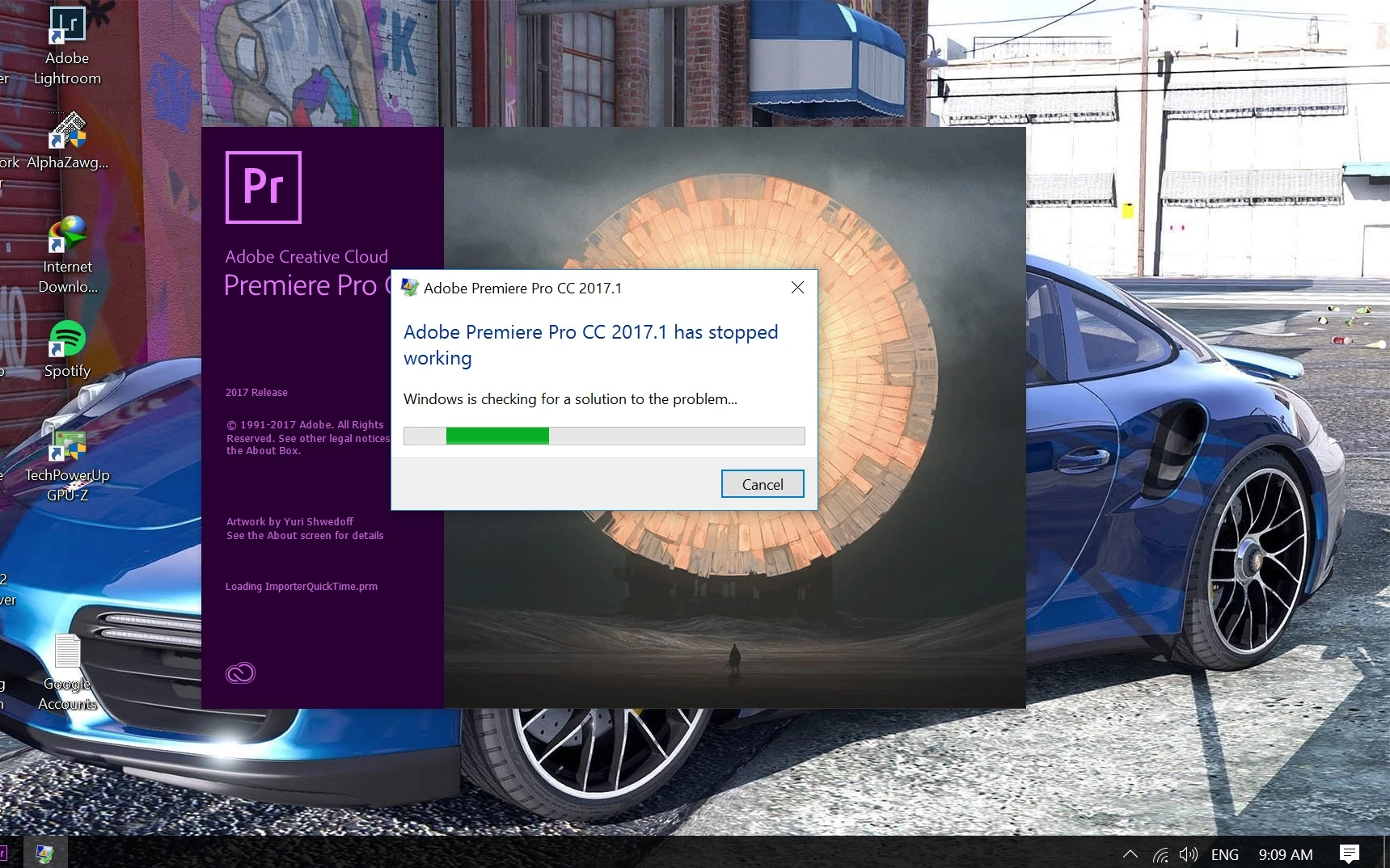
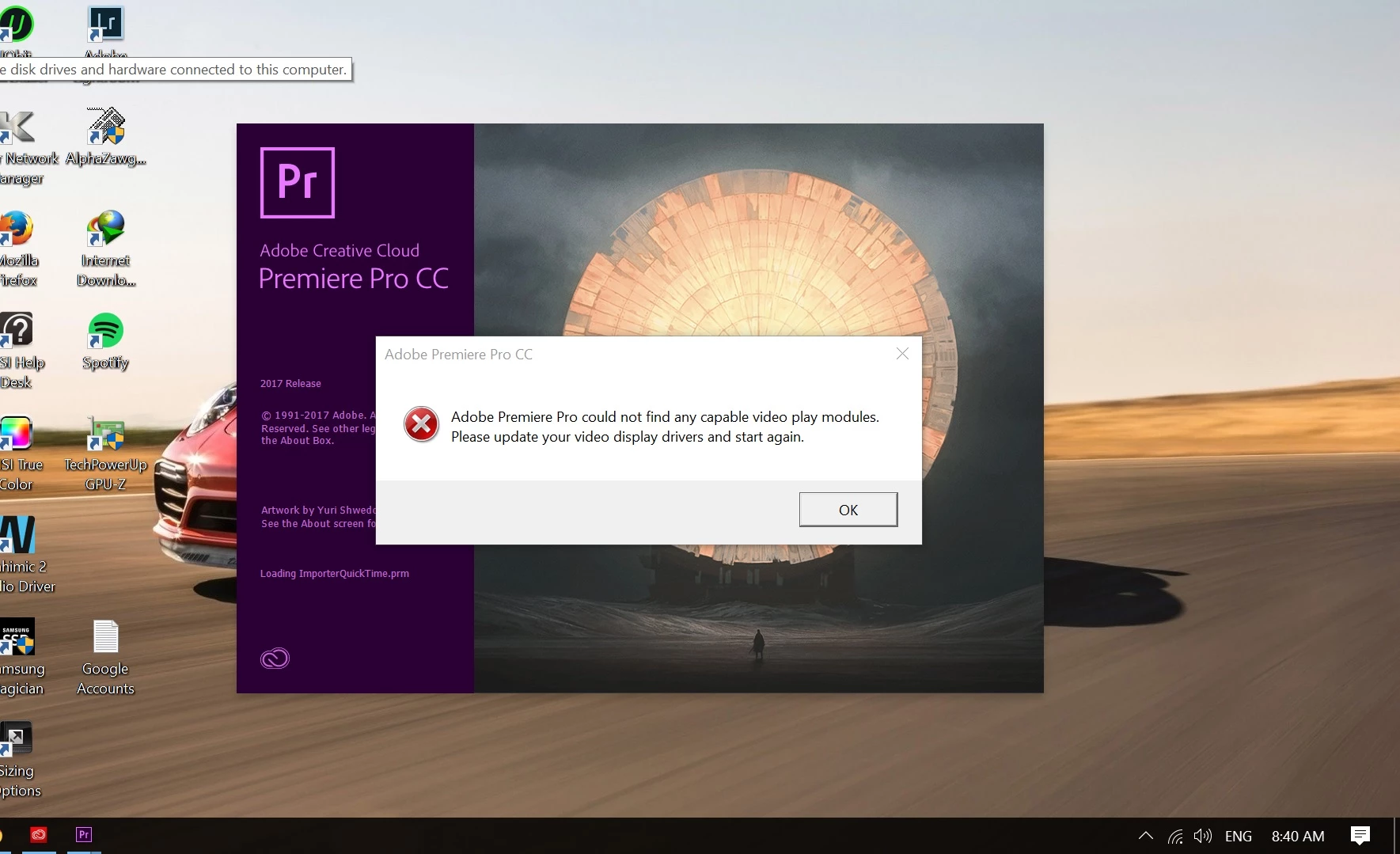
"Adobe Premiere Pro could not find any capable video play module" (A Premiere Pro CC 2017.1)

  • September 4, 2017
  • 2 replies
  • 603 views

Hello premiere pro experts,

I had a working adobe premiere pro until I updated my graphic driver and windows 10 yesterday. After that I was presented with this issue after tying to open it. As someone suggested that I should scale down the windows screen (150% to 125% and 100% respectively, damn! everything gets super tiny and become hard to read texts at 100% scale), but it leads to nowhere, it's still prompting the same message and crashing.

A bit about my MSI laptop:

  • Display: 15.6-Inch Full HD Non Reflection 1920x1080
  • Operating System: Windows 10 Enterprise
  • Processor: Intel Core i7-6700HQ Quad Core Processor (2.6-3.5GHz)
  • Graphics Card 1: Intel(R) HD Graphics 530 (( Driver Version: 21.20.16.4534, Driver Date: Oct 7th 2016)
  • Graphics Card 2: NVIDIA's Latest GeForce GTX 1060 6G GDDR5 ( Driver Version: 22.21.13.8541, Driver Date: Aug 21st 2017)
  • RAM: 16GB (8GB x2) DDR4 2133MHz
  • Hard Drive: 512GB M.2 SATA SSD + 1TB (7200RPM)
    This topic has been closed for replies.
    Correct answer PhotoGeek_BW

    Thanks for the reply John T Smith, I've found the solution already.

    Since I'm using a laptop, I have an option of choosing different power options. If I set the laptop power setting to " power saver mode" it will only utilize the Intel's integrated GPU.

    After I set it to "normal power" mode, everything was working fine.

    Glad I accidentally figured it out.

    Thanks everyone..

    2 replies

    PhotoGeek_BWAuthorCorrect answer
    Participant
    September 4, 2017

    Thanks for the reply John T Smith, I've found the solution already.

    Since I'm using a laptop, I have an option of choosing different power options. If I set the laptop power setting to " power saver mode" it will only utilize the Intel's integrated GPU.

    After I set it to "normal power" mode, everything was working fine.

    Glad I accidentally figured it out.

    Thanks everyone..

    John T Smith
    Community Expert
    Community Expert
    September 4, 2017

    Changing your device driver has disturbed the balance of the Force (sorry, waiting for next Star Wars movie)

    Or, dual video very often causes problems

    -http://forums.adobe.com/thread/1001579

    -link to why http://forums.adobe.com/message/4685328

    -Use BIOS http://forums.adobe.com/thread/1019004?tstart=0 to select a display adapter

    -http://www.anandtech.com/show/4839/mobile-gpu-faceoff-amd-dynamic-switchable-graphics-vs-nvidia-optimus-technology/2