


Question
AME glitch exporting new crop settings
On export to AME - the cropping is all wrong using the new motion 'crop' settings (not the stand-alone crop effect). So my export had completely the wrong part of the image cropped. I was zooming in on the image, so perhaps there's some wrong math on how AME is computing the new crop settings.
If I export DIRECTLY out of Premiere (not using AME), the cropping and export is perfect, just as I see it in the timeline.

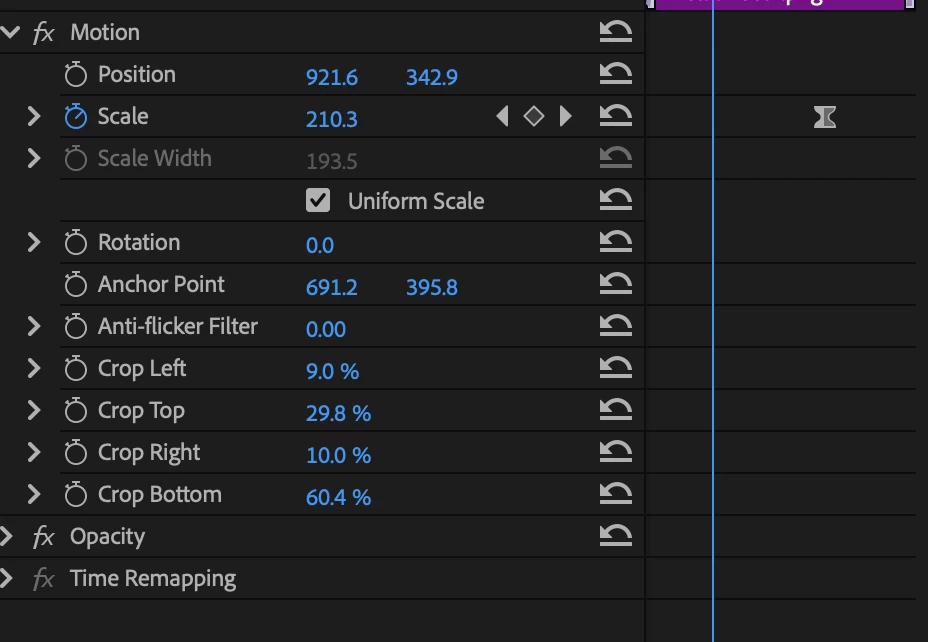
So I recommend either exporting out of Premiere directly or just don't use the new, buggy internal crop feature and only use the drag and drop 'crop' effect if going to AME.
Using PP and AME 25.1
 AdChoices