


Participating Frequently
March 18, 2025
Question

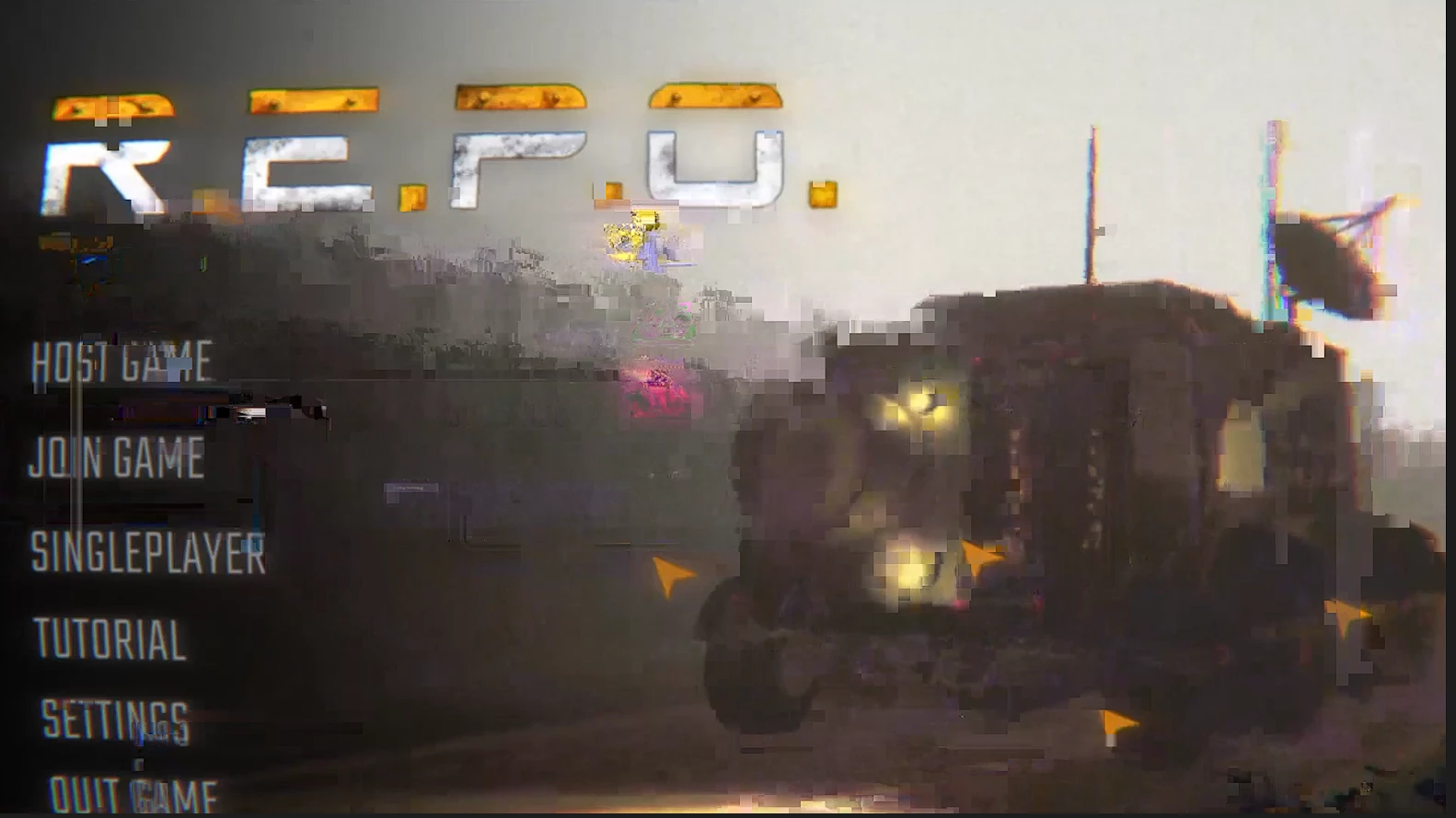
Any footage I place in the workspace immediately gets glitched out and looks horrible

  • March 18, 2025
  • 25 replies
  • 687 views

I'm not sure as to what I should do I've factory reset my premier I've cleared the cache all my drivers are updated even rendering the video doesnt fix it please help.
25 replies

MyerPj
Community Expert
Community Expert
April 3, 2025

Mine looked good too. I put it into the project you sent earlier and it worked fine there into that sequence. I put it into new sequences of 30, 60 and 120 fps, and they all worked without glitching. Only in the 30fps project did I not have dropped frames during preview. As usual, setting the playback resolution did not help, and I always recommend using it at Full, (In AE it helps). Also, from the Wrench menu, Playback, Paused I like at Full, with High Quality Playback enabled.


Seems like you are back on track. I tried it today both on the new 25.2 and beta 25.3 b38 - Win11 23H2

Community Manager
April 3, 2025

Thanks for the file @logan_3205! Glad to hear that you aren't seeing the bug anymore though. Is it possible Premiere Pro was updated to 25.2 on your end? It was just released, maybe that was the fix?

Participating Frequently
April 3, 2025

So the issue seems to have been resolved Im not exactly sure whats changed I put footage I recorded from yesterday ( over 30 minutes in 120 fps ) in and its not bugging out at all.

Participating Frequently
April 3, 2025

Sorry for the delay. Heres a link to a 28 second test footage.https://drive.google.com/drive/folders/1dXFoaUpc3_L83jkt03lyz3_eb3lk_KjR?usp=drive_link

Community Manager
April 3, 2025

Thank you for your response @logan_3205. As @MyerPj mentioned, since this seems to occur with all new and previous files, if you have any shorter files presenting this issue you would be willing to share, we can take a look.

Thanks!
Dani

MyerPj
Community Expert
Community Expert
April 2, 2025

PS: If you can, make sure the sample/short video produces the problem also.

MyerPj
Community Expert
Community Expert
April 2, 2025

@logan_3205 , since it's OBS you are using, and the problem clip is 1.5 hours long, and it's affecting seemingly all your recording at 120fps. Can you do a short one out of OBS, just like the others, but 10, 20, 60 seconds, so that you can upload it easily and we can test. 🙂

Participating Frequently
April 2, 2025

Yes, to the other video that have been exported previously are being affected. Aswell  as that every video I've always recorded at the same FPS rate of 120. I am using OBS And none of my major settings in OBS have been changed. Along with my last drive update being about month before premier began to bug out.

Community Manager
April 2, 2025

Thanks for the info @logan_3205, and for your help @MyerPj!

A few other questions to see if we can narrow this down:

  • Is this happening with new files only or with old recordings/previous projects as well?
  • Have you noticed this with other similar files with different frame rates?
  • Are your videos recorded with OBS? If so, was OBS updated at any point or were its settings changed?
  • Do you recall if this may have started with a driver update? You could try rolling back a version or re-installing it.


Hope we can find a solution soon,

Dani

MyerPj
Community Expert
Community Expert
April 1, 2025

@logan_3205 FWIW: I did try both projects you uploaded, but w/out any media I can't test what you're getting. Hopefully @Dani_V. or @Rach McIntire can help you with this. Be sure to answer their questions.