

Audio Speed/Duration information lost when duplicating sequence
Hi, I often version a given edit by duplicating sequences and have recently discovered that Audio Speed/Duration information is lost when opening the duplicated sequence.
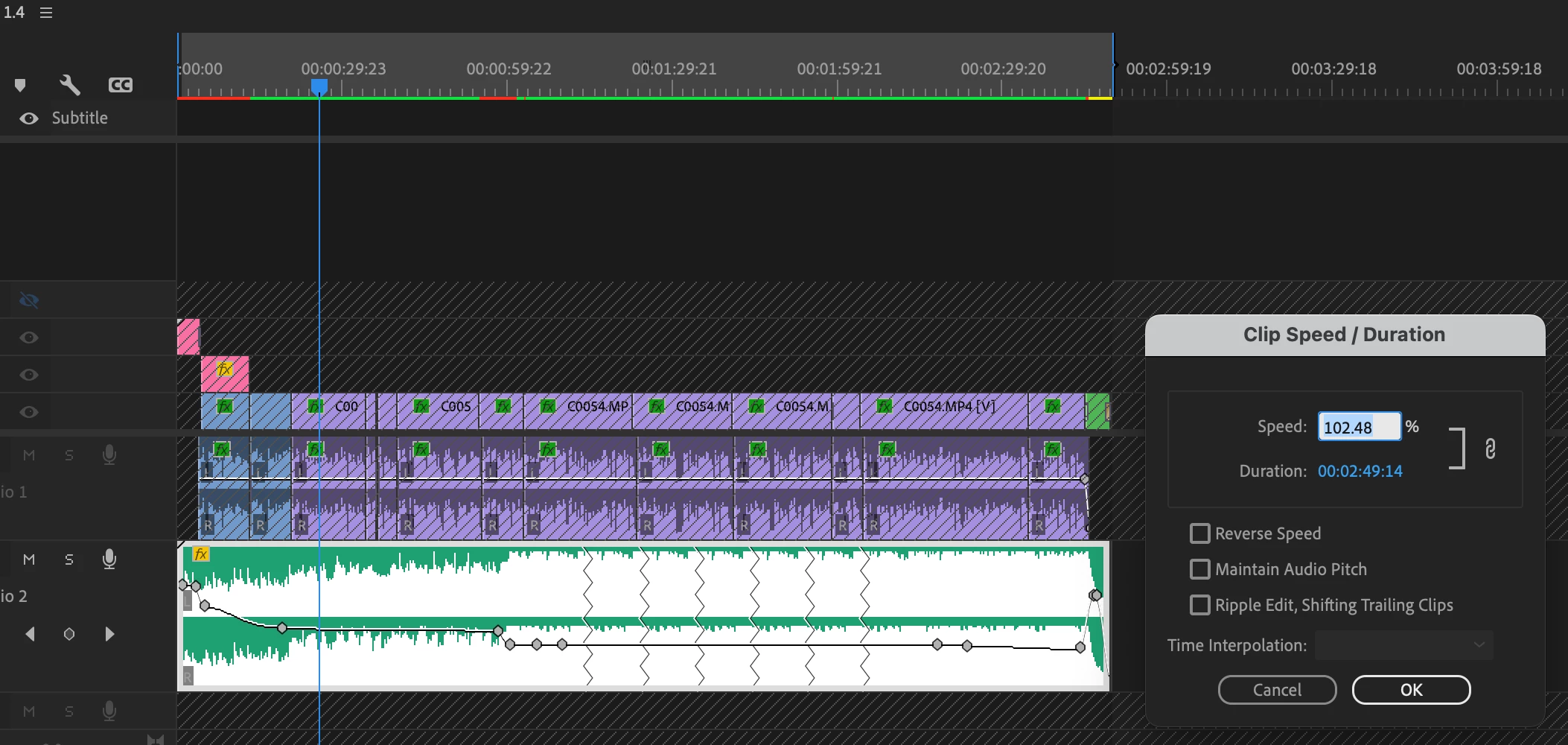
For example, here is a screenshot that shows how I have applied a slightly increased speed to 102.48% so as to exactly match the end of the music track to an animation event.
Sequence 1.4 with 102.48% speed applied
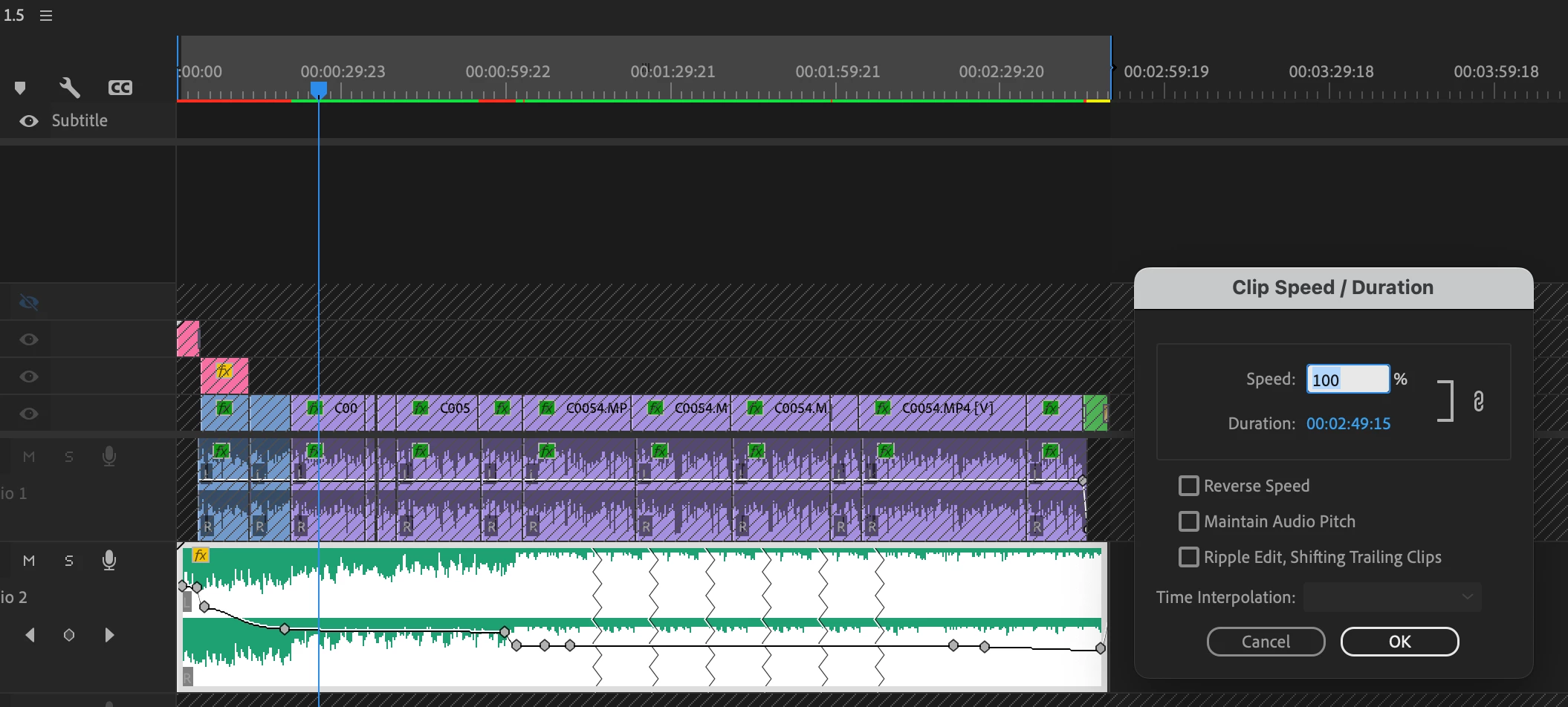
When I duplicate this sequence and open this duplicate, the speed parameter has reset to 100%. Additionally, because the keyframe timing follows the Speed/Duration change, if I simply change the speed to the desired 102.48%, the end of the audio track is now cut off.
Sequence 1.5 Speed/Duration reverts to 100%, the audio track is now shorter and cuts off the end of the track.
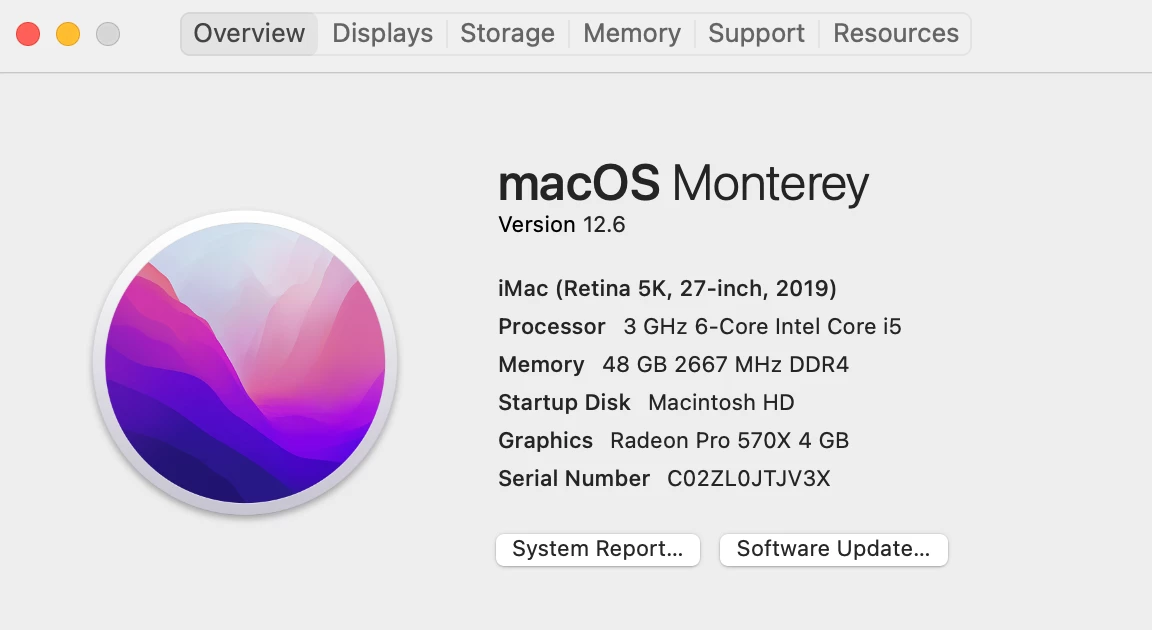
I'm on a 2019 iMac running Premiere V23.0.0 (build 63)
Thanks for your attention to this matter!



 AdChoices