



Can't open 4K Videos recorded with Canon 5D Mark IV in the Premiere Pro CC 2019 Video Timeline
Hi,
my problem is to drag a video, recorded with my canon 5D Mark IV in 4K, in the Premiere Pro Timeline:
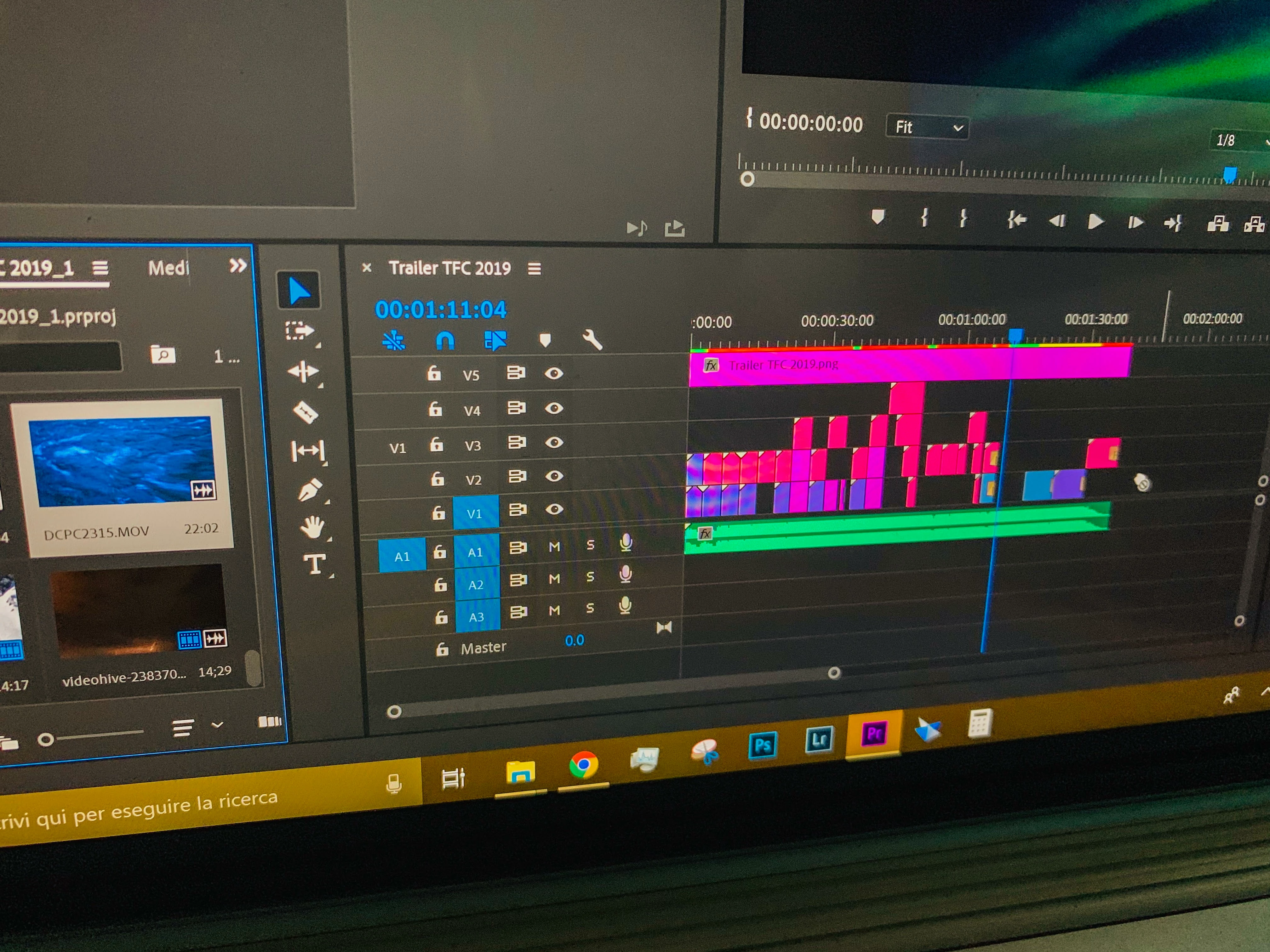
I can't drag the video in the Vx (V1, V2, V3, ... all not working with that videos) Timelines. Another videos recorded in 1080p or downloaded from Videohive are working perfecly. That is only problem on the files recorded with my Canon in 4K (only one format).
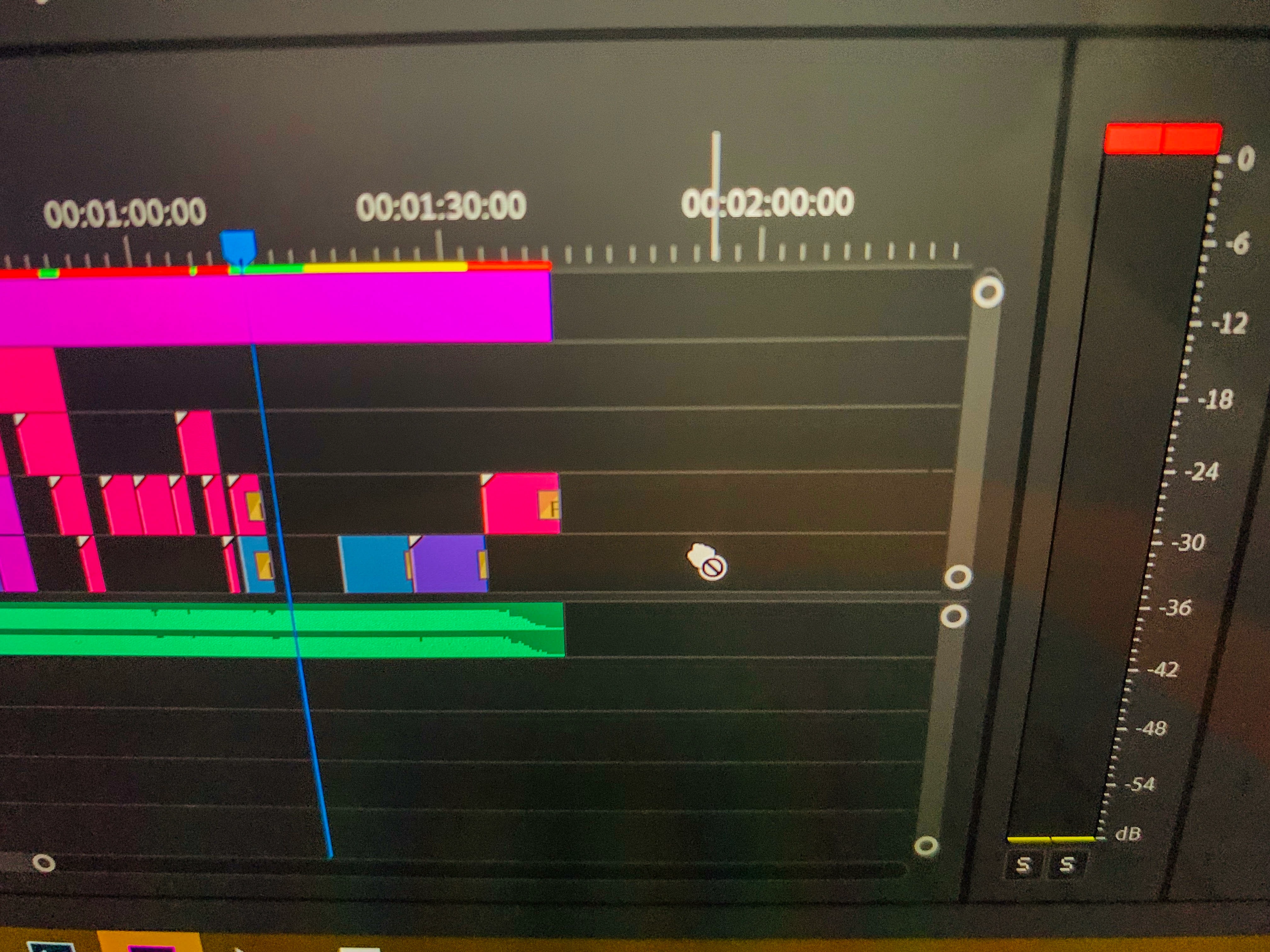
I can import only the audio of the recorded track (with Canon 5DMKIV in 4K). When I take the preview however I see also the video. What is the problem?
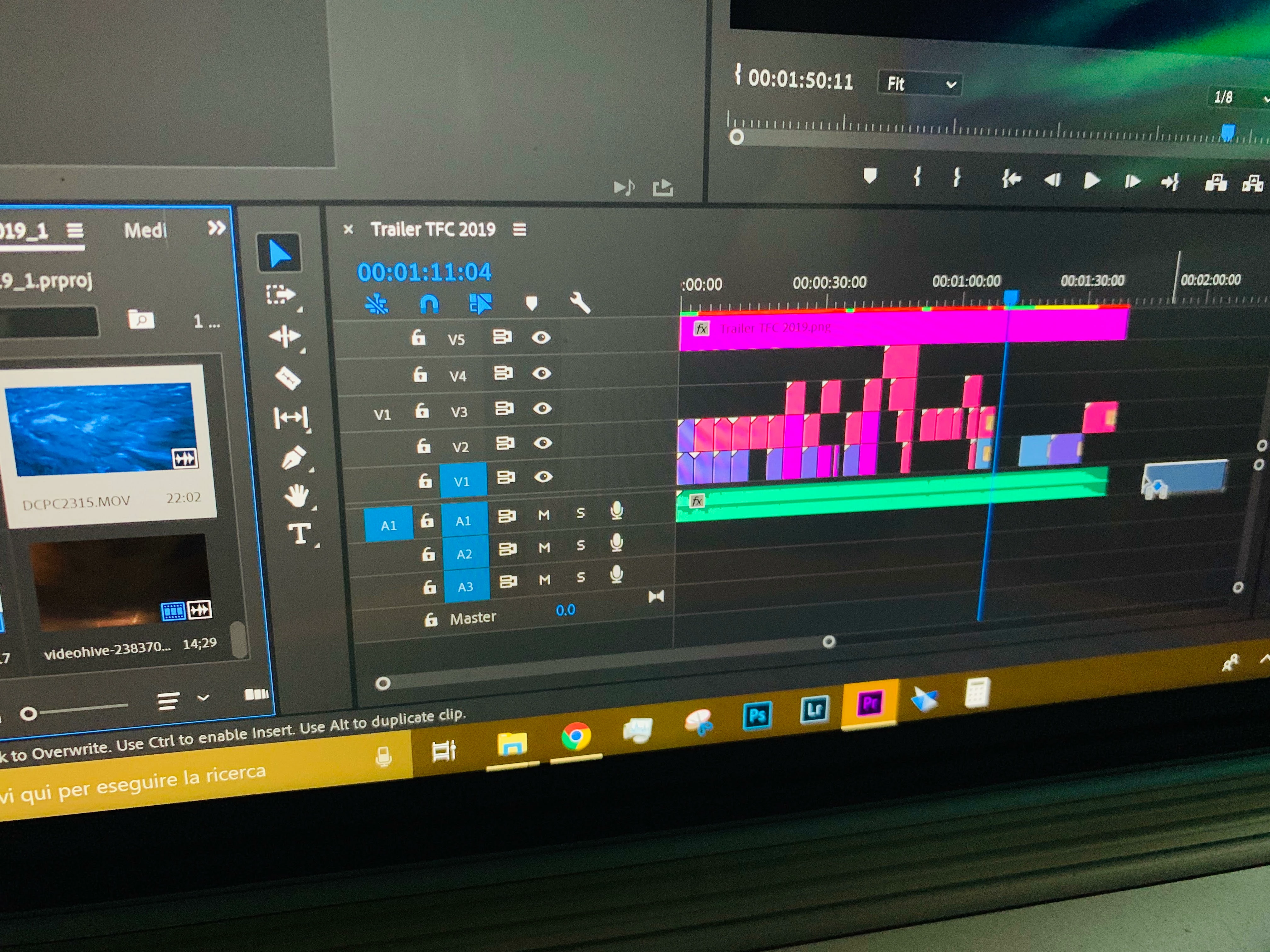
Here the 4K infos from the Canon:
- 4K (4096x2160)
- 25FPS
- MJPG
- .MOV
My Premiere Pro Version is the Latest 13.1.2. (CC 2019).
I have tried to Install this programs without solve the issue:
- Morgan M-JPEG Codec (Morgan Multimedia - Product - M-JPEG Codec)
- Blackmagic Desktop Video 11.2 (Support Center | Blackmagic Design)
- Main Concept Motion JPEG Codec 3.2.4 (Codecs.com | Downloads for MainConcept Motion JPEG Codec 3.2.4)
I found these programs through another discussion where I haven't find a solution for my problem: Canon 5D Mark IV 4K Video only shows audio in Premiere Pro CS6
Is possible to solve this problem in another way?
Thank you
PS: I have made few photos of my screen with the phone because the mouse in the screenshots isn't shown.
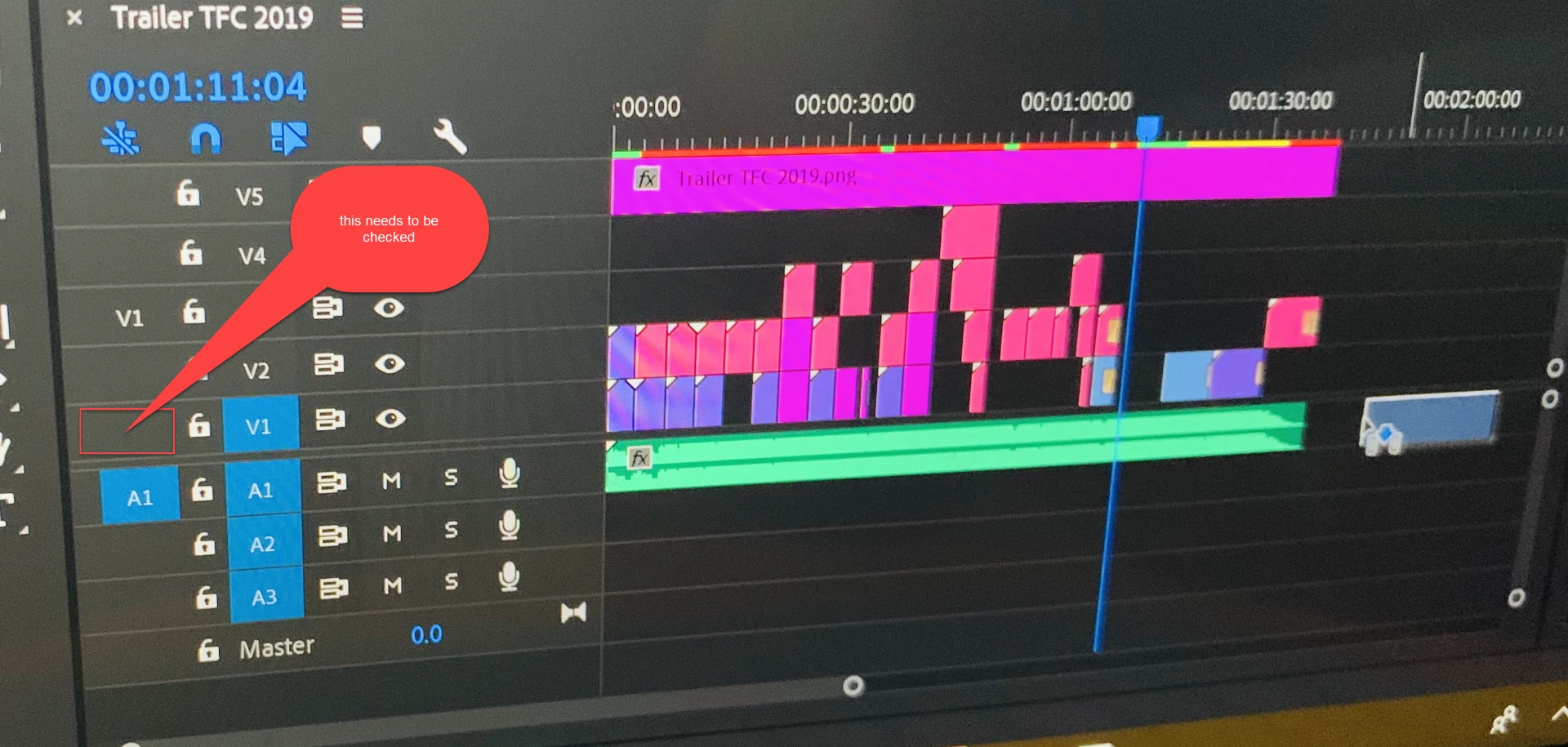
 AdChoices