
Participant
February 8, 2021
Question

Cannot figure out this fatal error with Premiere and Media Encoder

  • February 8, 2021
  • 1 reply
  • 233 views

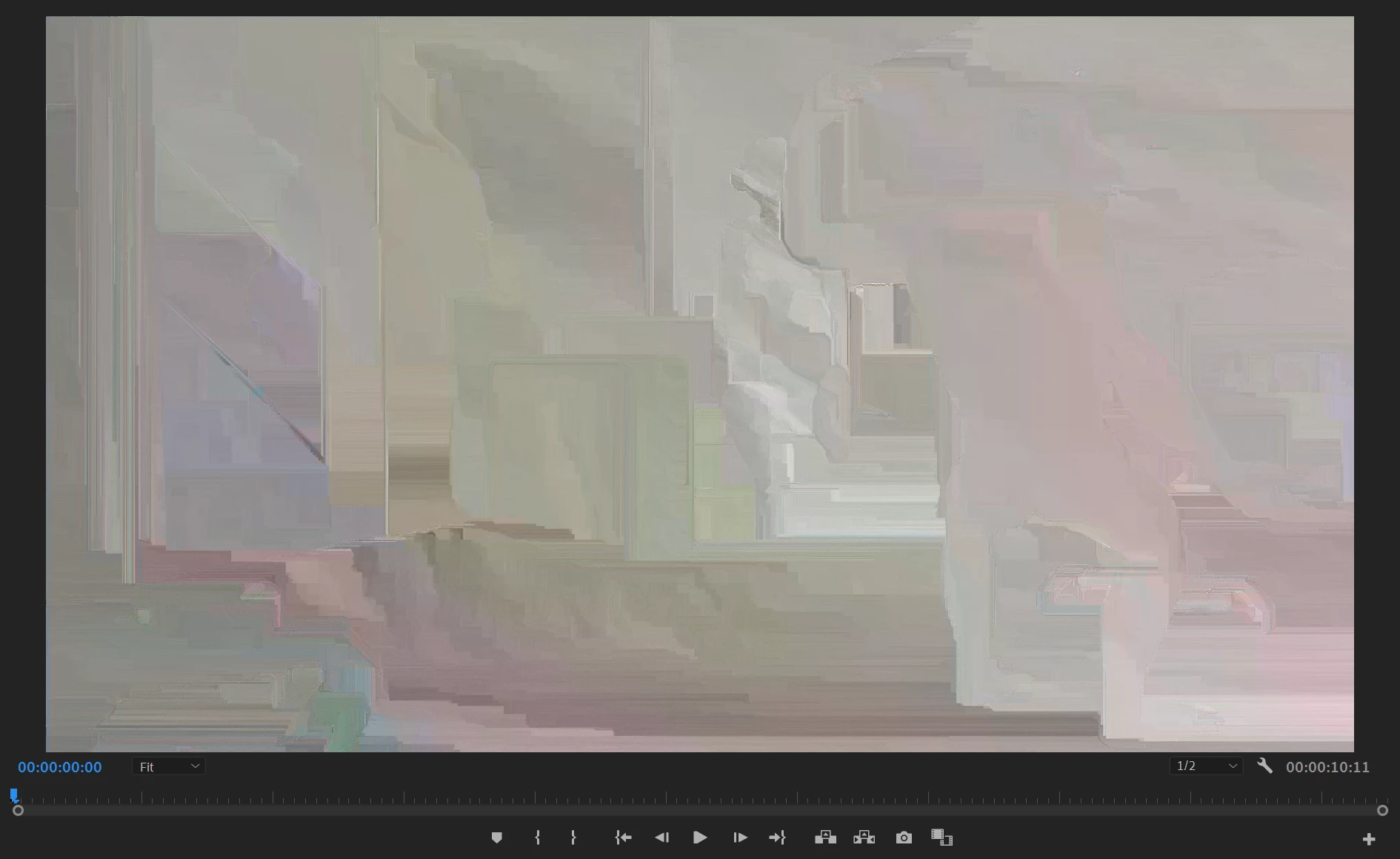
So, the issue first started with Encoder, where I'd start seeing the weird watercolor effect on export. That eventually progressed into the video freezing on export and crashing the whole program.

My workaround was to use Premiere to export for the time being, but now, premiere has the bug too. I need to work ASAP, but this is entirely crippling.


Any solutions or similar issues?


Thanks!


This topic has been closed for replies.

1 reply

John T Smith
Community Expert
Community Expert
February 8, 2021

Some things to do, and more information needed for someone to help...
-Troubleshooting https://community.adobe.com/t5/Premiere-Pro/Unofficial-Premiere-Pro-Troubleshooting-Guide/td-p/8789200
-PPro Editing Information FAQ https://community.adobe.com/t5/Premiere-Pro/FAQ-What-information-should-I-provide-when-asking-a-question-on/td-p/3929027
-Mac only https://community.adobe.com/t5/Premiere-Pro/FAQ-Basic-Troubleshooting-amp-Maintenance-for-Premiere-Pro-on/td-p/4788764


IF you are on Windows (you always need to provide details when asking a question) read below

Do not count on Windows to be fully up to date when it comes to device drivers
Go to the vendor site to be sure you have an updated driver for your graphic adapter
•nVidia Driver Downloads http://www.nvidia.com/Download/index.aspx?lang=en-us
••for Premiere Pro use the STUDIO driver, not the GAMING driver
•••such as https://www.nvidia.com/en-us/drivers/results/170344/
•ATI Driver https://www.amd.com/en/support
There are also intermittent reports that the newest driver is not always the best driver due to driver bugs or compatibility issues, so you MAY need to try an earlier driver version

Participant
February 8, 2021

Thanks! Yeah, I'm on a Windows machine at the moment.