
Question
Cannot get past pop up when launching Premiere Pro
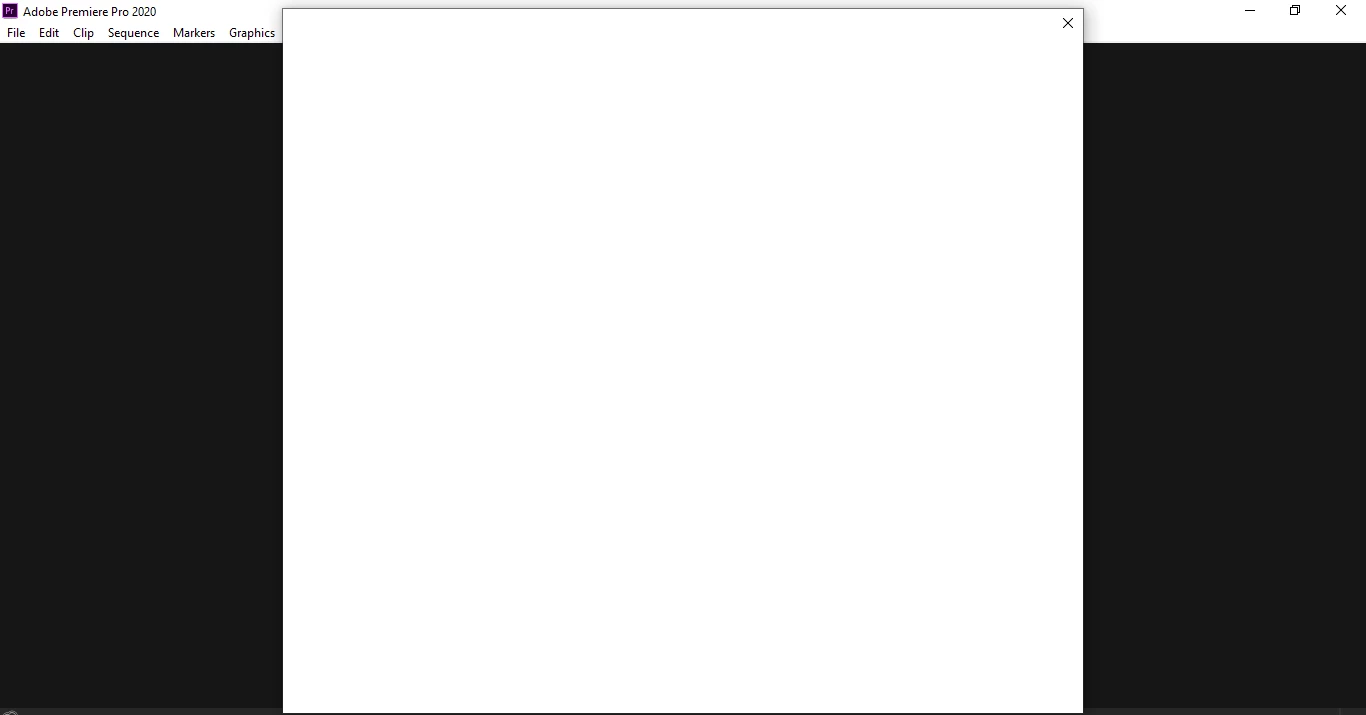
I am trying to launch Adobe Premiere Pro 2020 from the CC Desktop App but whenever I attempt to open I get a blank popup screen in front of the editor window and cannot go further. If I close the popup the program closes. It seems to me that the pop up wants me to enter some information or something but the window is blank so I have no idea what to do? Has anyone experienced this issue before? I'm running Windows 10 Version 10.0.18362 Build 18362 on a Dell Latitude E6320 laptop.
Editted to add, here are some of the things I have already tried:
- Restarting my computer
- Uninstalling and reinstalling Premiere Pro
- Uninstalling and reinstalling CC Desktop App
- Deleting all contents of the OOBE file
- Starting Premiere Pro while holding Alt-Shift to reset preferences
I am still getting this weird pop up window that prevents me from opening the program. Any additional help is welcome, thanks!
 AdChoices