



Color Mismatch: Premiere Pro exports 16-bit TIFF and ProRes 4444 XQ differently from the same Raw source
Hi everyone,
I'm having a serious color consistency issue when preparing files for a professional colorist.
The Setup: I have Raw footage on my Premiere Pro timeline. I exported two versions of the same clips (no effects, just the "raw" media) to send to DaVinci Resolve:
-
Version A: 16-bit TIFF Sequence.
-
Version B: Apple ProRes 4444 XQ (Render at Maximum Depth / Max Quality).
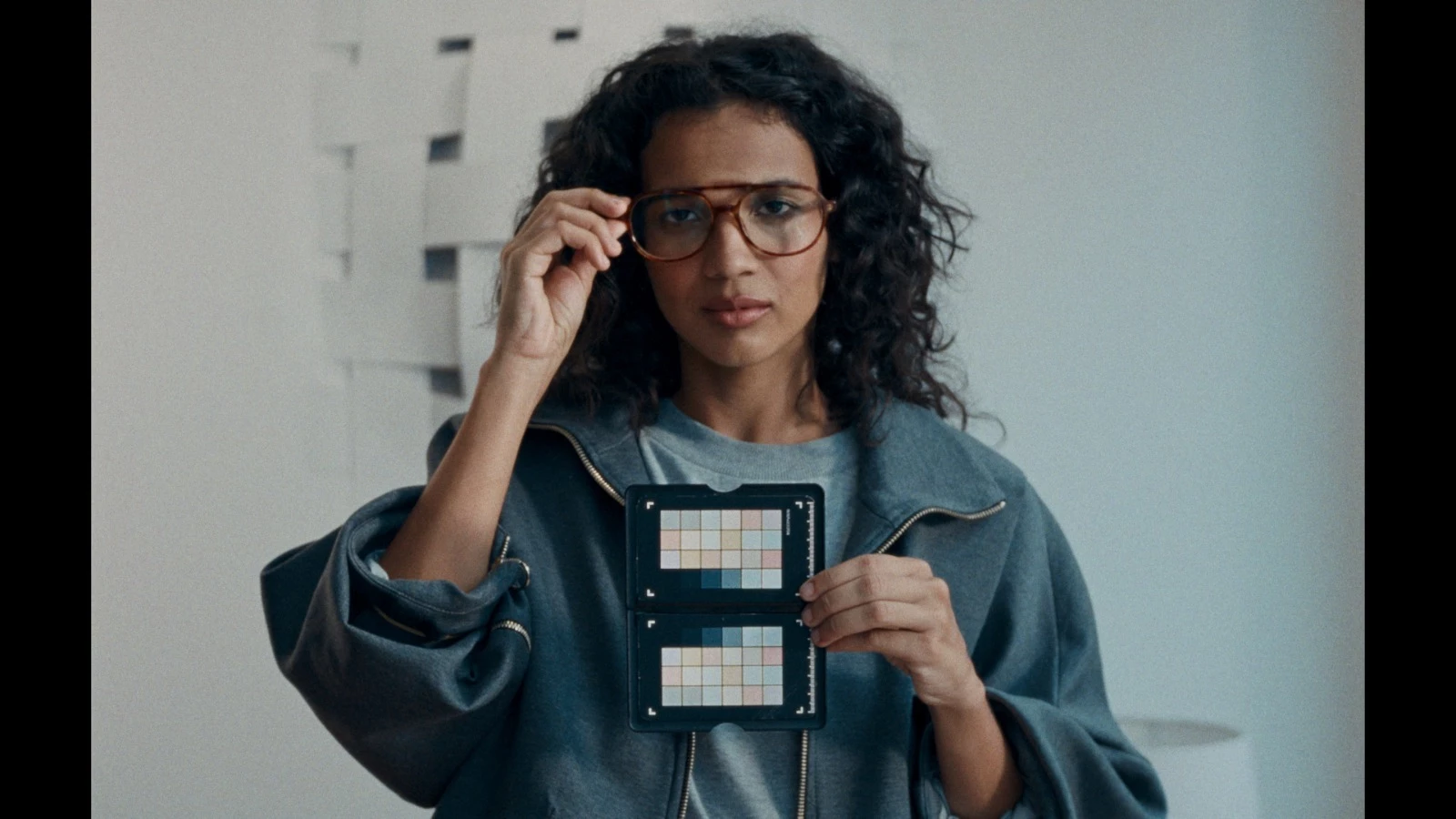
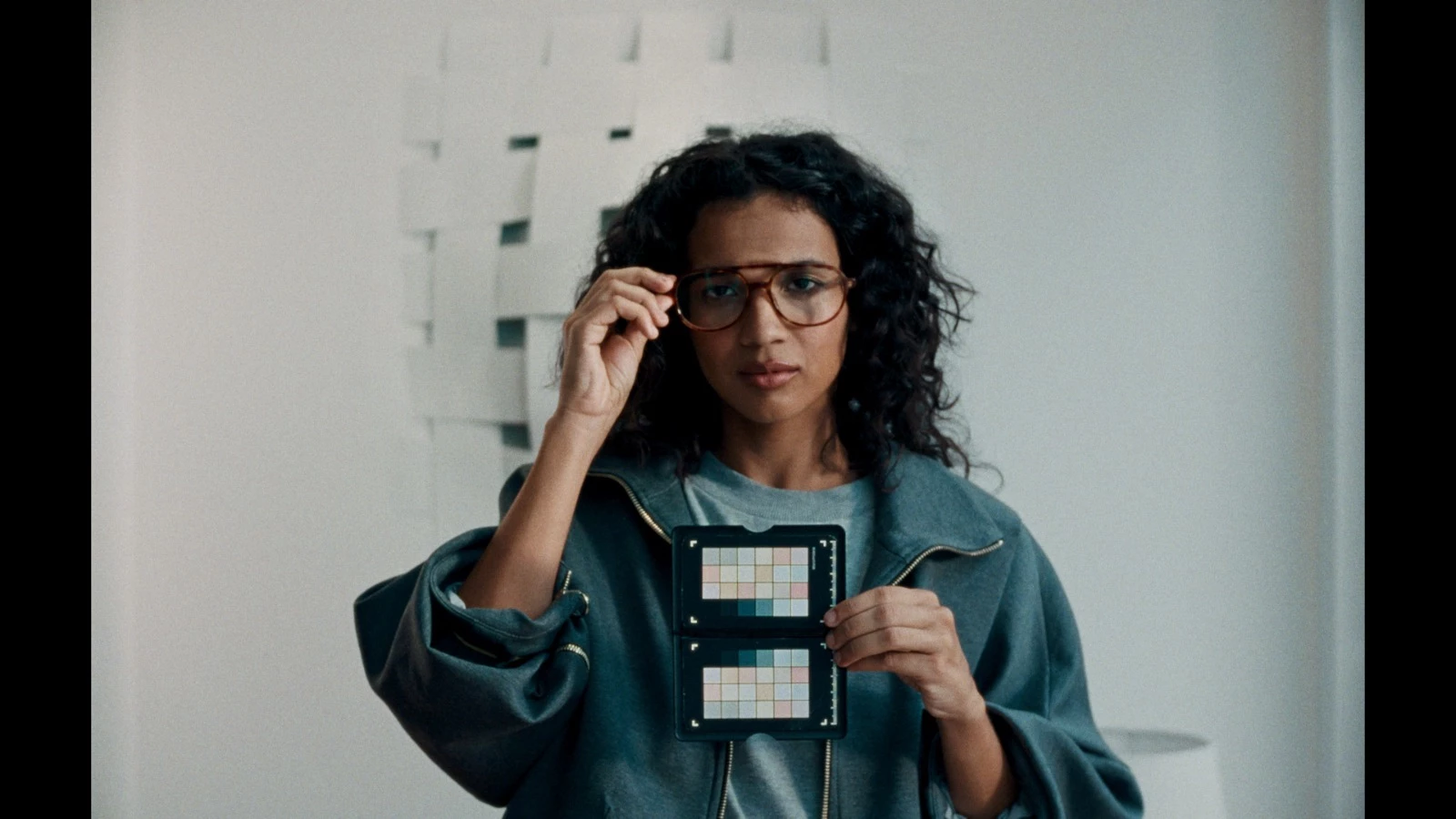
The Problem: When my colorist imports both into DaVinci Resolve and applies the exact same grade to both, they do not match. The TIFF and the ProRes have different gamma/color shifts, even though they came from the same Premiere timeline and the same Raw source.
TIFF 16 BITS:
PRORES 4444 XQ:
My Theory: It seems Premiere is applying some internal color management or NCLC tagging to the ProRes export that it isn't applying to the TIFF sequence.
My Settings:
-
Project/Sequence Color Space: Rec. 709.
-
Viewer Gamma: 2.4 (Broadcast).
-
Display Color Management: OFF.
-
Export Settings: Both exports are set to Rec. 709, but the pixels clearly don't match once they leave Premiere.
How can I ensure that Premiere exports a "pure" ProRes 4444 XQ that matches the data levels and gamma of a 16-bit TIFF sequence? Is there a hidden transform happening during the ProRes encode?
Thanks for the help!
 AdChoices