
Colours of HDR exports from Premiere Pro and After Effects never match
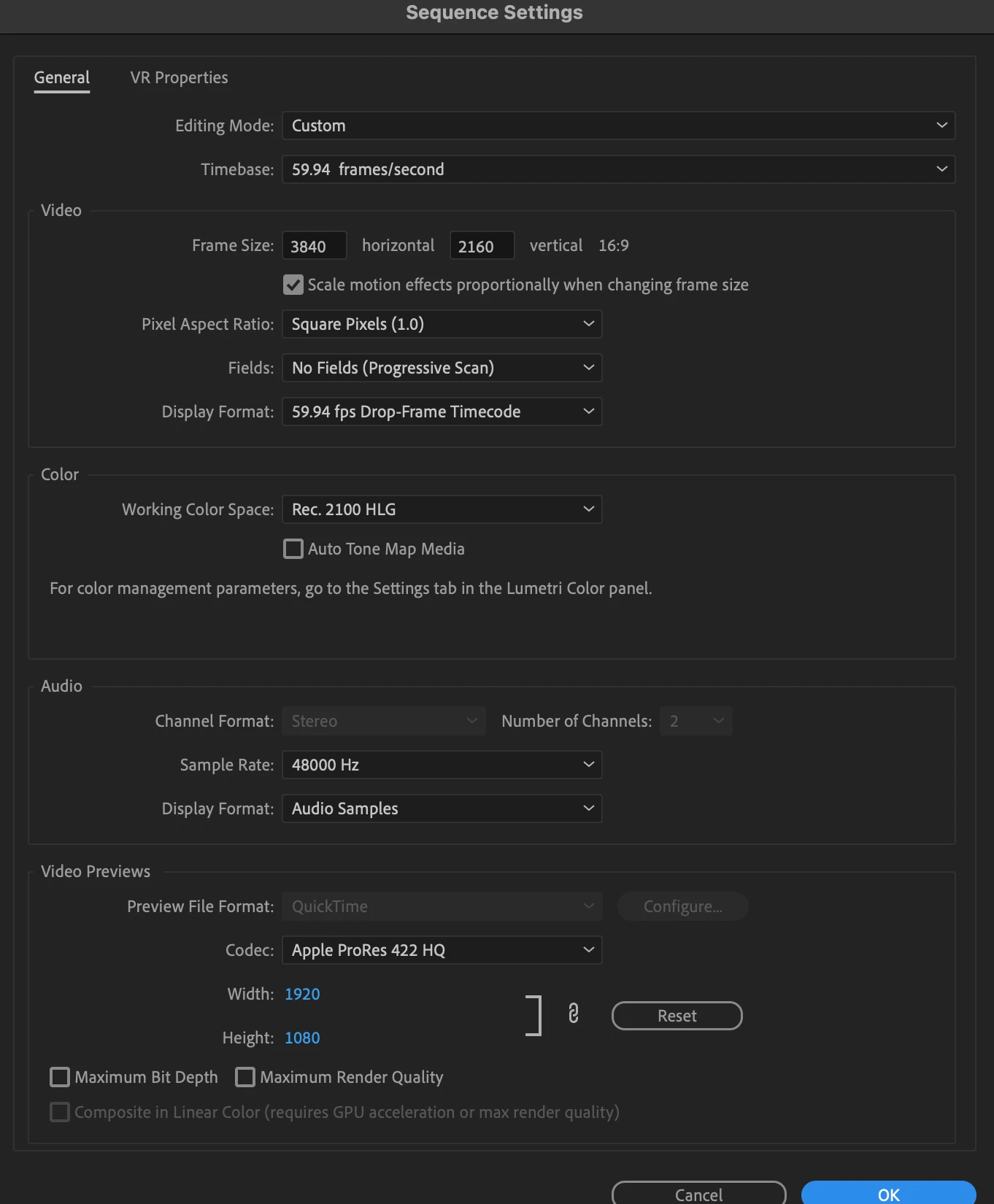
I use an Intel Mac running the latest versions of the Adobe software and have HDR footage from an iPhone 15 Pro or DJI Pocket 3 which I edit in Premiere Pro as Rec. 2100 HLG, I export as HEVC (H.265) and all is fine.
However, I want to add effects to parts of the videos and need to track the camera using After Effects. I have tried both dynamic linking and also exporting a clip from Premiere Pro and importing into After Effects and then exporting.
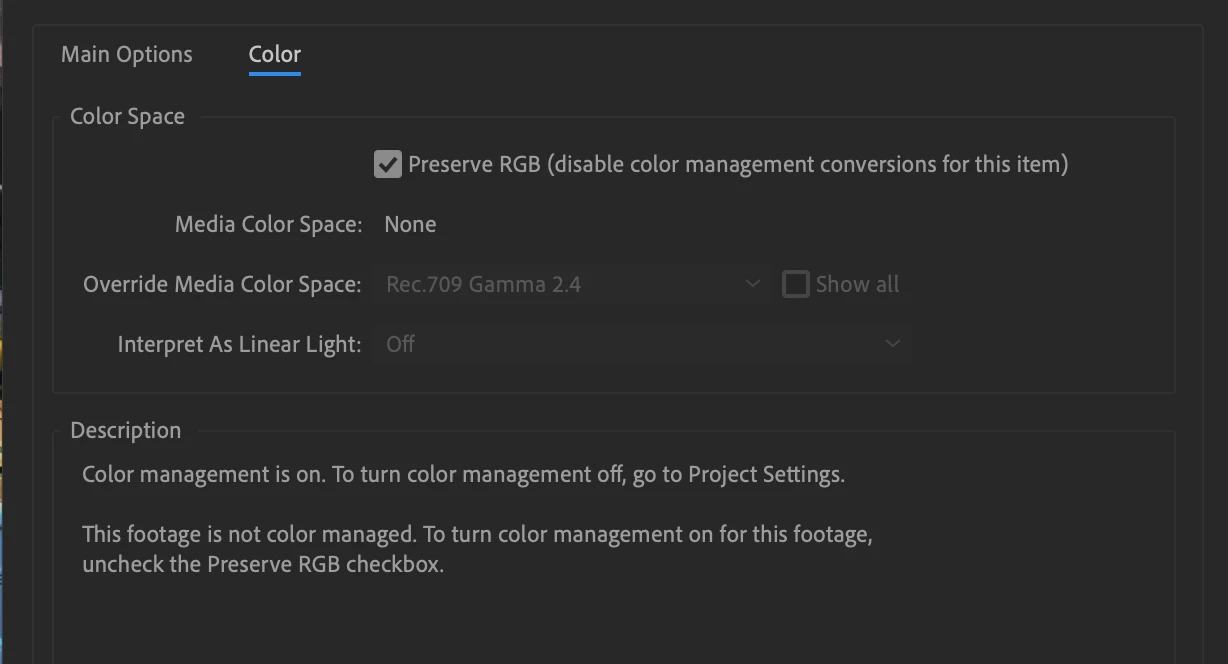
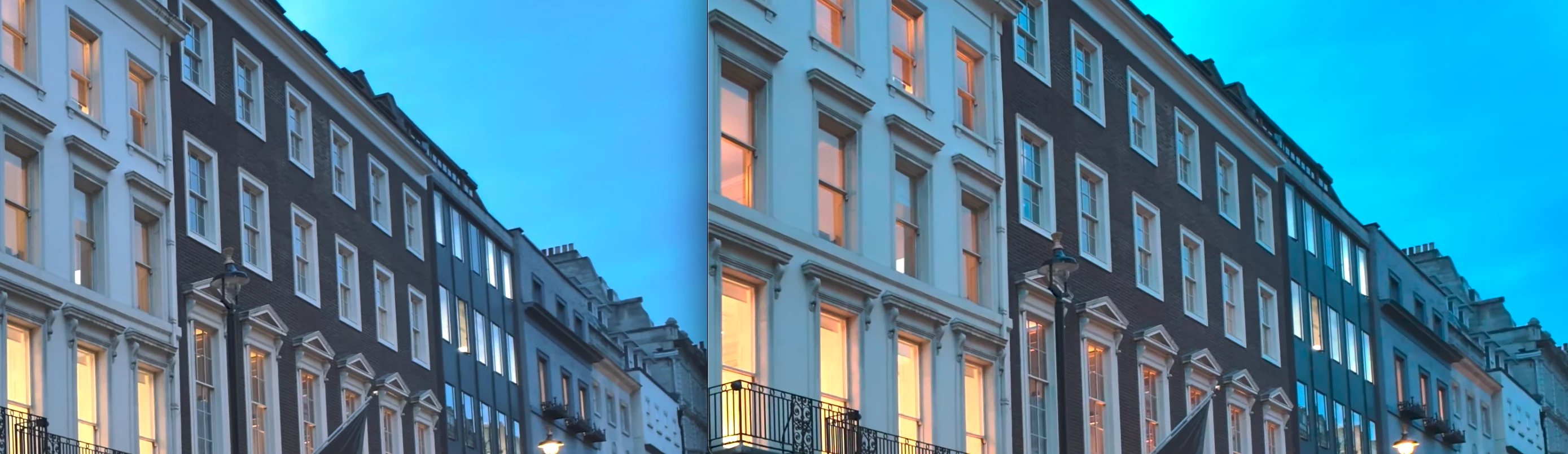
I use the preserve RGB in interpret footage (and have tried all other options I could think of including overriding media colour space), but the footage from After Effects never matches that from Premiere Pro when exported (or in the timeline), the footage looks more saturated (even without applying any effects).
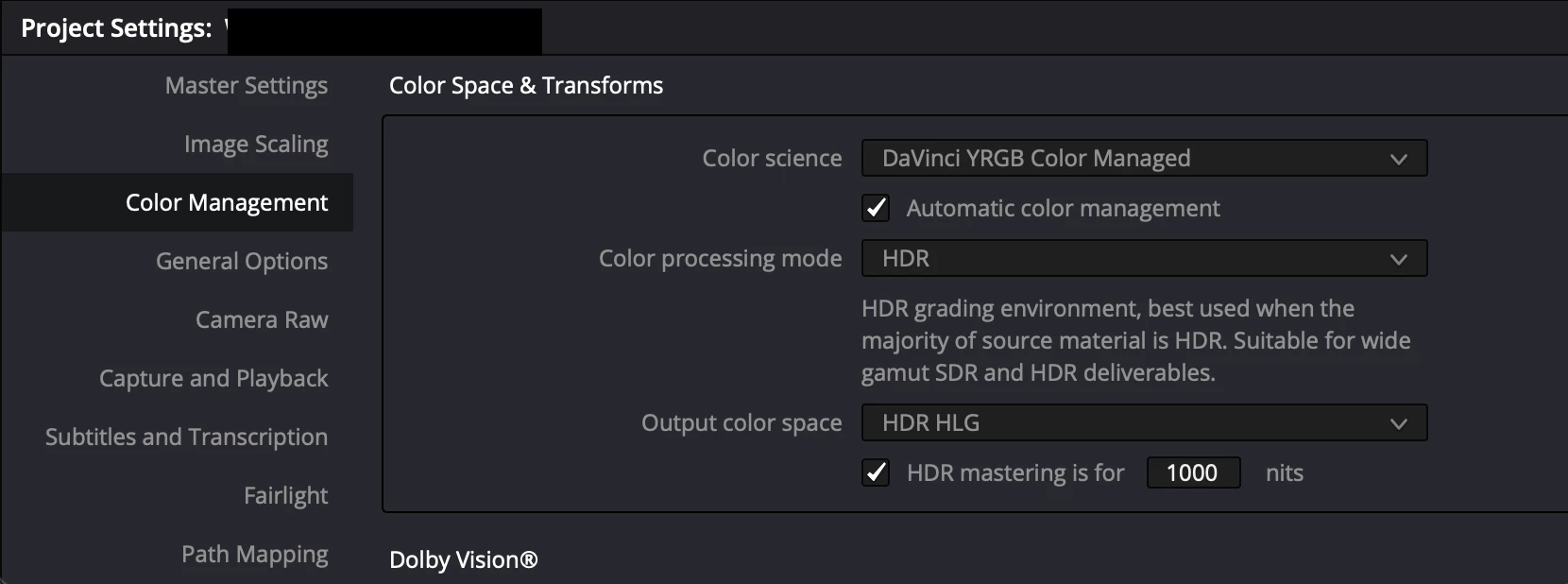
Just to add, this works fine when the footage is Rec. 709. I can also export Rec. 2100 HLG footage from Premiere Pro and import into DaVinci Resolve and then export from there and the exported footage still matches that from Premiere Pro.
Am I doing something wrong or is this purely an Adobe issue that they are choosing not to fix? It's been a few years now that this has been the case and posts have been made on here about it but nothing seems to have changed.
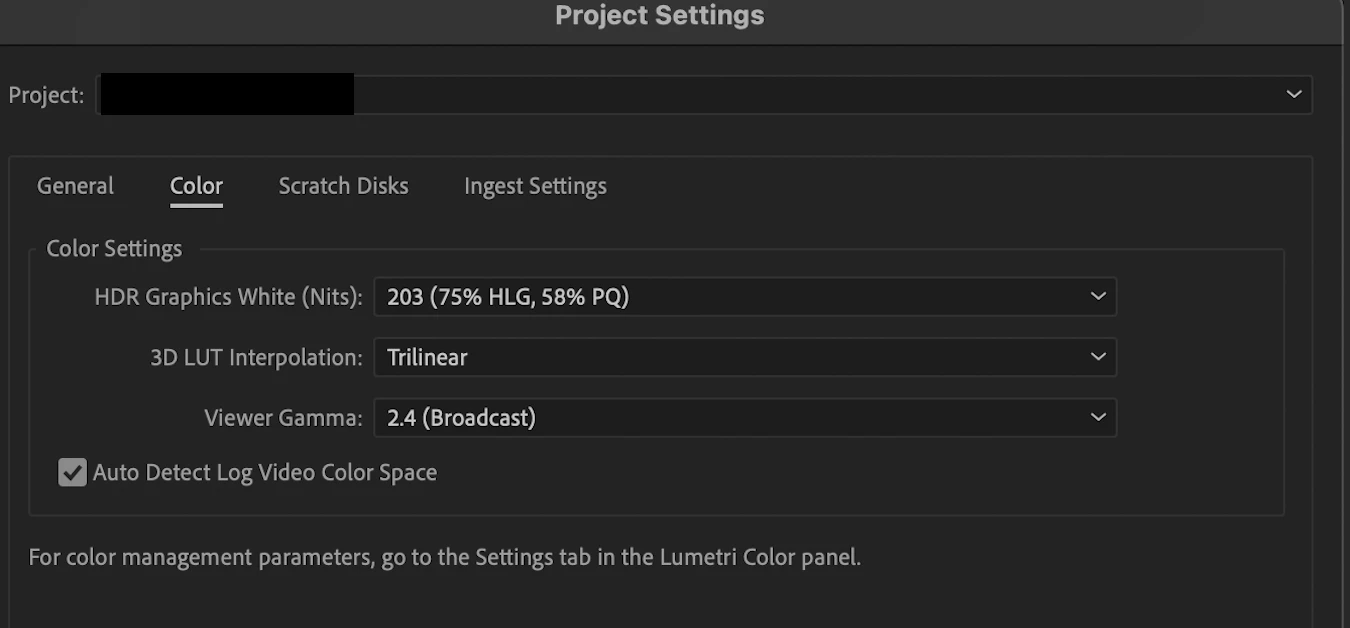
Premiere Pro:
After Effects:
DaVinci Resolve:
Premiere Pro (left) vs After Effects (right)
 AdChoices