Correct answer Sasha3497394873x7

Hi @Rach McIntire 


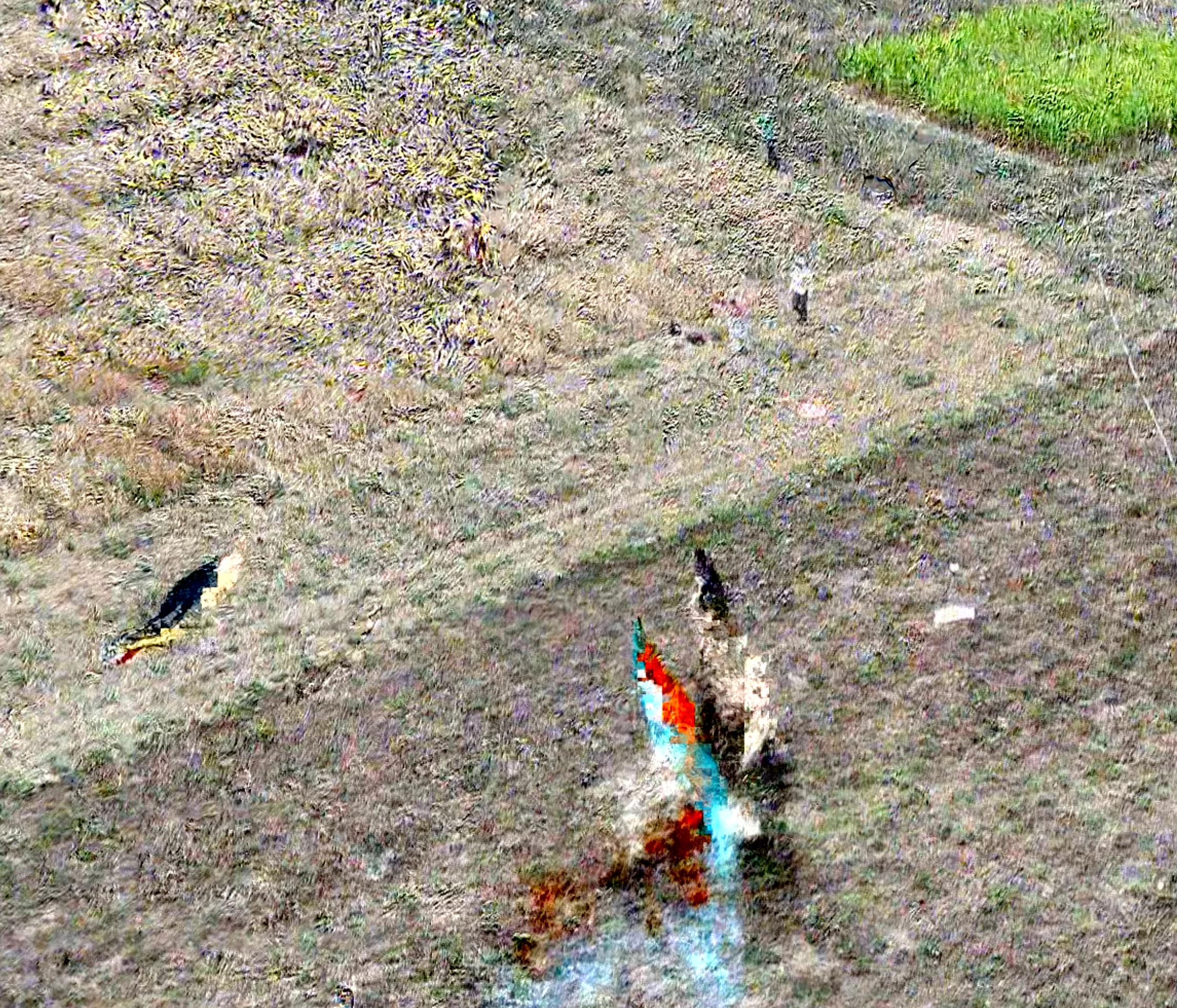
Variety of clips in 4k from different cameras, the clip that was 'burning' is from a DJI drone. My previous drafts didn't view like this. After much troubleshooting, and taking a shot at uploading to Vimeo the video was fine, the problem seemed to be viewing my export in Quick Time. 


Thanks all for upvoting and reaching out. Hoping it won't happen again. 


Sasha

5 replies

Participant
January 8, 2025

I have same problem here!!! It's really annoying!!

my original footage isn't wrong anything.

I tried everythig (copy&paste, open in order version, change Nvidia setting, change field option......)


Pleeeeeeease fix this ASAP!!

Community Manager
January 8, 2025

Hi @eunah23110457ac08 ,
Thanks for the message. Welcome to the forums. If you have time, please give the team a few more details. See: How do I write a bug report?

Sasha3497394873x7AuthorCorrect answer
Participant
November 11, 2024

Hi @Rach McIntire 


Variety of clips in 4k from different cameras, the clip that was 'burning' is from a DJI drone. My previous drafts didn't view like this. After much troubleshooting, and taking a shot at uploading to Vimeo the video was fine, the problem seemed to be viewing my export in Quick Time. 


Thanks all for upvoting and reaching out. Hoping it won't happen again. 


Sasha

Participant
November 8, 2024

Same thing.


On Sony FX6 footage / XAVC-L / SLOG 3

Footage from different cameras work fine.


Never happened before the update.

Community Manager
November 8, 2024

Hi @Sasha3497394873x7 ,

Welcome to the Premiere Pro forums! 

What type of footage are you working with?
Thanks,
Rach

Participant
November 7, 2024

I have tried unclicking the 'enable hardware accelerated decoding' which I've seen on other posts dating back to 2020/22


Thanks