

해결됨
How to add Fade in/Fade out effect to srt subtitles?
How to add Fade in/Fade out effects to srt subtitles? It has many clips, every clip needs Fade in/Fade out.
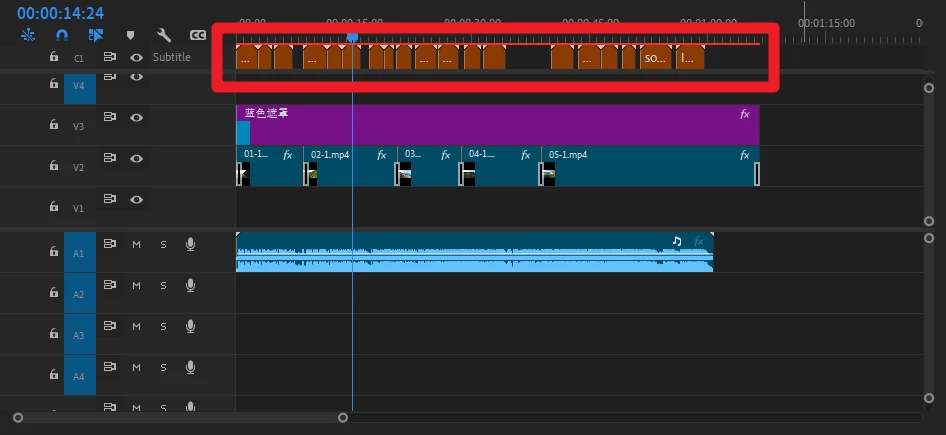

How to add Fade in/Fade out effects to srt subtitles? It has many clips, every clip needs Fade in/Fade out.
You cannot add dissolves to captions directly, but you can if you convert them to graphic clips.
To convert your captions to graphics:
1. Select all your captions in the timeline.
2. Go to Captions and Titles > Upgrade to Graphic.
To add a transition to all your graphics:
1. Select all the graphics clips.
2. Go to Sequence > Apply Video Transition.
Cheers,
Paul
Enter your E-mail address. We'll send you an e-mail with instructions to reset your password.
 AdChoices