


해결됨
Imported media order in Premiere 2019
Hi, i'm a wedding film maker. I have a big issue with Premiere Pro 2019. The imported video clips don't respect the capture order. This is a big problem, for witch i couldn't find any solution yet. Every project has around 200-300 video clips and when i import them in premiere, they don't respect the capture time. In Premiere 2018 it works just fine.
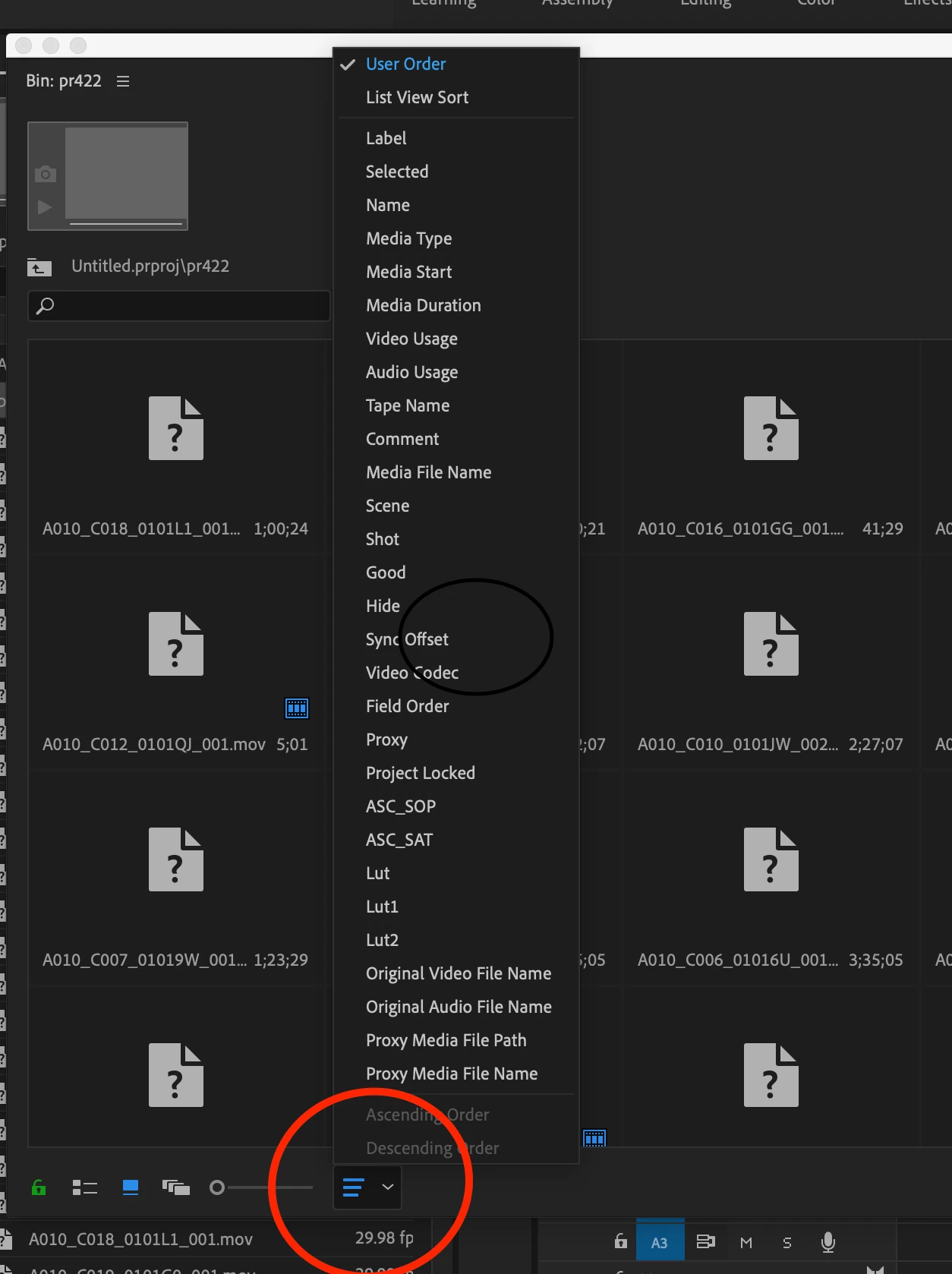
In 2019, the only solution that i could find was to set the view to detail and so, the clips respect their order. When i switch to thumbnail view, everything goes bad again.
Can somebody please help? Or maby the devs can take a look at this? This is very frustrating. Maby add an option to sort clips by capture time in thumbnail view.
 AdChoices