Participating Frequently
November 16, 2023
Answered

Lumetri Color not working as intended in After Effect? (Dynamic Linking)

  • November 16, 2023
  • 22 replies
  • 2038 views

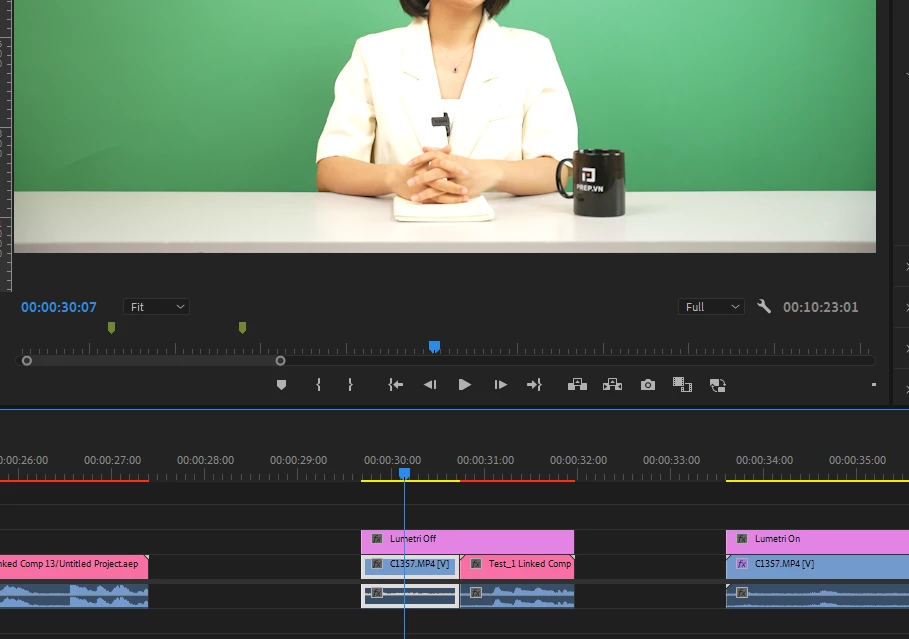
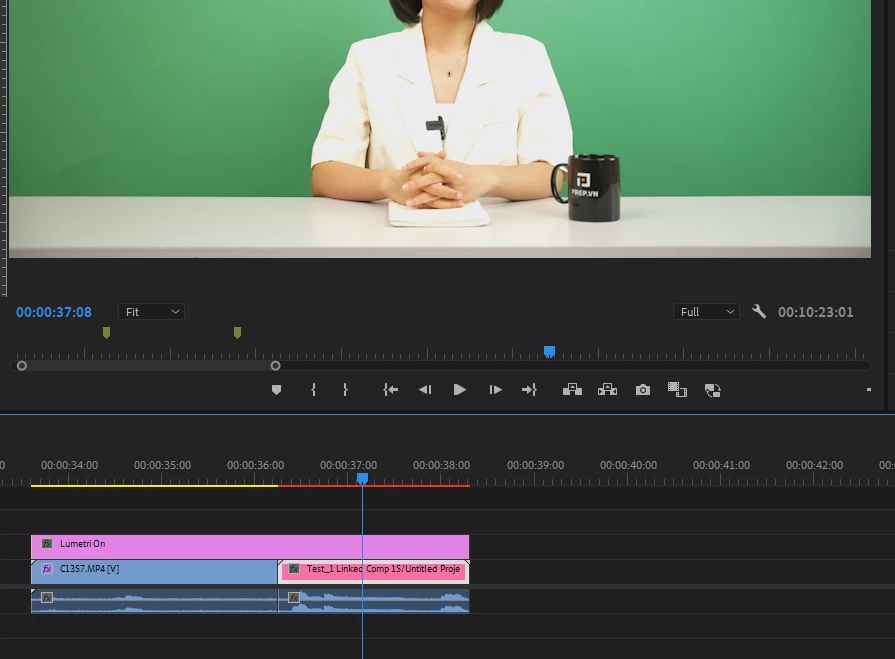
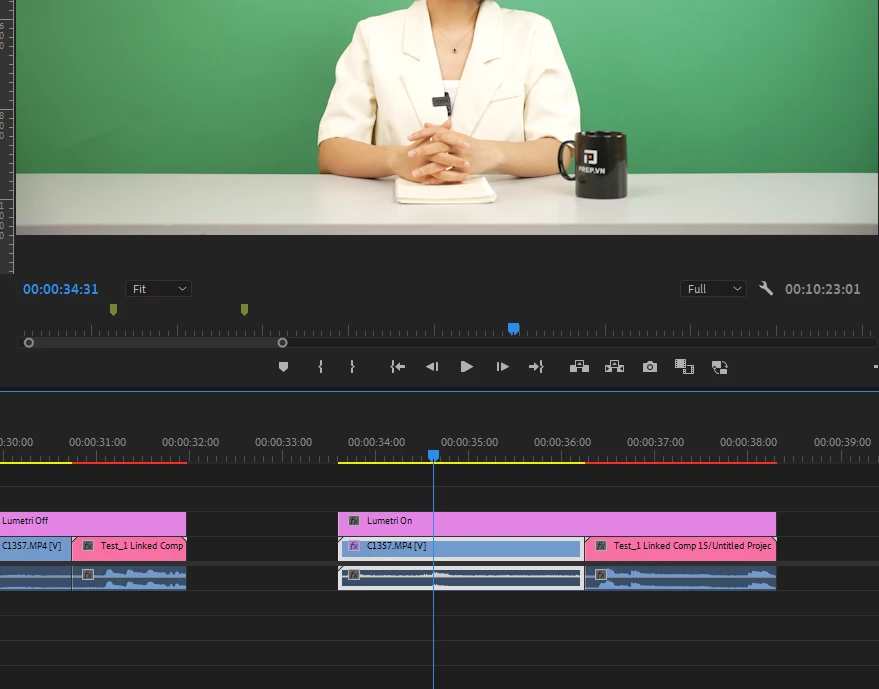
Hi everybody, I'm having trouble to dynamic Linking my Premiere Pro footage with color correction to After Effects. 
For some reason the Lumetri Color effect react different when the footage is in After Effect and there's no way I can correct over expose footage on it since it just stops targeting the White value, and it just lower the brightness of the entire footage like a really weak Exporure property.

I've try reading multiple threads about similar issues with footage not looking the same after dynamic linking but it looks like mine still look the same, just that no coloring effect works properly on it (I've try using RM colorista V as well, still doesn't work)

The footage is from a Sony A7-IV camera

Does anyone have any idea why this happen, and is there a way to fix it?
    

This topic has been closed for replies.
Correct answer DavinderKaur23626922

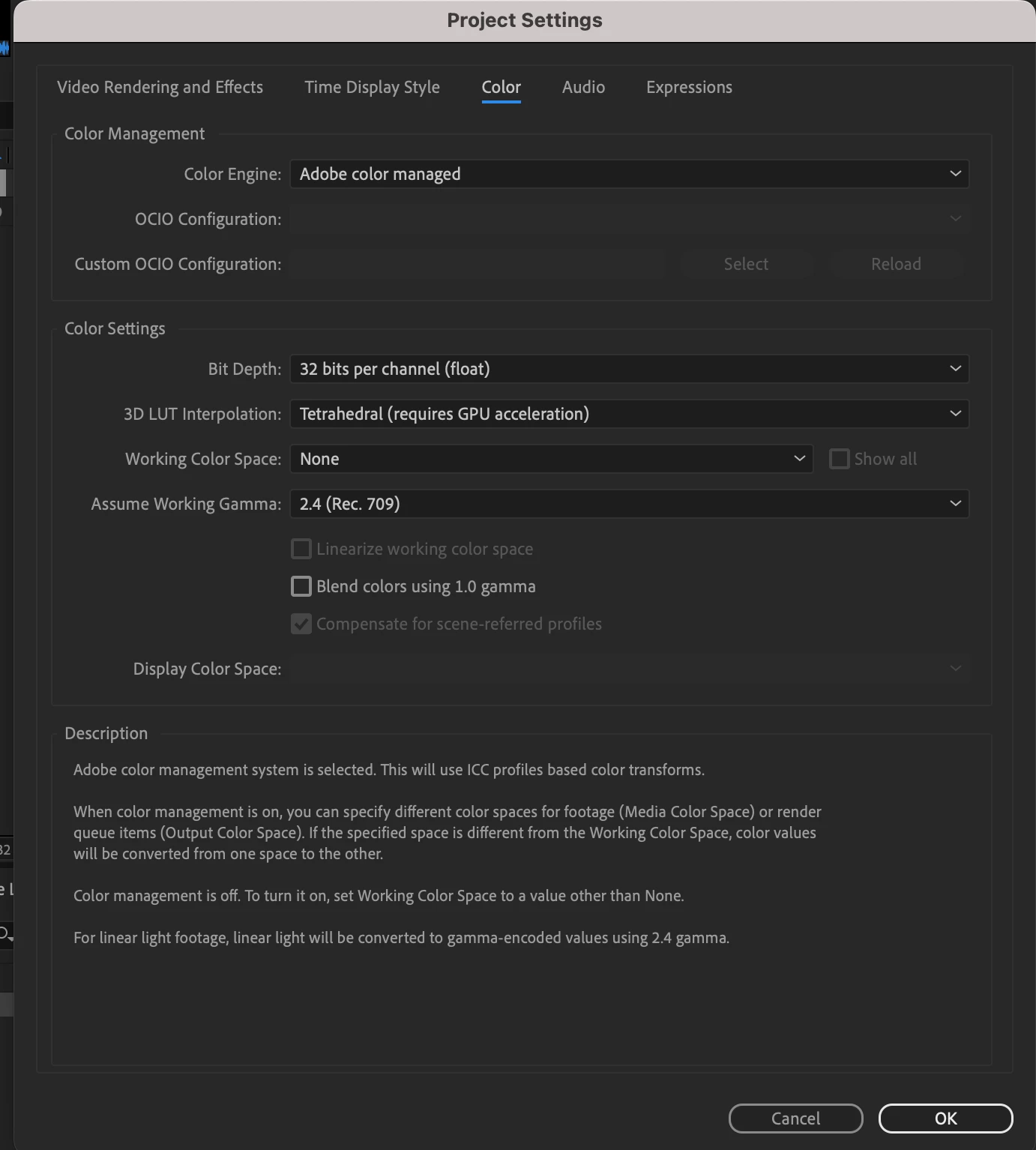
Could you please try clicking on checkbox "Preserve RGB" in AE and set bit depth to 32 bit in AE project settings in place of 16 bit?


22 replies

R Neil Haugen
Legend
November 21, 2023

To the Adobe staffers that have participated in this thread, Shebbe has a good point. There are several pro cameras that allow setting an over-point, of maybe 103 to 109 IRE. I know from previous comments here and elsewhere that can be problematic in the workflow.


And sounds like this could be part of the problem and 'fix' ... but would be so nice if the two apps could see and adapt.

Everyone's mileage always varies ...
Known Participant
November 1, 2024

I understand this is an older thread but I ran into the exact same issue: dynamic linked footage with lumteri applied in PR looks different in a overexposed clip shot in Prores RAW / A7 III - ninjaV. No problem to correct in PR but in AE initially looks like there is no informationdata an overexposed sky.

The switch to 32bit did the trick though: Thank you very much for the work around!

But still - as Adobe makes us think Dynamic link and same effects are great - if it does not work exactly the same it's just a misleading marketing tool.

samples here show the same footage in AE:

1. 16bit

 2.  32 bit

Finally: I am not technically inclined enough to truly understand the Pro camera setting mentioned by R Neil- but seeing how much information is in that overexposed clip in RAW is just great. Pro or not I love the possibilities left in RAW footage ( especially if you are on minimal budget/time/manpower such as documentary work: a lot of things can go wrong... at least for me!)

Cheers! 

Shebbe
Community Expert
Community Expert
November 21, 2023

@Chetan Nanda Thanks, I understand how float vs integer work, but let's take a step back here...

Looking back at the original post now.. the footage without adjustments, in Premiere seems already clipped. 

However, the source is Rec.709, and so is the timeline. Thus no conversions are happening but aparently there is already data outside 0-1 range.


I overlooked this part initially but this can only mean that the footage is interpreted as video but has recorded levels in full or at least on the white side. What do they call it? 709 109%?

That explains why AE dynamic link needs to be in 32bit f (which PR is always). But this isn't the best solution I'd say.


Perhaps it's practical to implement management features for setting data vs full range interpretation for any video media for both AE and PR? This would help in this situation and allow 16 or 8bit int workflow or help with any other material where the auto data levels detection might fail.


 I wouldn't be so much opposed to the fact that it now needs to be 32bit if nearly all AE effects actually supported 32bit and was much faster than it's current performance.

Adobe Employee
November 21, 2023

Hi,

Bit Depth in AE specify the working space bit depth,

16bit here mean 15bit integer + 1 signed bit. So in this case if media has values > 1.0f and < 0.0f , or any effect that results in values going above the range, will get clipped to the range of (0..1).

32bit float here is processing in float, and it will preserve the values beyond range (0..1) and no clipping happening in AfterEffects.


Thanks,

Chetan Nanda

R Neil Haugen
Legend
November 20, 2023

That's certainly ... an intriguing solution. Huh.


But like Shebbe, I'm ... puzzled ...

Everyone's mileage always varies ...
Shebbe
Community Expert
Community Expert
November 20, 2023

Hey @DavinderKaur23626922,

Seems like that has solved the issue but this doesn't make any sense to me. It doesn't sound like a solution to the actual problem. When AE management is set to none, there should not be any conversion happening? And when it comes to dynamic linking, this is in fact never managed? Or is it? Even when inside AE management is set to none? And why 32bit + perserve RGB?

In all my life of dynamic linking I have never seen this behaviour. And nobody should be forced to use the sluggish 32bit float mode for simple tasks just because of some possible bug.

Participating Frequently
November 20, 2023

Well I'll be damned.
Seems like all setting the Bit Depth to 32 bits was all it needed. 
Thanks everyone so much for your support.
This was such a collective headache.

DavinderKaur23626922Correct answer
Adobe Employee
November 20, 2023

Could you please try clicking on checkbox "Preserve RGB" in AE and set bit depth to 32 bit in AE project settings in place of 16 bit?


Participating Frequently
November 20, 2023

I've render a small clip for you guys to download.
Here are all my settings.
It's not only this clip, but every clip I try, the white value in AE just doesn't seem to work properly.


https://drive.google.com/drive/folders/1hD6nNjHMEZKPNAHGiuK6XsxoxEu5CA7Q?usp=sharing


Adobe Employee
November 20, 2023

Nguyen33411686oews ,


If possible could you please share the sample clips with us? Also do share the Interpret footage settings of AE for the media.

Which version of AE and PPro you are using? 


Thanks

Davinder Kaur

R Neil Haugen
Legend
November 19, 2023

If @mattchristensen could help, or suggest who could ...

Everyone's mileage always varies ...