Participating Frequently
November 16, 2023
Answered

Lumetri Color not working as intended in After Effect? (Dynamic Linking)

  • November 16, 2023
  • 22 replies
  • 2038 views

Hi everybody, I'm having trouble to dynamic Linking my Premiere Pro footage with color correction to After Effects. 
For some reason the Lumetri Color effect react different when the footage is in After Effect and there's no way I can correct over expose footage on it since it just stops targeting the White value, and it just lower the brightness of the entire footage like a really weak Exporure property.

I've try reading multiple threads about similar issues with footage not looking the same after dynamic linking but it looks like mine still look the same, just that no coloring effect works properly on it (I've try using RM colorista V as well, still doesn't work)

The footage is from a Sony A7-IV camera

Does anyone have any idea why this happen, and is there a way to fix it?
    

This topic has been closed for replies.
Correct answer DavinderKaur23626922

Could you please try clicking on checkbox "Preserve RGB" in AE and set bit depth to 32 bit in AE project settings in place of 16 bit?


22 replies

Participating Frequently
November 19, 2023

I accidentally forgot to hit Post after writing a reply. 
Yes, the PR and AE footage are consitant, from Rec. 709 to disabling or "None" toggled on both programs. Only difference is None make the footage slightly brighter.
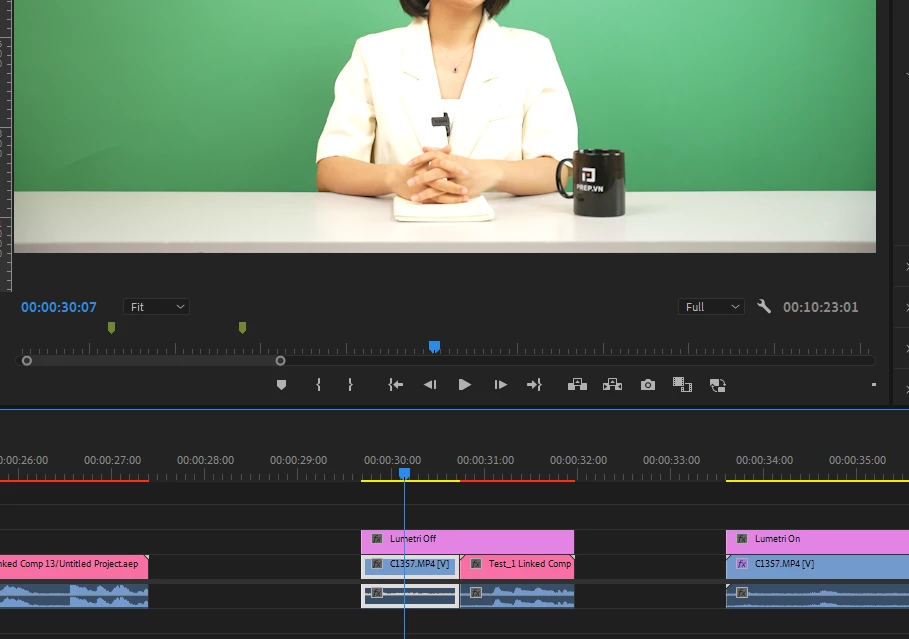
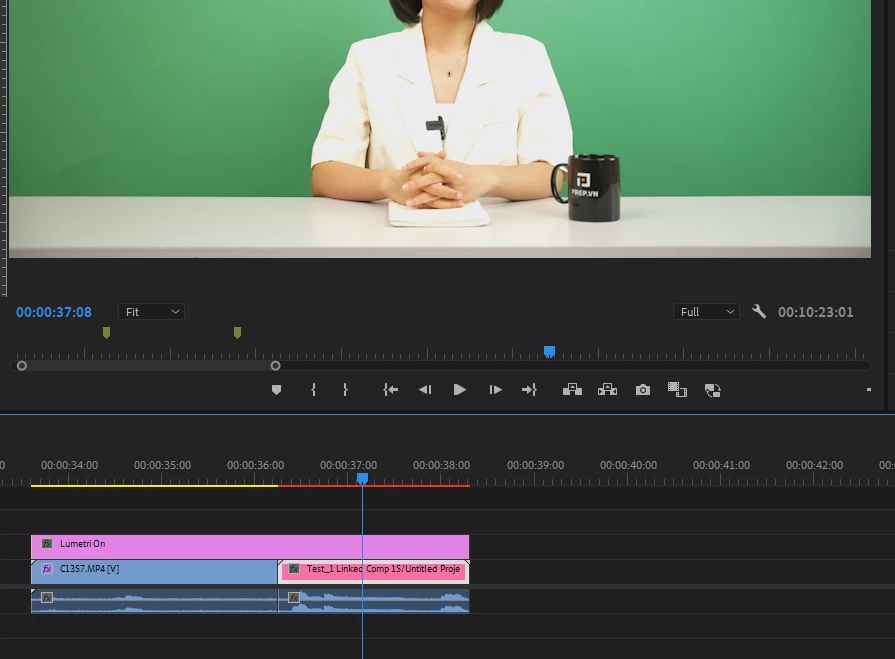
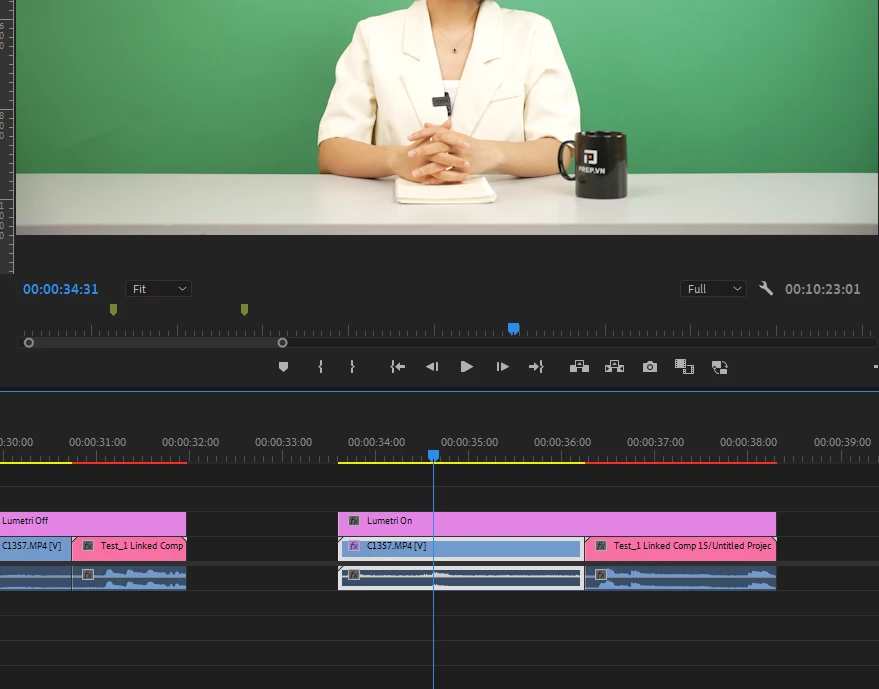
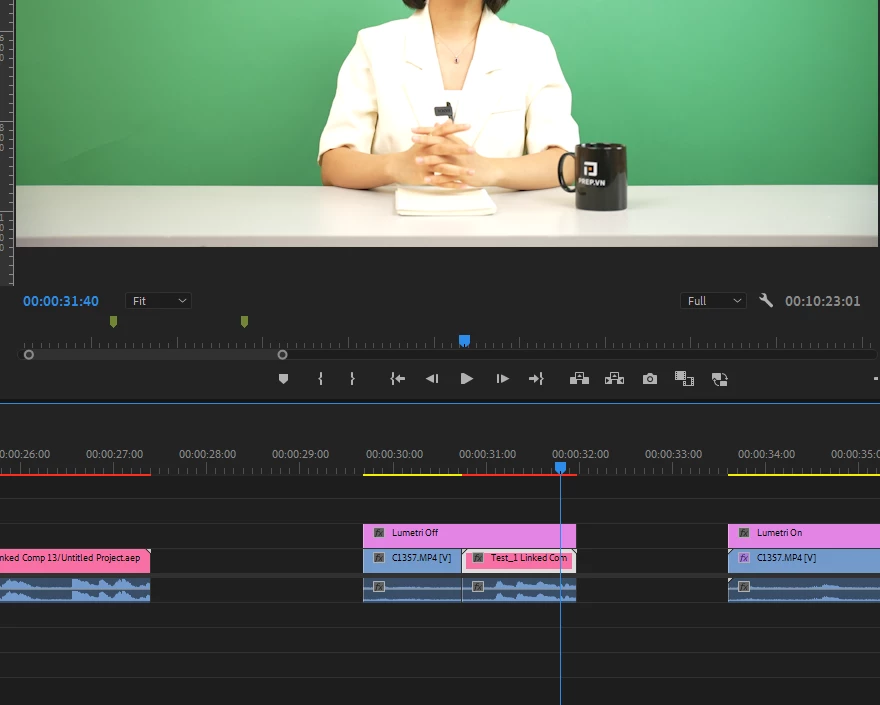
Problem only arises when the lumetri color effect in PR gets ported to AE. I only lower the White value for the sake of simplicity, but after Linking to AE, the white value no longer restore information from the brighest area as it does in PR. 
There are no double effects on any of the screengrab, there's only a single lumetri color effect on clips I link to AE as you can see bellow. 
Notice the details on her blazer.


R Neil Haugen
Legend
November 19, 2023

Thanks for the screengrab, they may have changed the name but that is their old "Tree" view.


And yes, color range is shown correctly as limited.


So I'll be watching a response to Shebbe's questions.

Everyone's mileage always varies ...
Shebbe
Community Expert
Community Expert
November 19, 2023

Just a double check. When there are no effects applied on the clip or the Adjustment Layer, does the DynamicLink clip match the source clip exactly? Because it should with color management 'disabled' in both AE and PR. Lumetri doesn't deploy different math to different clips, it isn't aware of any image states.


Are you sure you're not applying some double effects somewhere?

Participating Frequently
November 19, 2023

This is the info of the file. There  isn't an option for a tree view in this version so I hope is is enough.

R Neil Haugen
Legend
November 18, 2023

Back to basics.


First, some cameras, and I think this is one, allow the user to set the video to full or legal/limited ... which is STOOOPID.


ALL YUV ... technically YCb/Cr ... media, should be encoded to legal/limited. It shouldn't affect the number of levels endoded, simply how they are encoded. And if you have improperly encoded YUV media in 'full', that can be a problem. And might be an issue here. Maybe.


So ... please download and install the free utility app Media Info.


(MediaInfo download page.)


With that app having an icon on your desktop, drag/drop one of those video files onto the icon ... it will open, select the "Tree view" from the viewing options.


And take a screen grab of the video section showing file data, which will include range. Drag/drop that onto your reply box.


I'll be able to suggest further action if needed depending on what that shows.


Everyone's mileage always varies ...
Participating Frequently
November 18, 2023

I've changing HDR Graphics White (nits) from 100, 203 or 300 all of them look the same, I can't see any discernible difference and linking them AE still has the same problem.

I've also try
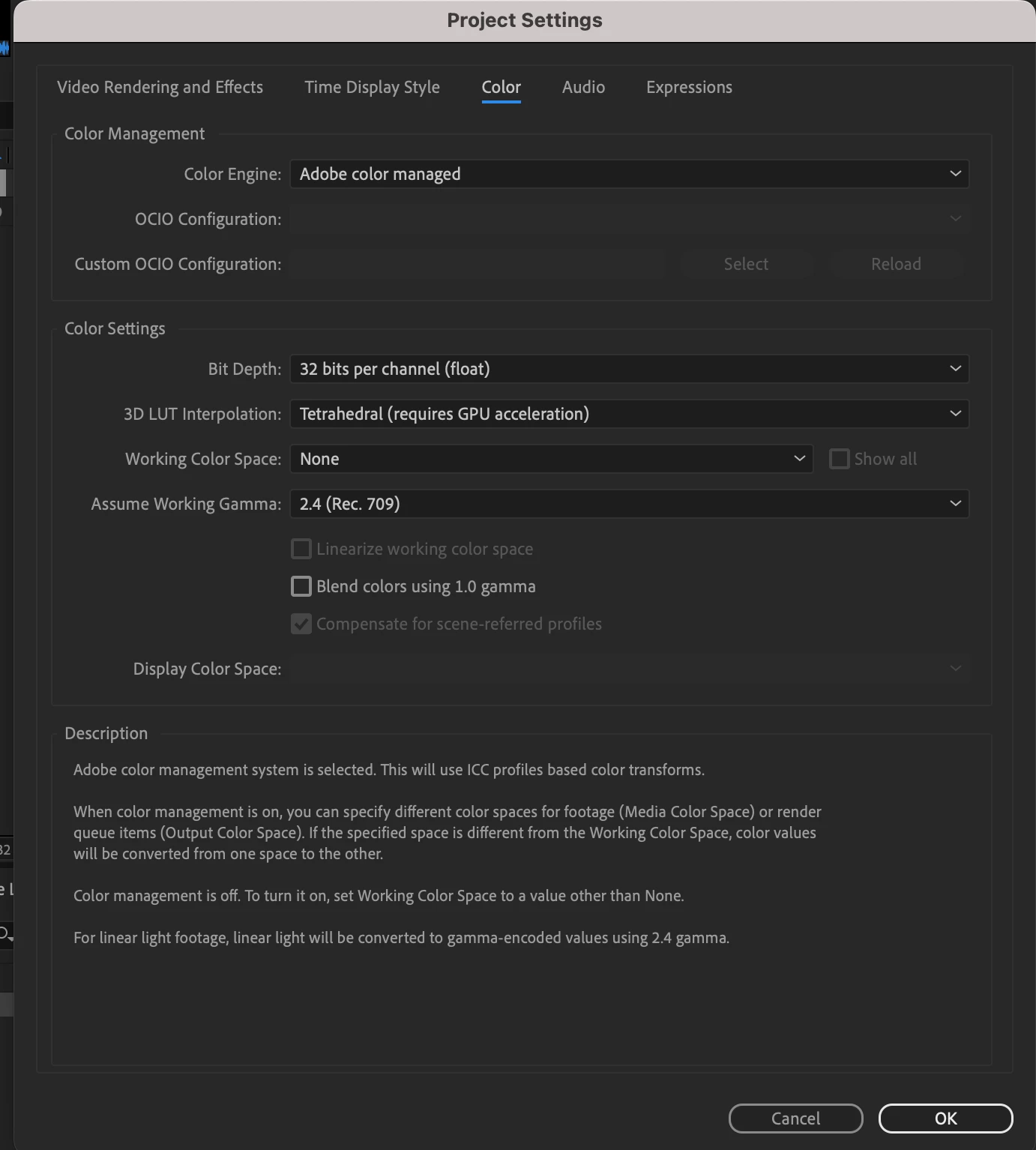
1. turning AE's Working Color Space to None as Neil suggested
2. Disabling Tone mapping
Nothing changes

Since creating the thread I've try testing to see if this bug occurs on other footage online and it does.
While color of the original footage are consistant between PR and AE, it divert wildly when adjusting Lumetri Color or any 3rd Party Grading effects. 
My other team members are experiencing the bug as well. This is causing quite the problem since much of the footage sent to us are over exposed and Color Correction in AE doesn't seem to target the White value properly. 
We're getting by, by rendering a color corrected version from PR before working but as you can imagine rendering 500+ hours of footage is quite a task, not to mention the storage it will take. 

Could this be causse of how After Effect communicate with the color effect issue instead of Color Management issue? 

Note: Here's a test footage I got online. I only lower the White Value and every test I've done the brightest part of the video comes back after linking to AE.


Inspiring
November 17, 2023

Color management is never fun. It looks like your media is Rec. 709, but your Premiere project is HDR. What happens if you change the "HDR Graphics White (nits)" back to 100?


If you're not intending to work in HDR and your media is SDR, then you don't need any tone mapping or conversion happening from SDR to HDR. Perhaps that's what's going on.


R Neil Haugen
Legend
November 17, 2023

The normal solution is to match their color, but I know of at least one user that found ... oddly ... that if in Ae, they set "Working color space" to "none" ... it matched.


We speculated that maybe it was getting double-managed somehow. Well, worth a try at this point.


@David Arbor ... Mr. Ae ... any advice?

Everyone's mileage always varies ...
Participating Frequently
November 17, 2023

unfortunately I can't find that option in any of my settings.

Christian.Z
Community Expert
Community Expert
November 17, 2023

try changing the adobe color managed setting to media if it exists