Participating Frequently
November 16, 2023
Answered

Lumetri Color not working as intended in After Effect? (Dynamic Linking)

  • November 16, 2023
  • 22 replies
  • 2038 views

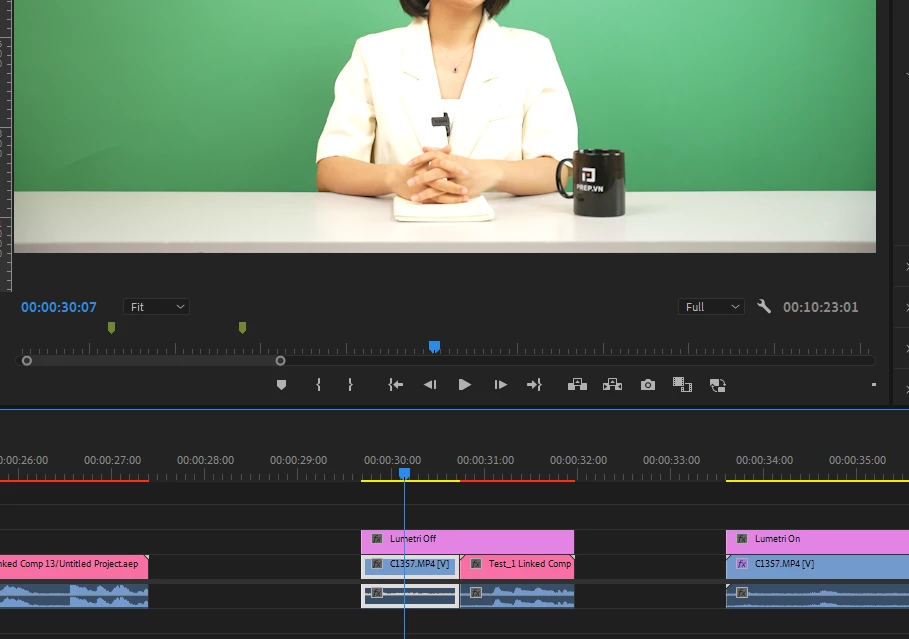
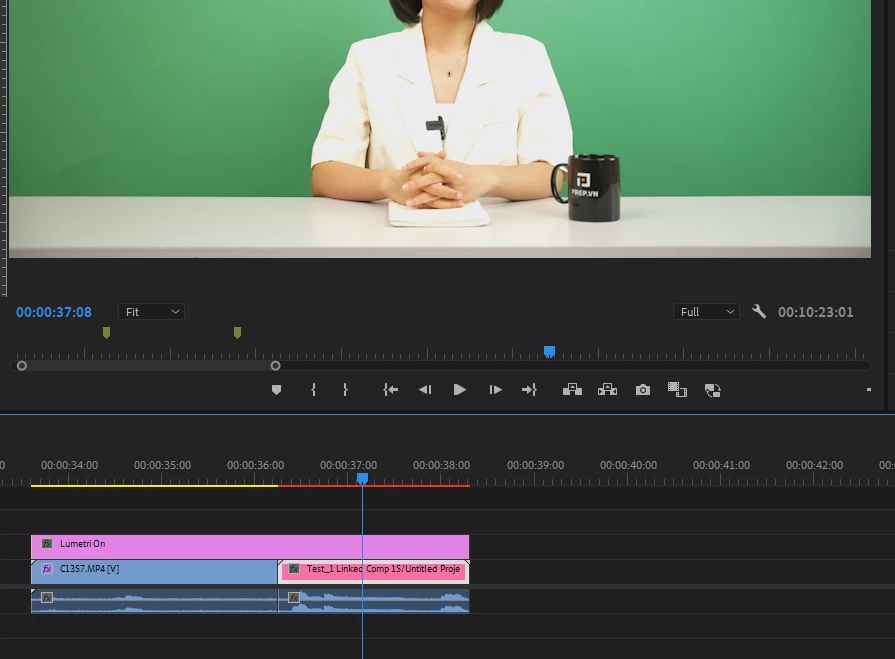
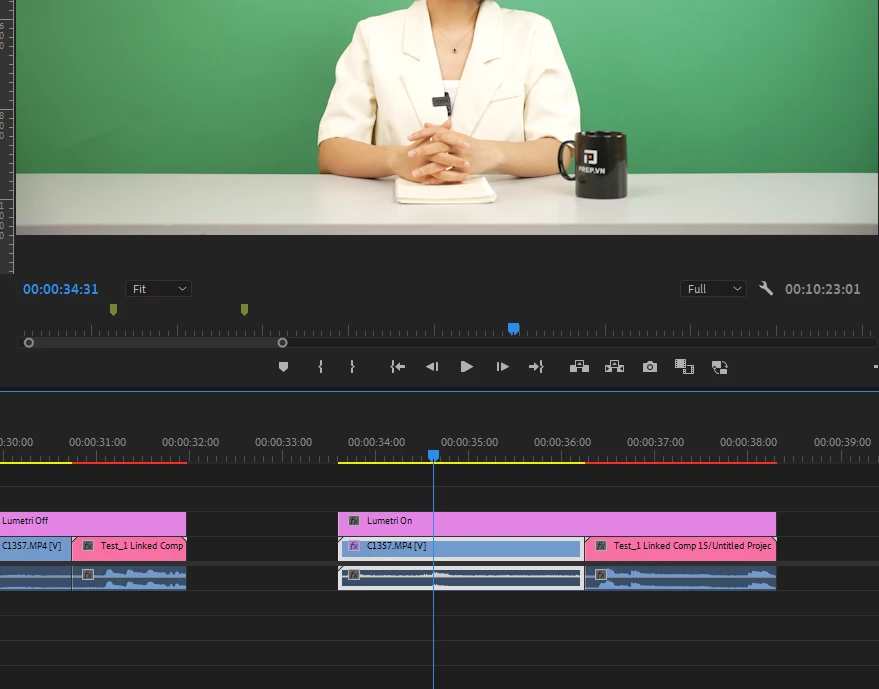
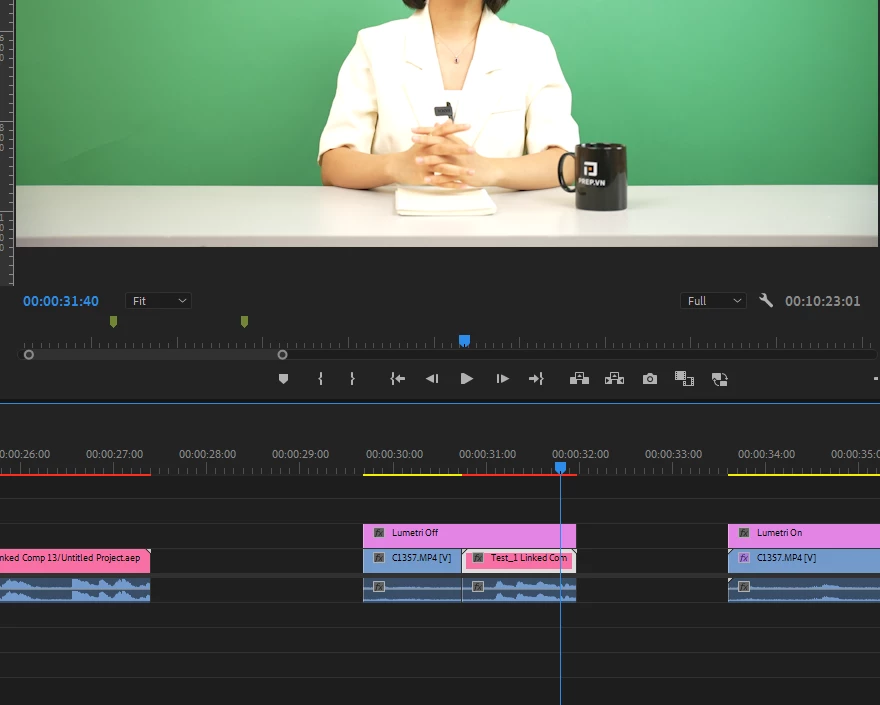
Hi everybody, I'm having trouble to dynamic Linking my Premiere Pro footage with color correction to After Effects. 
For some reason the Lumetri Color effect react different when the footage is in After Effect and there's no way I can correct over expose footage on it since it just stops targeting the White value, and it just lower the brightness of the entire footage like a really weak Exporure property.

I've try reading multiple threads about similar issues with footage not looking the same after dynamic linking but it looks like mine still look the same, just that no coloring effect works properly on it (I've try using RM colorista V as well, still doesn't work)

The footage is from a Sony A7-IV camera

Does anyone have any idea why this happen, and is there a way to fix it?
    

This topic has been closed for replies.
Correct answer DavinderKaur23626922

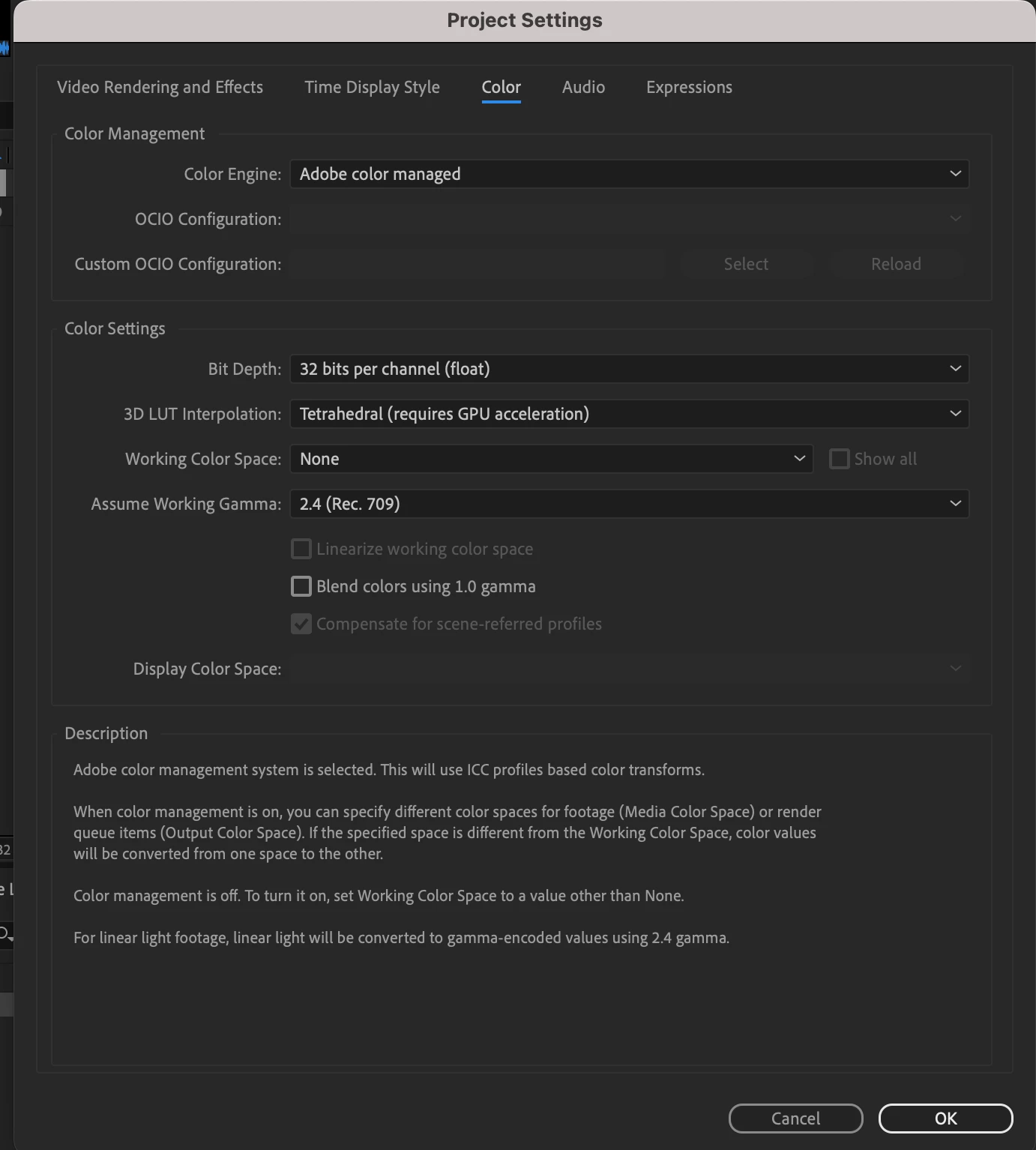
Could you please try clicking on checkbox "Preserve RGB" in AE and set bit depth to 32 bit in AE project settings in place of 16 bit?


22 replies

Participating Frequently
November 17, 2023

Here are my full settings for PR, AE, footage after reading couple of threads about similar topic. Can't tell if I'm missing something. 

R Neil Haugen
Legend
November 16, 2023

Ae and Pr use different processes/areas of the UI to set color managment, and different terminology. So yea, it's confusing at times getting them to match.


To help, we'd need to know both the complete Settings tab color management settings you're using in Pr24's Lumetri panel ... for project, display, media, all of that ...


AND what exactly you're setting the Ae color controls to.

Everyone's mileage always varies ...