Inspiring
November 1, 2025
Answered

MOGRT Properties panel cant replacement image when trying to edit
  • November 1, 2025
  • 12 replies
  • 313 views

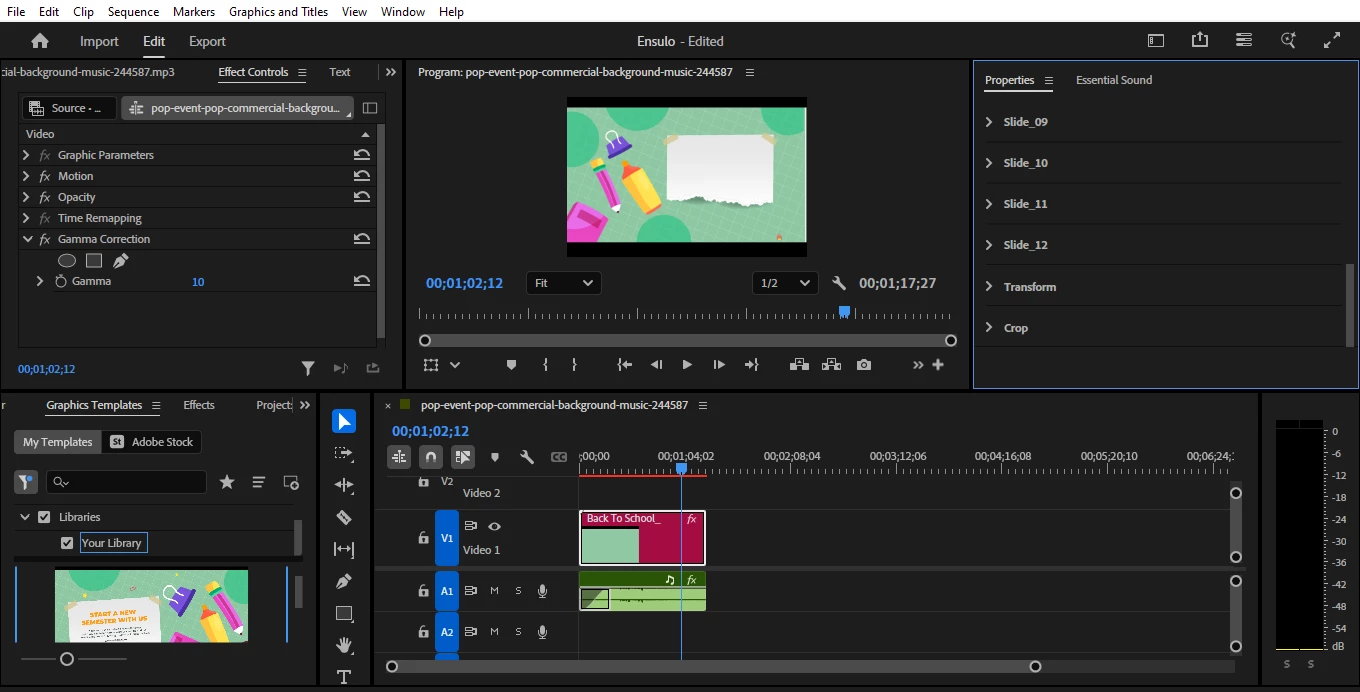
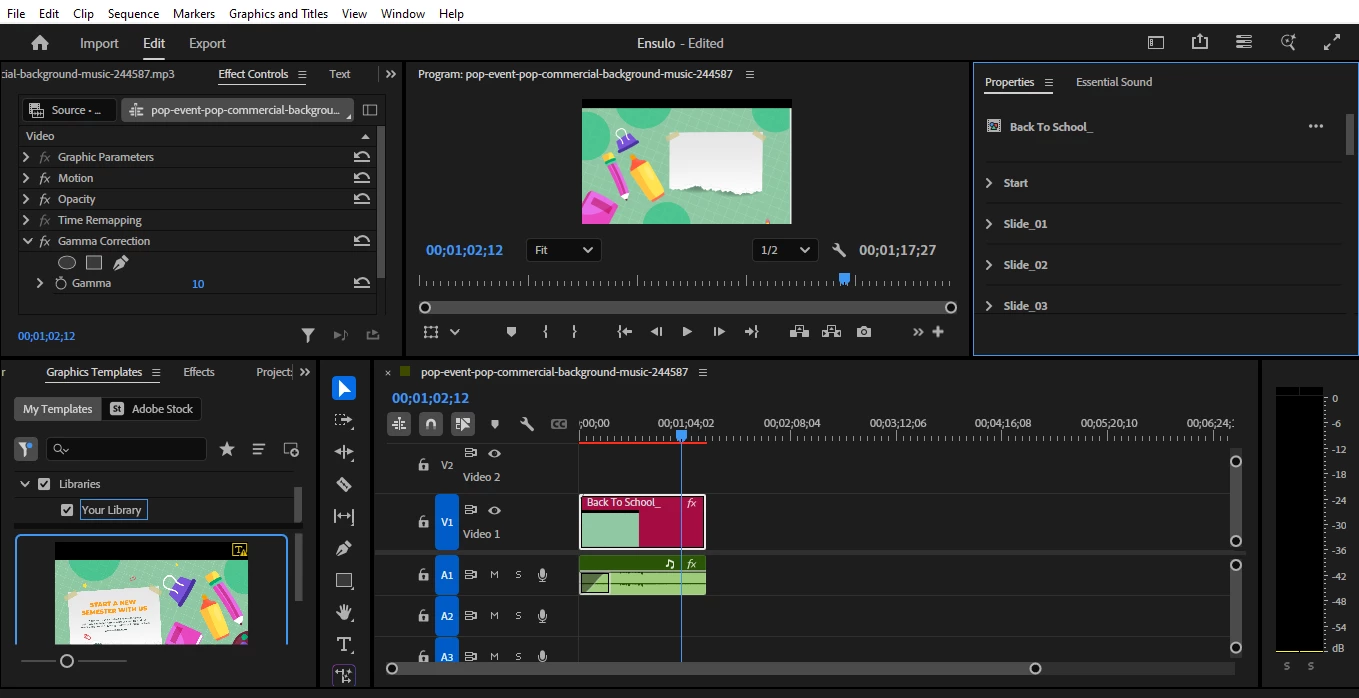
I' ve been trying to edit this mogrt template and replace images to it but it seems impossible. Even solutins such as reseting preferences , and the alt + select(windows ) havent been useful. Any help I can get is welcomed
Im using Adobe Premiere v25.3.0 on Windows 10 Pro 22H2
Correct answer davinciduale

Yap, opened the mogrt file with After Effects, though am a newbie with AE I managed to tweak the photos, backgrounds to my liking left animation as is. Then added the images folder to the Effects control, exported it as a new mogrt to my Premiere pro 

12 replies

Stan Jones
Community Expert
Community Expert
November 3, 2025

@davinciduale,


> added the images folder to the Effects control, exported it as a new mogrt to my Premiere pro 

Congrats!


Stan


Inspiring
November 3, 2025

Yeah, but the Instructions are dated here's the one I used.

https://designtemplate.io/premiere-pro-templates/back-to-school-slideshow 

davincidualeAuthorCorrect answer
Inspiring
November 3, 2025

Yap, opened the mogrt file with After Effects, though am a newbie with AE I managed to tweak the photos, backgrounds to my liking left animation as is. Then added the images folder to the Effects control, exported it as a new mogrt to my Premiere pro 

MyerPj
Community Expert
Community Expert
November 3, 2025

Sweet! Nice going, glad it worked out. AE is not for the faint of heart, so you did well! 🙂

Stan Jones
Community Expert
Community Expert
November 3, 2025

@davinciduale,


Very confusing site for downloading. But the Youtube video from that link was not available, and the download link for the mogrt was not there. (I saw them on other mogrts there.)


In any event, I downloaded the wrong one ("Kids Back to School Slideshow" instead of "Back to School Slideshow," and it was constructed differently than the one you have, even though they are by the same author. I had 4 "directories" of parameters in the Properties panel: Text, Footages, Transform, and Crop. The Footages had obvious replacements available.


In my zip download, there was a pdf of instructions. It was dated - it used the Essential Graphics Panel instead of Properties. But it covered replacement of images. Did your download include a pdf?


Stan


MyerPj
Community Expert
Community Expert
November 2, 2025

Thanks, yeah, I took a look. I also did not find any properties to replace the Images, only the text.


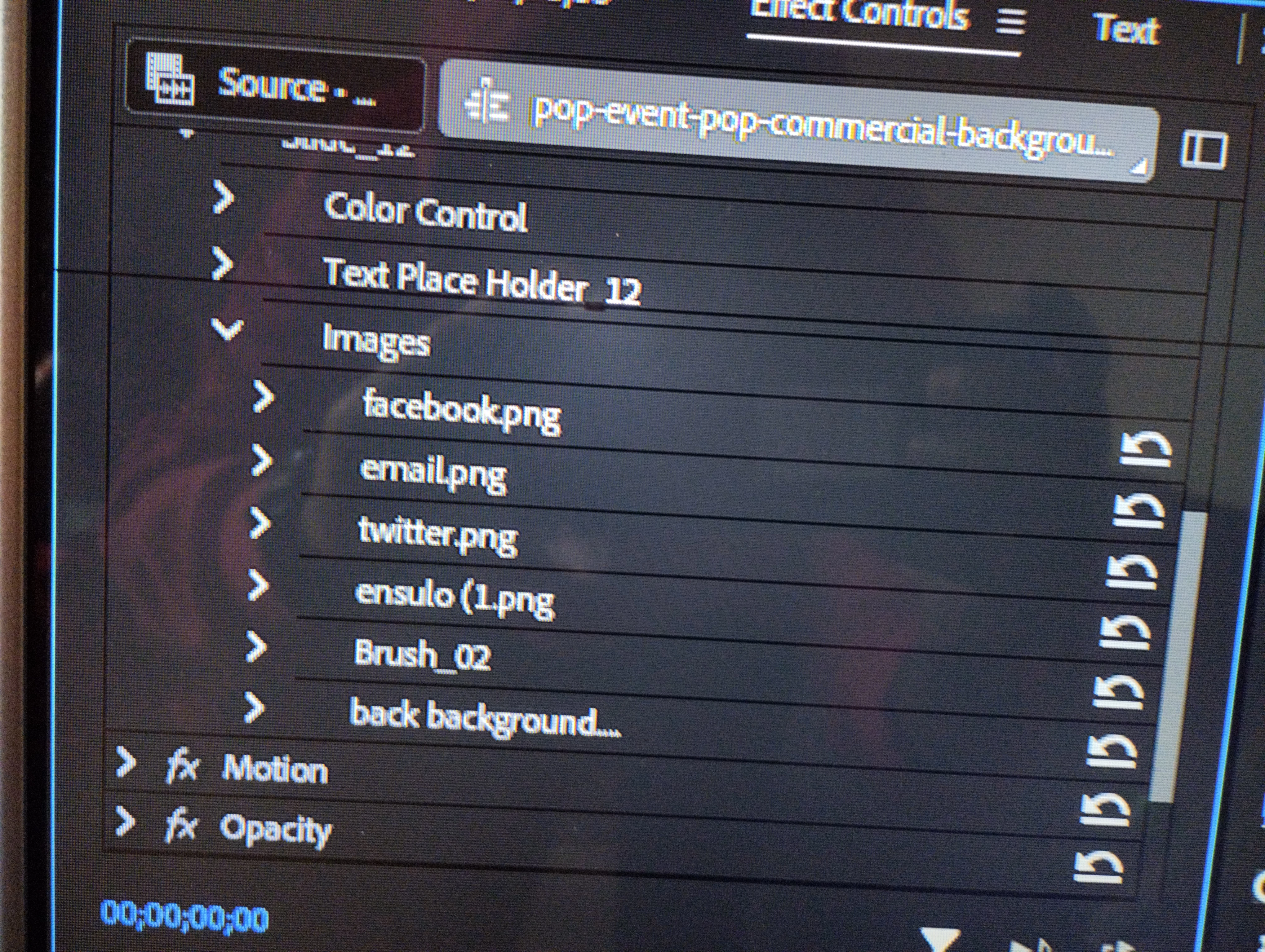
You can get to them if you open the mogrt in AE, but if you need to use your own images, you should probably look for a different mogrt.

Inspiring
November 2, 2025
MyerPj
Community Expert
Community Expert
November 2, 2025

Where did you get the mogrt? Can you upload it to google drive, etc

Inspiring
November 2, 2025

Fullscreen of the effects control 

Inspiring
November 2, 2025


Can only edit the text and bg color

MyerPj
Community Expert
Community Expert
November 2, 2025

Or close the Essential Sounds panel for now.