


Participant
April 15, 2025
Answered

My text adds adds makes my video back up a few frames back

  • April 15, 2025
  • 3 replies
  • 142 views

Every time i add on a text layer it seems that the video (which is in another layer) skips a few frames back, no idea how this happened but i seems to accumulate if i add several text layers next to eachother, then when the text layer is done it skips back to where the video is supposed to be, if i add enough i can clearly see a video/audio synchronicity fail.
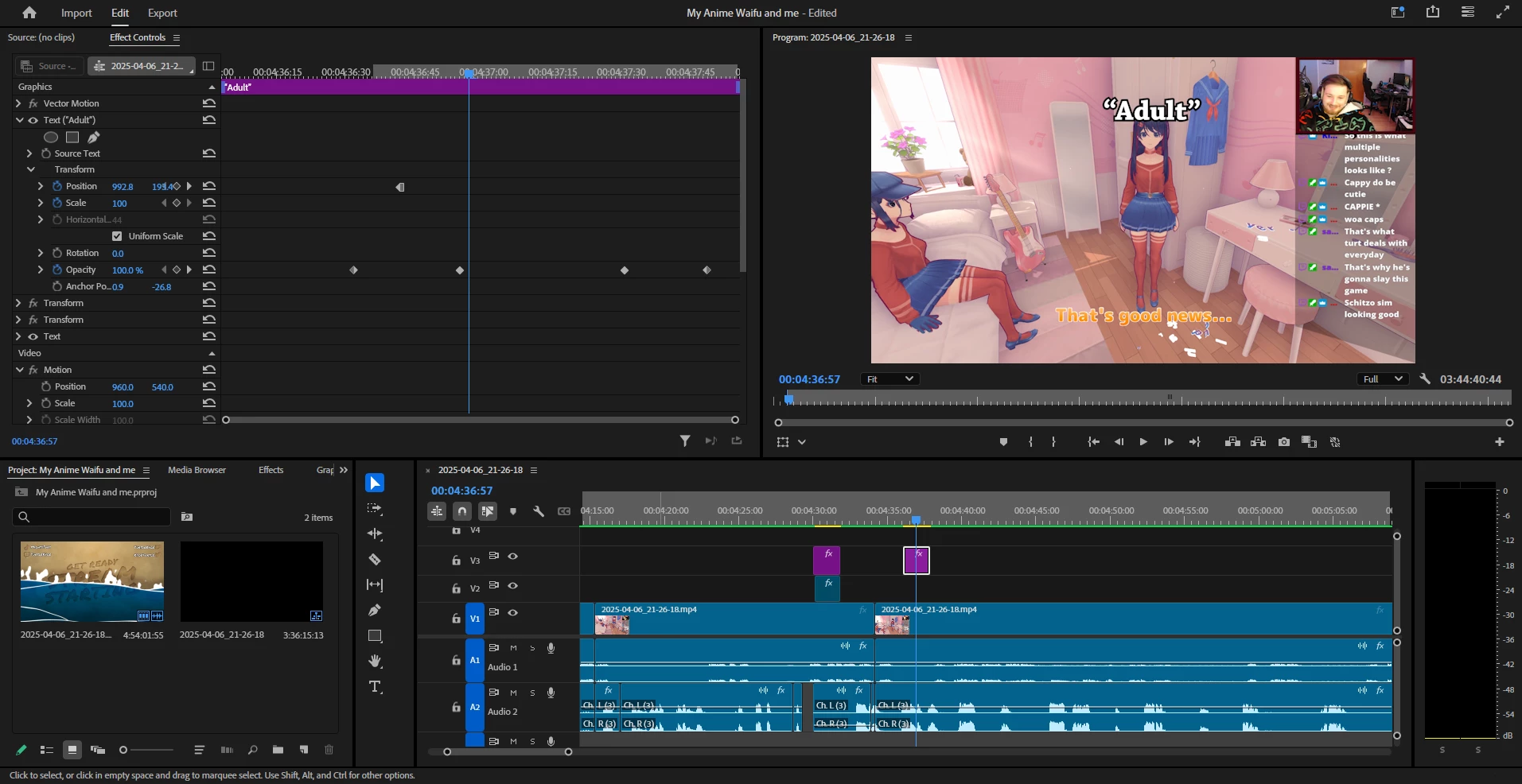
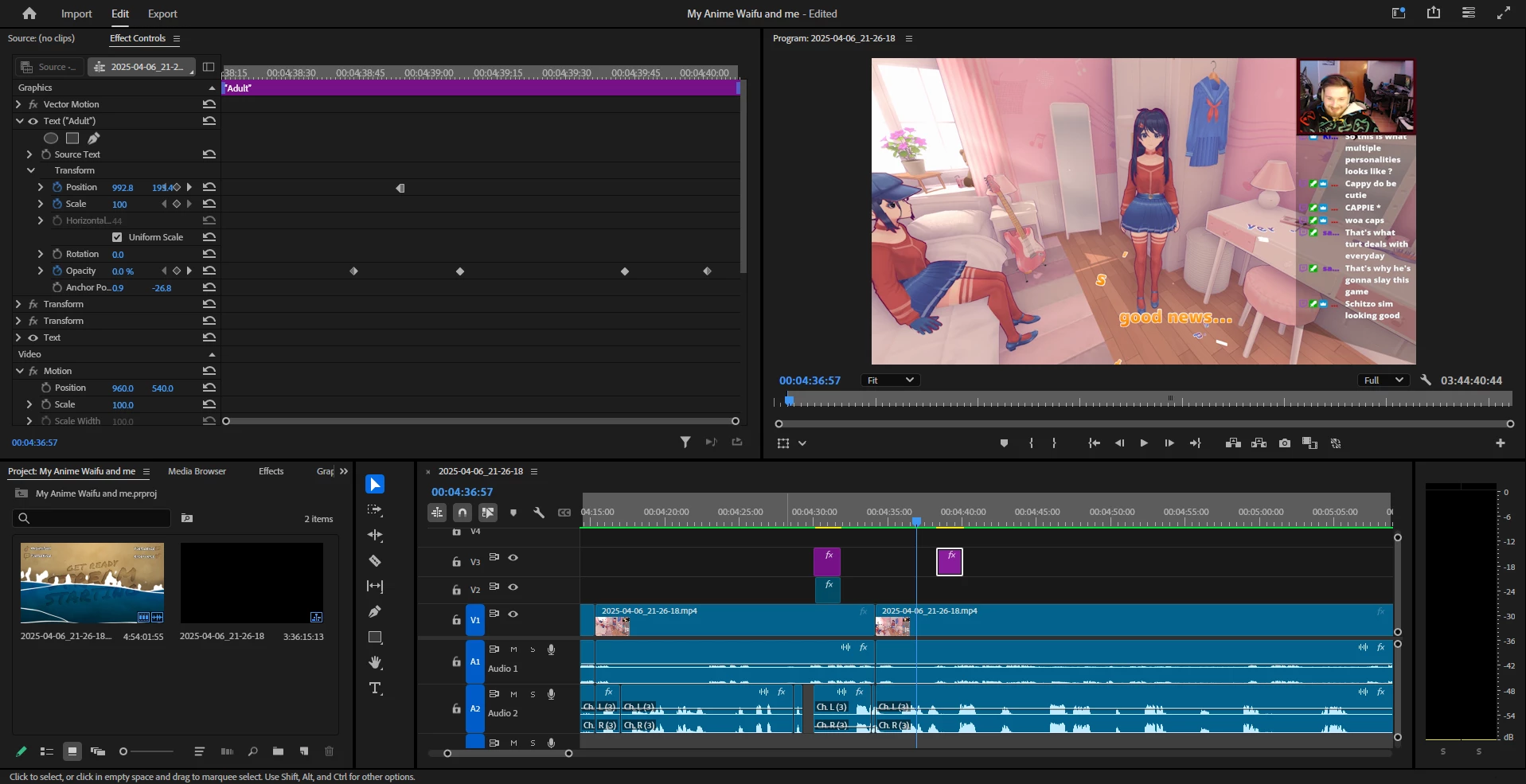
if i do not have any text files then the skip does not happen.

The pictures addes show that the only thing moved is the text layer, but also the video frame has been changed.

Correct answer frode_9380

Hey sorry for late answer, work work work.

And sorry for not writing a bug correctly, its my first time ever doing this..

I saw now that there was an update, and that seems to have eliminated the problem. 🙂

3 replies

Community Manager
April 15, 2025

No worries @frode_9380, glad to hear it was fixed and is now working with the update.

frode_9380AuthorCorrect answer
Participant
April 15, 2025

Hey sorry for late answer, work work work.

And sorry for not writing a bug correctly, its my first time ever doing this..

I saw now that there was an update, and that seems to have eliminated the problem. 🙂

Community Manager
April 15, 2025

Hi @frode_9380,

Welcome to the Premiere Pro forums! We need a few more details to try to help with the issue, like operating system, hardware specs, and the Premiere Pro version you are on. Please see, How do I write a bug report?


This is very interesting. Is it happening with plain text layers that have no effects, no keyframes or other Transform changes as well? Are you using any speed changes in the sequence?

What frame rate is your sequence, and what kind of footage are you working with?

Sorry for the frustration and hope we can help you soon,
Dani