

Pixelated Text When Exporting Text From Premiere Pro to MP4
I am producing an mp4 video by adding text overtop of images in Photoshop, exporting them to a jpg, importing the jpg into Premiere Pro as a clip on the timeline, then exporting this to an mp4. My text is great through all stages except after exporting from Premiere Pro to mp4 where the text becomes pixelated. Below is my workflow in more detail.
Step 1
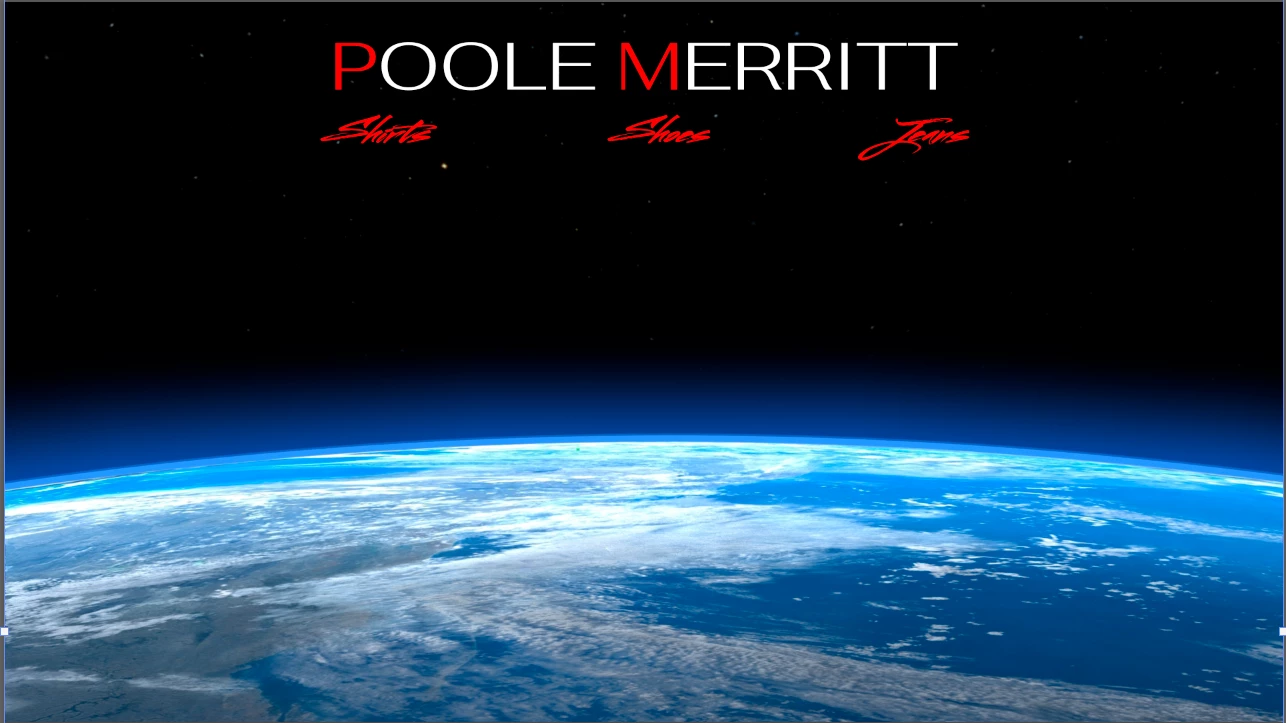
Place embedded a photo on a layer in Photoshop (ver. 23.3.2) and I add text on a layer on top of the photo.
Step 2
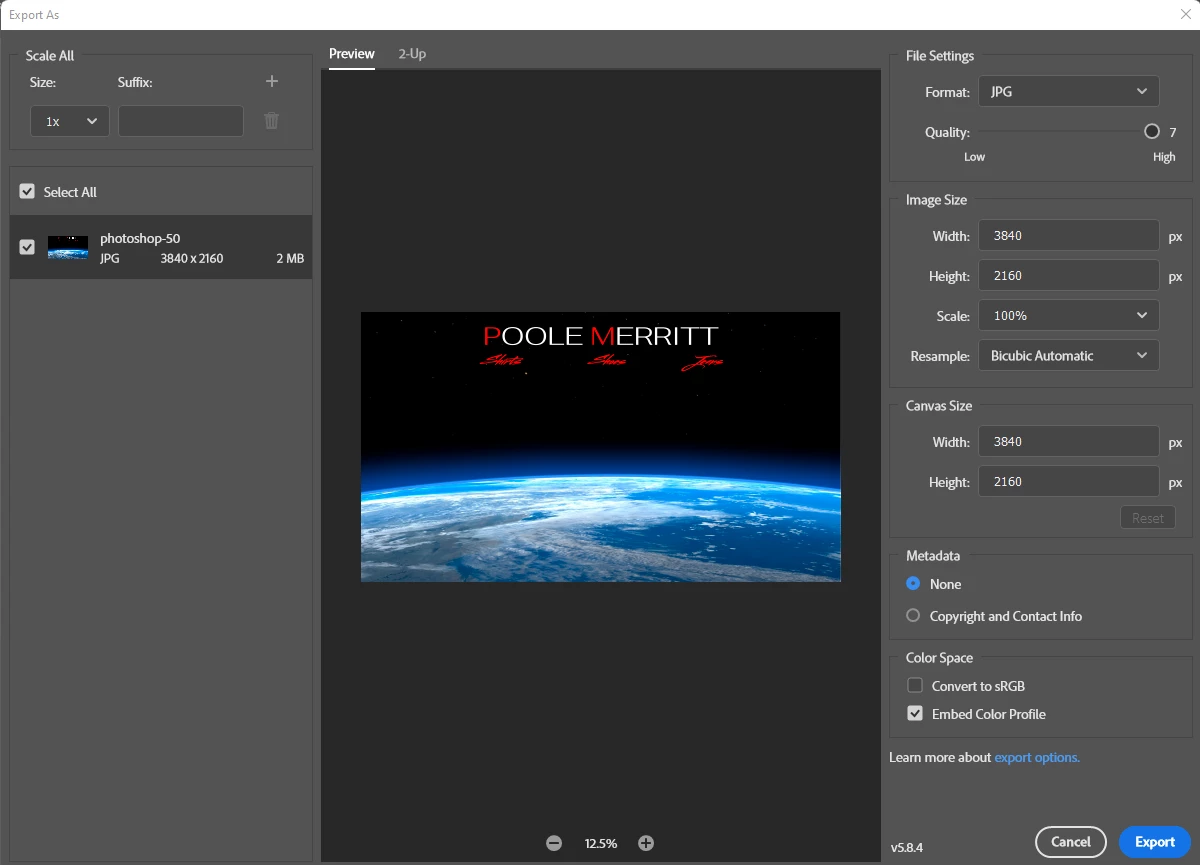
The text and image look good so I export the file as a jpg.
Step 3
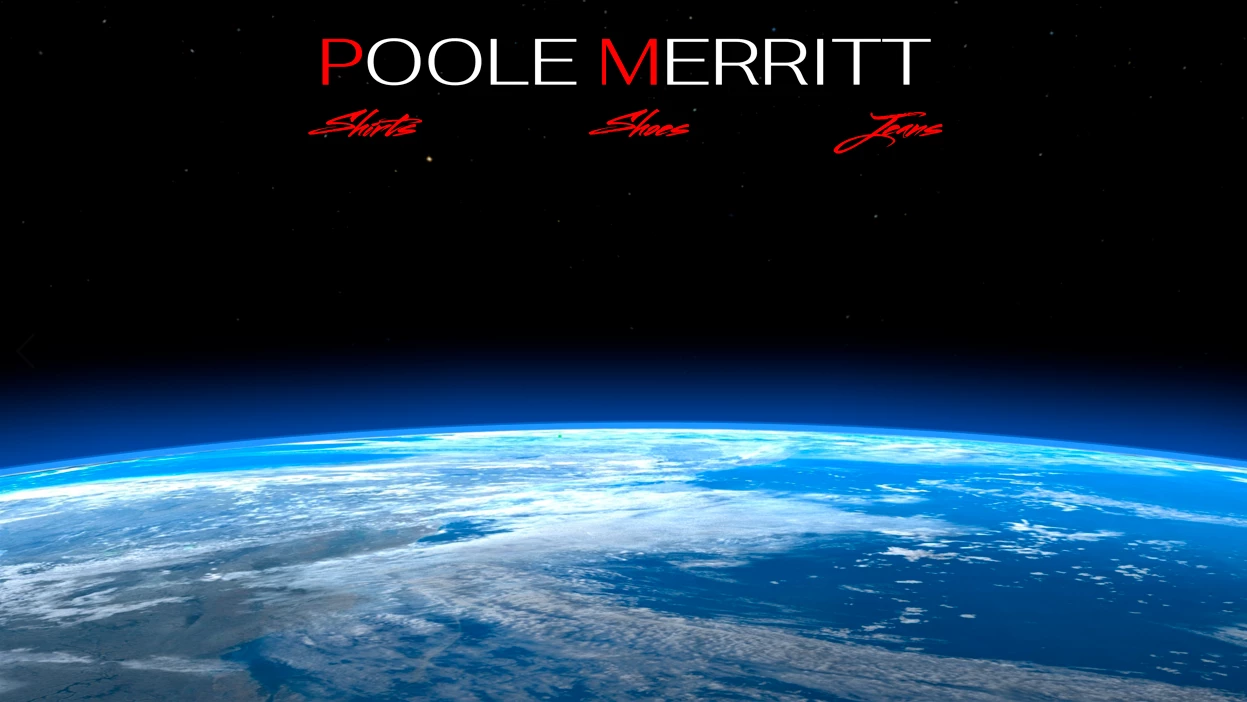
Taking a look at the exported jpg and the text and image look good.
Step 4
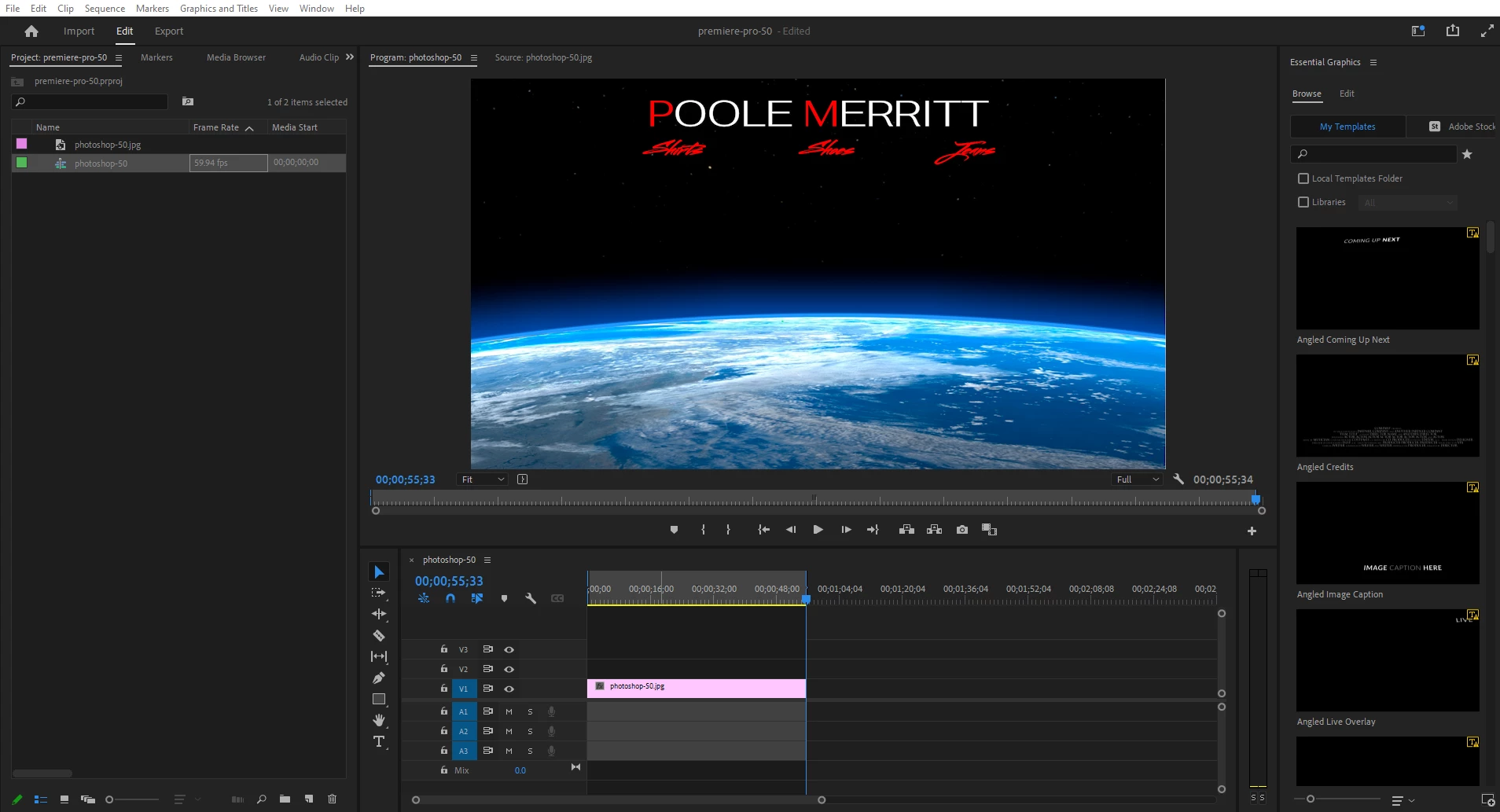
Import jpg into Premiere Pro (ver. 22.4.0) and place it on the timeline. The text and image look good on the production view.
Step 5
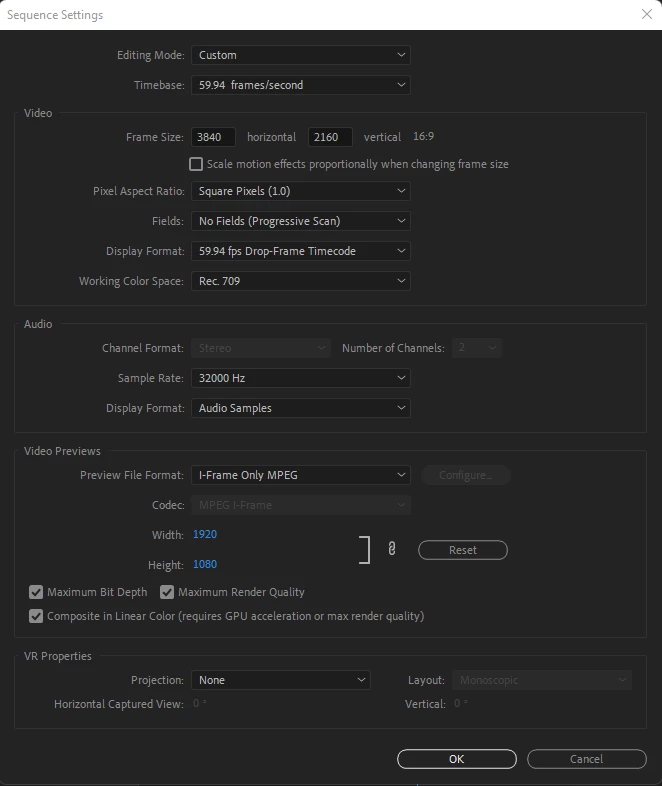
Check my sequence settings.
Step 6
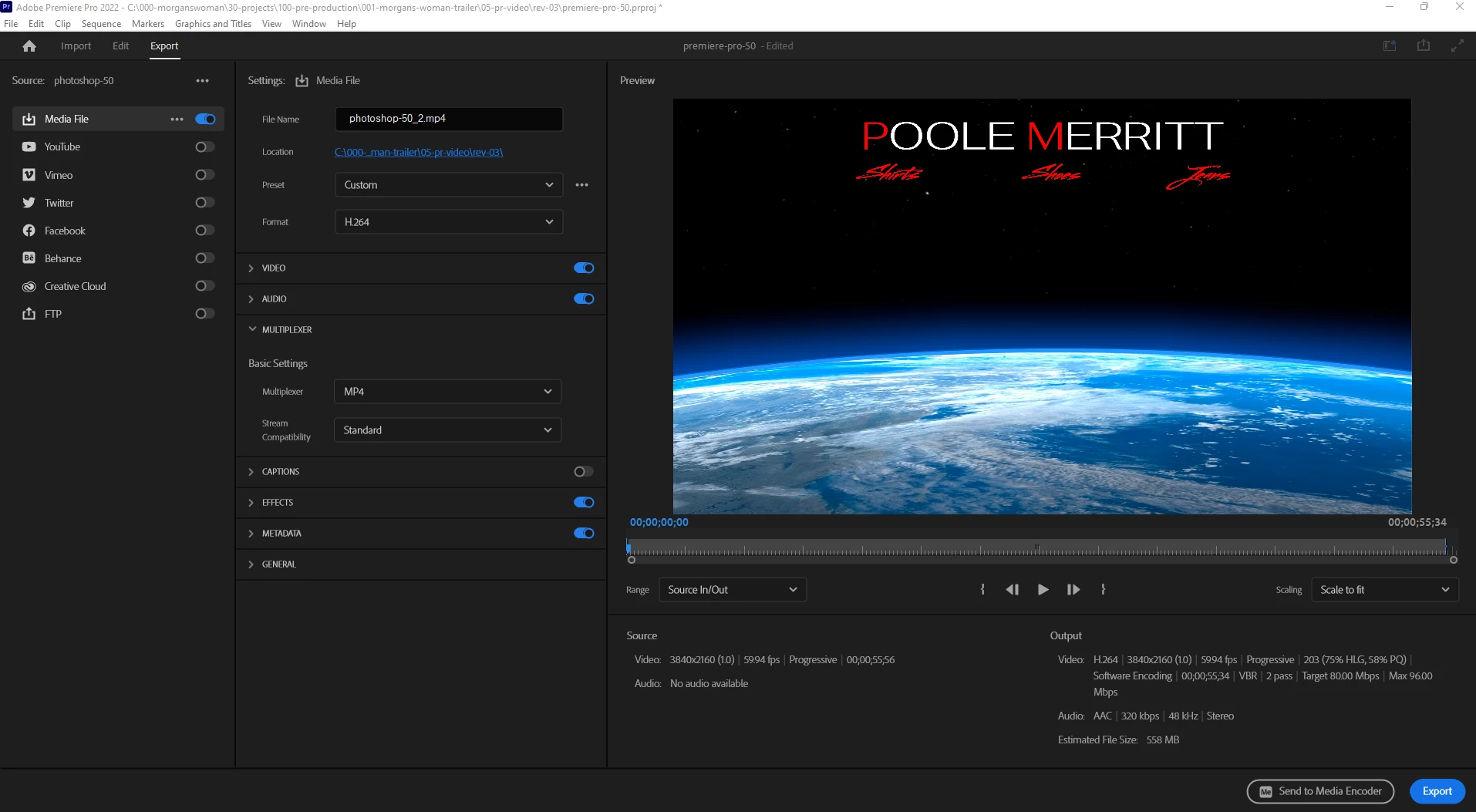
Go to Export. My export settings can be found under the preview window on the right.
Screenshot 07
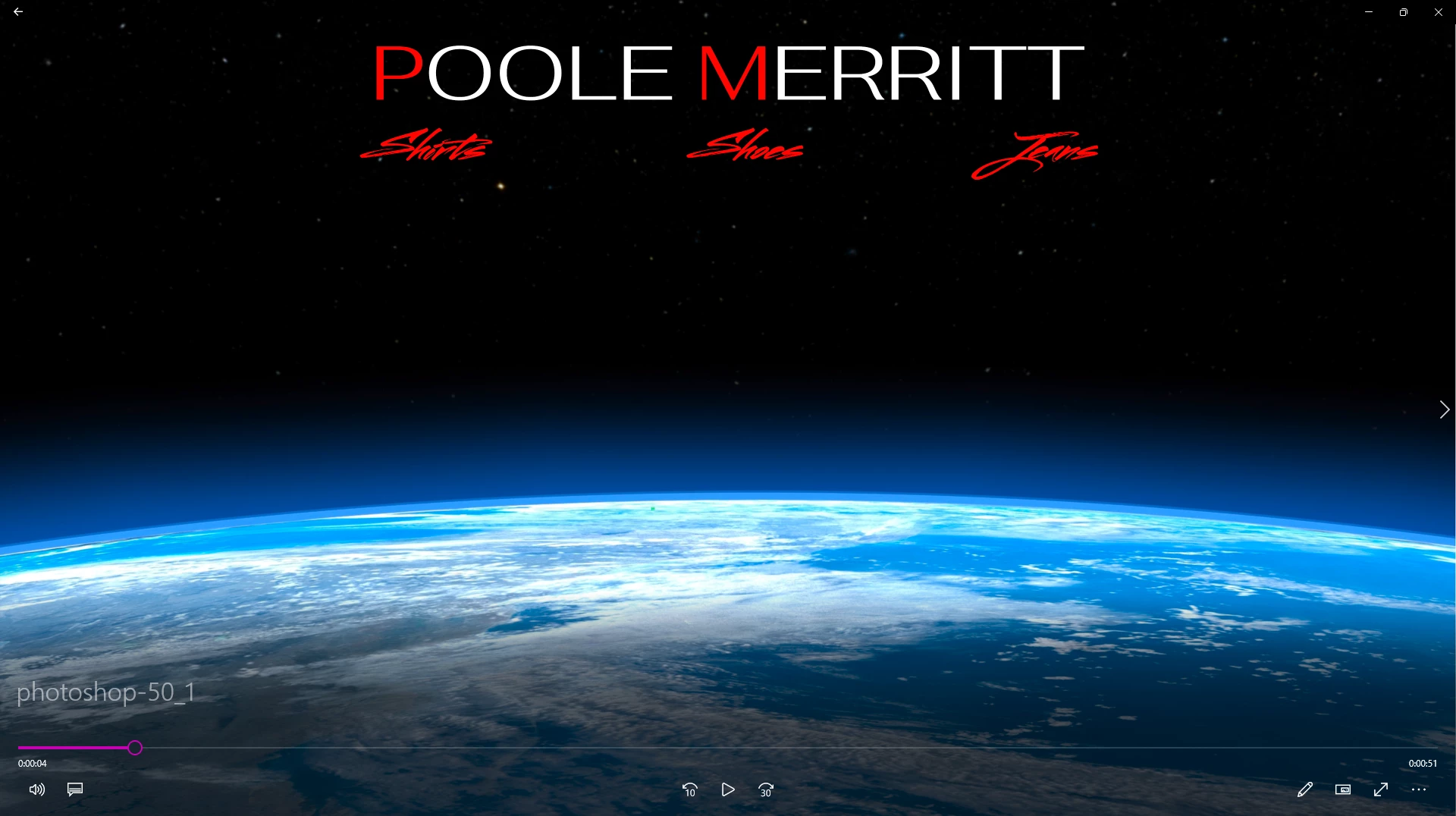
After exporting to mp4, I open the mp4 at full screen and the text and image look great.
Screenshot 08
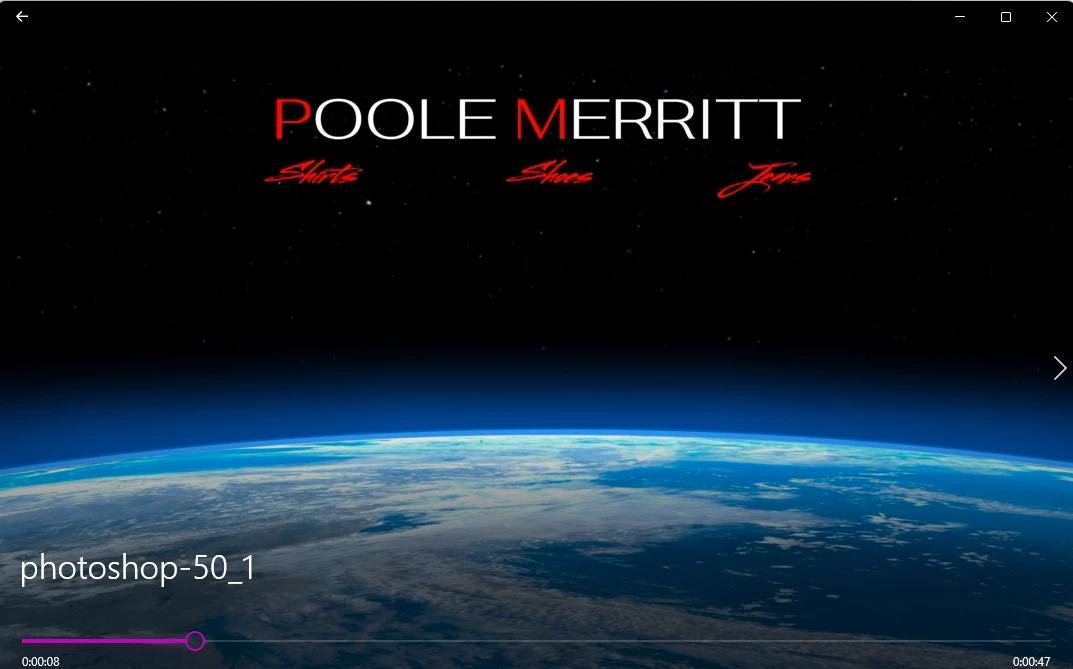
When I reduce the video screen size, the text becomes pixelated immediately and unusable.
What and where in my workflow is making my text go bad after exporting from Premiere Pro?
Thanks, Community for any help.
 AdChoices