
Participant
November 6, 2024
Question

Premiere 2024 and 2025 Drop Shadow problems
  • November 6, 2024
  • 9 replies
  • 3763 views

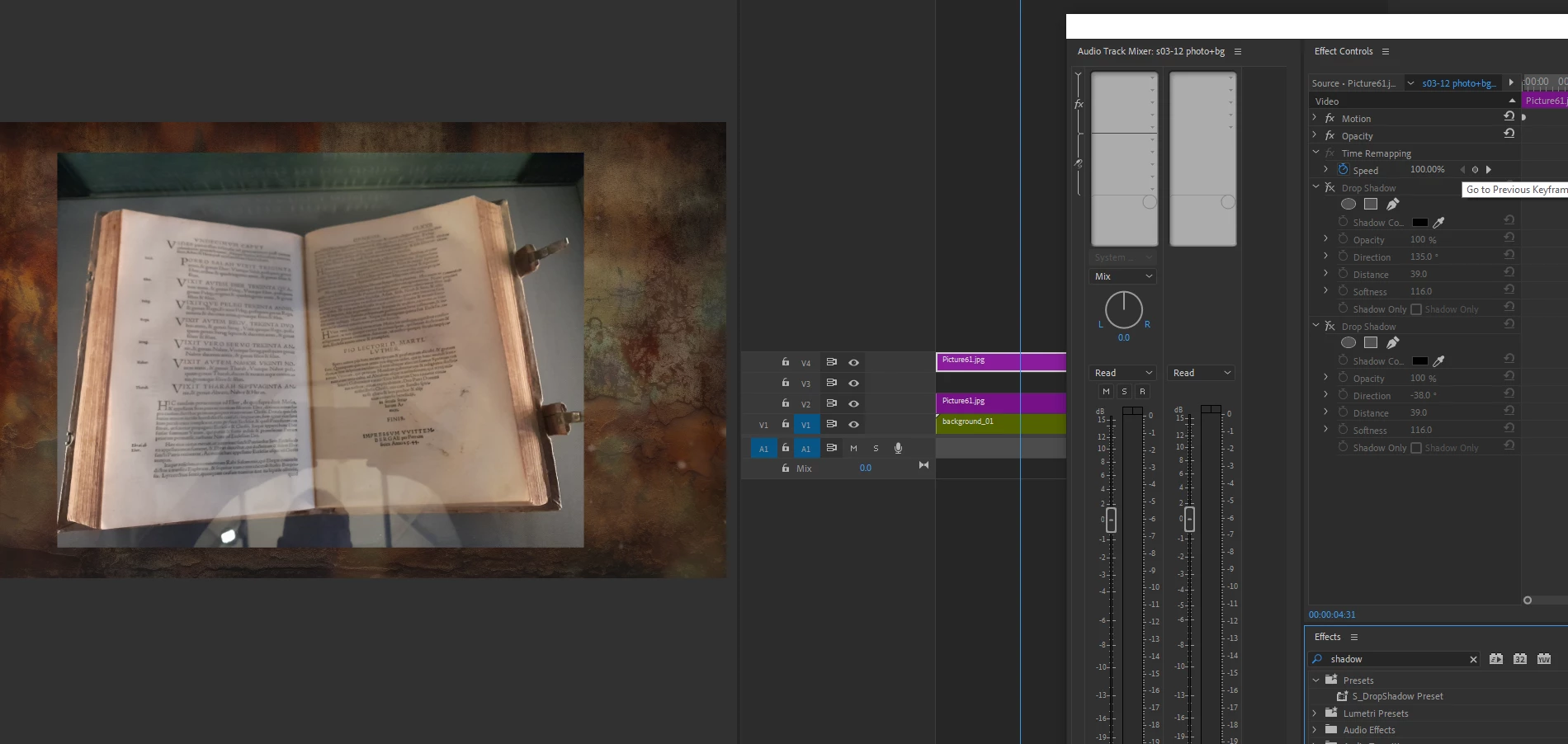
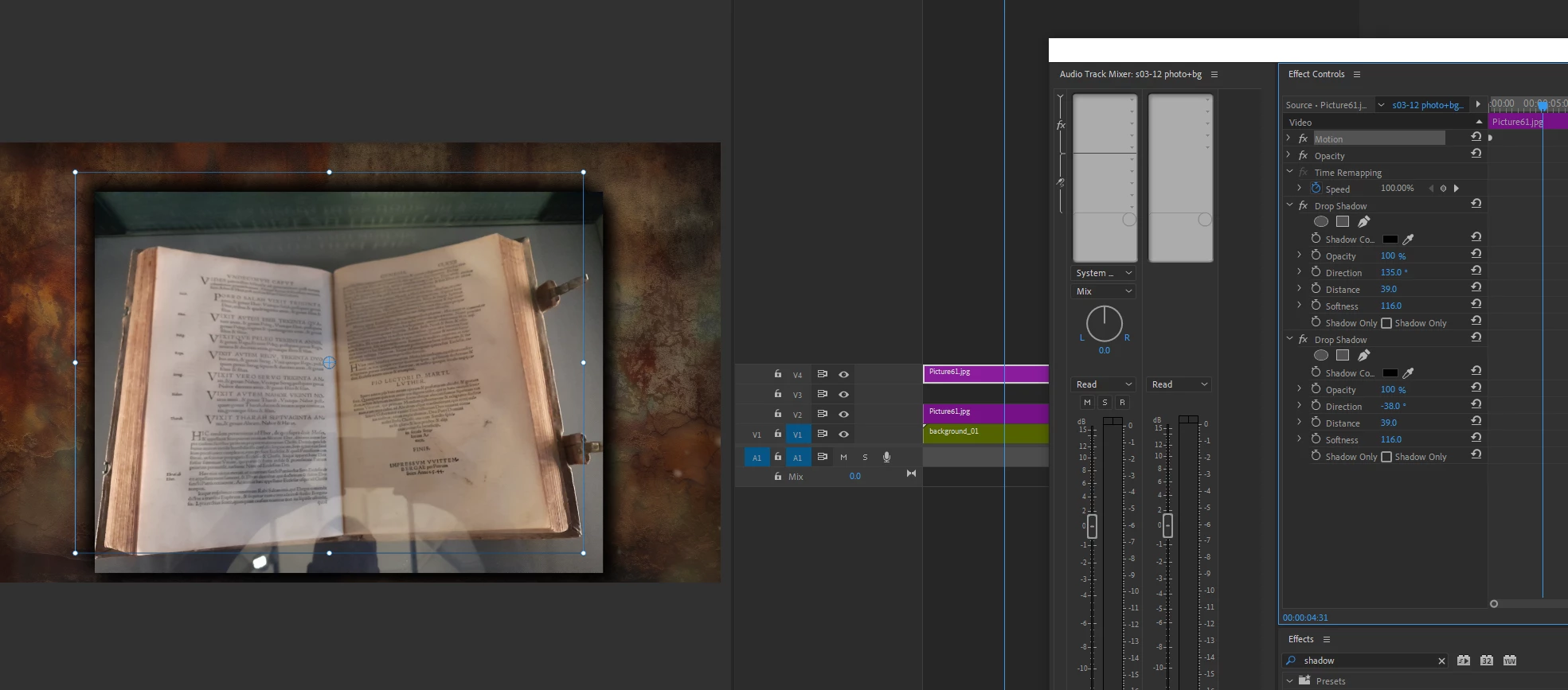
This problem appeared a few days ago, apparently after the update. There is a picture and a background, if the picture had the Drop Shadow effect, then the picture shifts to the side. All the images with this effect floated in the project. I had to delete the effect and throw it back onto the picture, it helped. But I had to spend a day on fixes, because the project is large. I tried to open it in 2025, and the same thing happened, plus everything is insanely slow, this picture on the timeline was drawn for several seconds 1 frame. Although in 2024 it all works on the fly. 2025 is complete crap, it is only good if you want to finish drawing individual clips with ai...

And one more thing - if I turn on my Essential Graphics window in Browse mode, the timeline becomes laggy too, I can hear the sound but the video is a slideshow in the best way.

And Adobe, do something with curve editor in Effect Control - it is disgusting.

Disappointed


Win 10

intel 13900K

DDR 64Gb

Nvidia 3060Ti x 2

Samsung evo 980

9 replies

Participant
January 22, 2025

Hi folks - indeed, Adobe broke something, but I have a quick and dirty fix that works perfectly...  crop the image as you normally would, and then NEXT it - on the stop, leaving it in place as a "new" element. You can then add the drop shadow or alpha glow! Brilliant, right?

Adobe Employee
January 22, 2025

Hi @jayb61744757  - we didn't break the Crop effect. It is in the Effect panel as it had been. 

Additionally, there is a new intrinsic crop that is now part of Motion that you can use quicker for cases where the order of operation of effects is not affecting rendering like when you add another effect such as drop shadow.

Participant
January 22, 2025

Sorry, that's incorrect - if you had read the whole thread here, you'd see the problem. Once you crop – either with the new embed or the classic effect, the alpha glow vanishes. When you reduce the % to zero iit magically re-appears. If you'd like me to record this behavior, I can - but many people are seeing the same thing. It didn't happen until the 2025 update.

AnnikaKoenig
Community Manager
Community Manager
November 18, 2024

@soaringchicken It's not an oversight. It's a consequence of the new intrinsic Crop being part of Motion. It's exactly how @PaulMurphy said, for cases where you need to control the order of operation, go ahead and use the Crop effect from the Effect panel. We do not intend on deprecating the effect, exactly for this purpose. It's similar to the Transform effect that you might need at a different position in the effect stack.

Ann Bens
Community Expert
Community Expert
November 16, 2024
Community Expert
November 15, 2024

This is expected behavior. Intrinsic effects like Motion and Opacity are always applied last. The same thing occurs if you add a Drop Shadow to a clip with an Opacity mask. This is why we have effects like Transform, Alpha Adjust, and Crop to override this default order.

Known Participant
November 16, 2024
They absolutely could have made it work better with alpha. I understand
your point about opacity but I stand by this being an oversight that needs
fixing.
Known Participant
November 15, 2024

Was loving the new built in crop features in effect controls until I wanted to add a thin black line to my cropped clip. I went to add drop shadow like I always would and what do you know, it doesn't work.  I then uncropped with the new crop feature and added the old crop effect and everything works like it should. Somehow adobe screwed up the way the new crop features handle alpha.


Please fix adobe!

Community Manager
November 13, 2024

Hi @Productions5D22 ,

Thanks for the messages. I wanted to follow up and see if you were still experiencing this issue.  If you have time, please give the team a few more details. See, How do I write a bug report?

I hope we can help you shortly. Sorry for the frustration.

Thanks,

Rach

Community Expert
November 11, 2024

@Kevin-Monahan  I also experienced drop shadow malfunctions on captions,

when it reaches certain footage on the timeline, the opacity goes higher

visually, although the value is the same, so you will have to cut and drop a 

50% shadow opacity to 25% so it 'looks' the same.. Tried swithcing renderers 

and adjusting other settings but this looks rather like an issue since it only 

happens when the captions are above certain clips on the timeline. Looks

like an issue with drop shadows on 2025 version?

MyerPj
Community Expert
Community Expert
November 10, 2024

You can turn off the auto-updates, and then it will only update when you run Creative Cloud and start the upgrade yourself.

Participant
November 10, 2024

A bit late )))

MyerPj
Community Expert
Community Expert
November 11, 2024

Really, why? You made a mistake and had that on, when you didn't mean to. It's better to know asap, so you can turn it off if thats what you want.

Go Liam! 🙂

Community Expert
November 7, 2024

This issue may happen if your Renderer is set to Software Only.


To fix this:

    1. Go to File > Project Settings > General.
    2. Under Video Rendering and Playback, set Renderer to Mercury Playback Engine GPU Acceleration instead of Software Only.
    3. Click OK to apply.


Switching to GPU Acceleration should resolve the Drop Shadow issue. Also, make sure your graphics drivers are up to date.

Participant
November 7, 2024

Sure all drivers are updated, and I always use my GPU. This problem shows up not only on Render but even when you work on your project. I tried everything before posting here.

Averdahl
Community Expert
Community Expert
November 7, 2024

Have you tried to click in the sequence you have problem with and then go to Sequence > Sequence Settings and then un-check "Composite in Linear Color..."?


Try that and report back! 🙂


quote

Sure all drivers are updated, and I always use my GPU. This problem shows up not only on Render but even when you work on your project. I tried everything before posting here.


By @Productions5D22