



Yura Timoshenko
Inspiring
April 8, 2025
Question

Premiere adds a few stop frames in time line during import

  • April 8, 2025
  • 18 replies
  • 558 views

I have all latest updates and paid subscription to Creative Cloud. Today I had the weirdes error that threatned commercail brodcast. For years I am repeating the same routine in preparing videos for TV broadcast, sometimes slight glitches, but nothing big. But today it was some evil spirits interfering or something with bugs maybe) 

Basically In project timeline whenever I import footage, it addes 3 stop frames in 3 spots. I clicked every frame and found where it made thise stop frames, just like a dublicate of a frame before or after. One frame is repeated in 3 places, quite randomly it seems. I tried to convert footage to different format, checked sequence timeframe setup and what not, regardless of any tweaks or changes, it continued to add stose stop srames exactly in those 3 locations. TV channel technicians see it and do not accept file for broadcast. Really freaked me out. Eventually I just reassembled project in after effects and rendered it fine without stop frames. I tried to google and never saw anything like it among people in the industry... Looks like a bug to me. I tried to reboot, restart etc, to no avail so far. Any clues what can it be and how to cure it? Thanks in advance!!!


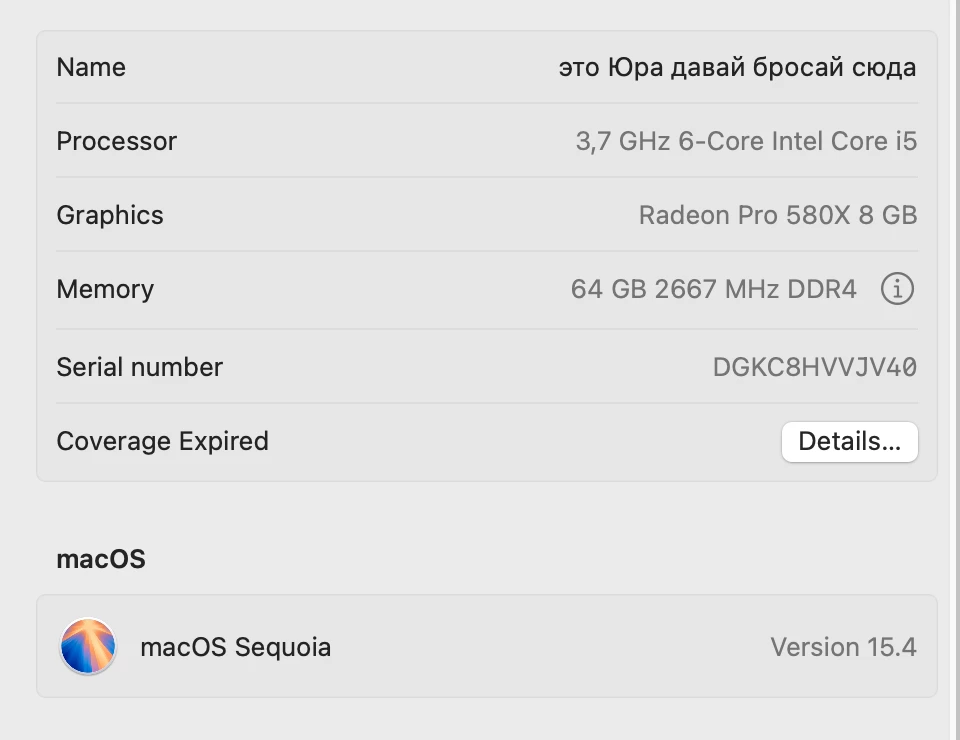
My setup is Imac Retina 5k, 64 RAM, Adobe Premiere Pro 2025
18 replies

Yura Timoshenko
Inspiring
April 9, 2025

so here is the good footage MediaInfo data screen and then secons screen of a final rendered file. But the problem begins as soon as a drag good footage in time line, I can see it right away visually, when I click frames, I see the stop frames added instantly in time line

With the bestestest wishes! )
Yura Timoshenko
Inspiring
April 9, 2025

Here I have recorded how I insert video - first I show frames without stop frame - then after I insert it in time line - I click a few frames from the end of the sequence and you see that stop frame was added. And I show mediainfo data too.

With the bestestest wishes! )
MyerPj
Community Expert
Community Expert
April 8, 2025

Be sure to give the extra detail others have asked for, here's the type of info we need:

Info needed for a bug / tech support

Community Manager
April 8, 2025

Hi @Yura Timoshenko,

Thanks for submitting your bug report. We need a few more details to help. Just confirming you are not seeing it in the original file but only within the timeline itself? Have you noticed this with any other footage or just this specific clip?


As @Ann Bens mentioned, it would be very helpful to know more information about the file and its source. If you right-click on the clip in the Project panel > Media File Properties, we can get more information about it as well, in addition to MediaInfo. Could you share a screenshot of this and your sequence settings? Or if you'd like you could share the file and we can take a look. You also mentioned this did not happen upon import in After Effects? What were the sequence settings there?

Sorry for the frustration,
Dani

R Neil Haugen
Legend
April 8, 2025

If Ann's thought is correct, and this is VFR, variable frame rate ... the media simply does not have actually 25 frames per second throughout.


It could be varying between say 19.84 to 26.23 actual FPS. And checking in MediaInfo will show both whether it is VFR or CFR (constant FR) ... and if VFR, what the min/max FPS is through the file.

Everyone's mileage always varies ...
Ann Bens
Community Expert
Community Expert
April 8, 2025

Please post mediainfo screenshot.

Yura Timoshenko
Inspiring
April 8, 2025

25 FPS in Sequence settings and in imported footage. So why would it try to mess with frame rate right on import I wornder? Literally, I drag footage on time line, click frames and it instantly adds those stop frames, evil demons

With the bestestest wishes! )
Ann Bens
Community Expert
Community Expert
April 8, 2025

Variable framerate could be a reason for still frames.

If the footage is variable framerate convert to constant framerate with Handbrake or Shutter Encoder before bringing into Premiere.

Does your sequence settings match the footage?

Post screenshot of media in MediaInfo in treeview.