
Premiere export color is decontrasted, or not the same as viewed in Program Montior or Timeline
Premiere renders my final image output with an extremely decontrasted overall look. The sequence settings color management is set to Rec709, the footage itself is C-Log with a complimentary Rec709 conversion.
All settings are correct as far as I am aware in export and color space.
Final export settings are Match Source with 4k output.
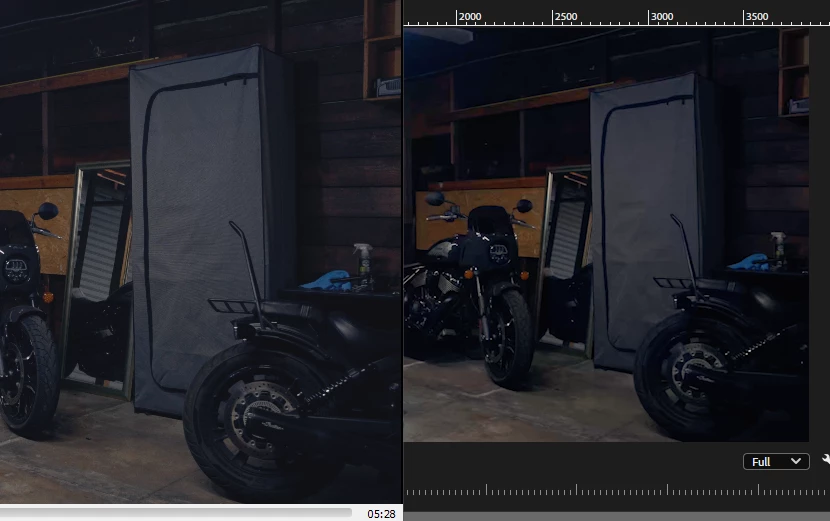
The final exported video is on the left, the premiere timeline is on the right.
This seems to be a new issue, prior exports did not have this decontrast happen. I can't handle this kind of mediocrity with this professional software on every new version update guys, please. I've been using Premiere Pro for over 2 years straight. That is over $552 from me to you. I can't play guessing games with professional paid software during 11th hour client work.
Build: Premiere Pro 25.0.0, Windows 10 or Windows 11
Steps: Export any video with sequence settings color management set to Rec.709, Rec709 footage conversion in Lumetri.


 AdChoices