
Premiere exports black video unless tracks are hidden then shown. Export is generally broken.
To solve some videos loading and export or playback of black video unintended I have to hide and show a video track then the video shows again. Only works sometimes as you will see below. What a buggy piece of crap.
Not to mention how crap the export settings are that randomly get sent to "send to media encoder" Nothing can be relied upon to be consistent with this new export. This black video bug just adds more problems to it. Here is an elaborate case of all the problems with Export:
1. The video exports black randomly and there is no rhyme or reason. As you focus on the version numbers in the following image taken from Frame.io. The version numbers are strictly from videos being exported with either black video, or from the wrong video being exported as you will see later. So some videos took minimum 4 tries to export. This has litterally taken me over 14 hours+ to figure out and get these videos exported and loaded to vimeo. This is unacceptable ADOBE! And this is just the beginning of export problems with Adobe Premiere Pro 2023.
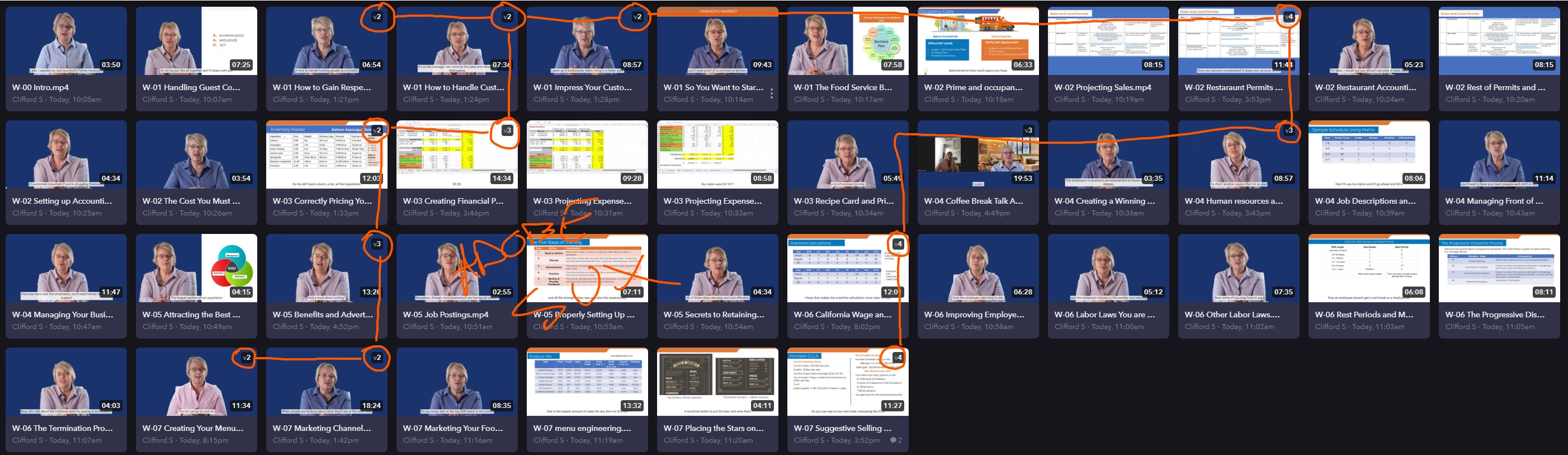
Here is what first export looked like after i tried to export all. As you will see later some of these videos that exported aren't even the right video. It just picked the video after or before in the queue, exported it, and named it the video to be exported. This is serious code problems in export. Like some senior programmer is not checking the work being checked in for the code here.
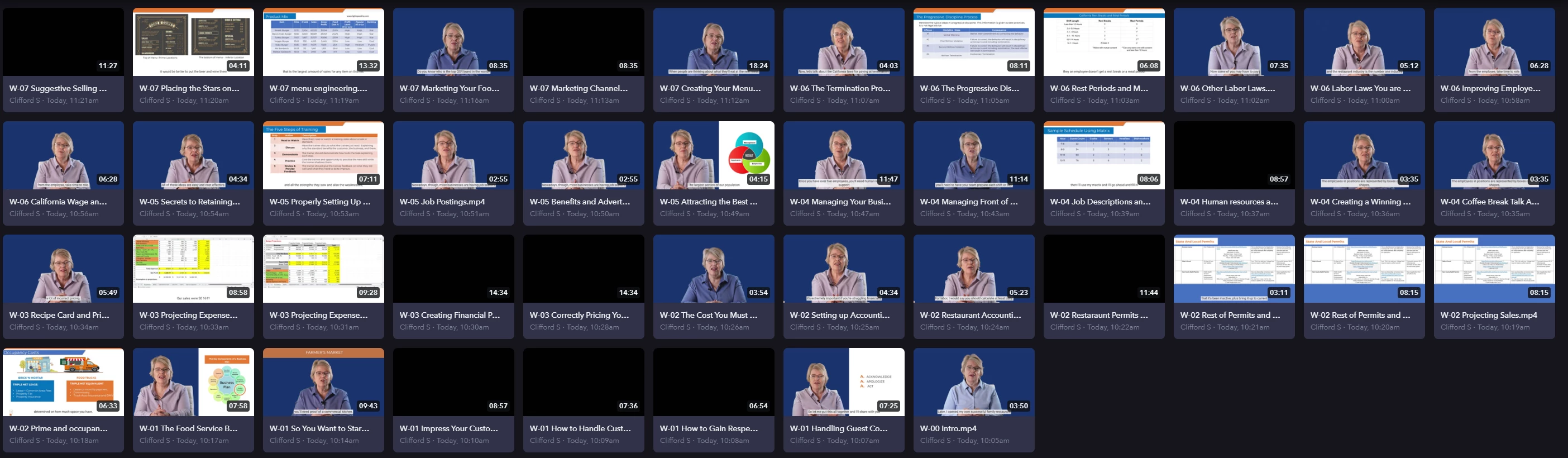
You can see below the sizes of videos when export of black only happens. This is with no change to settings, it just randomly happens and you find it later after exporting.

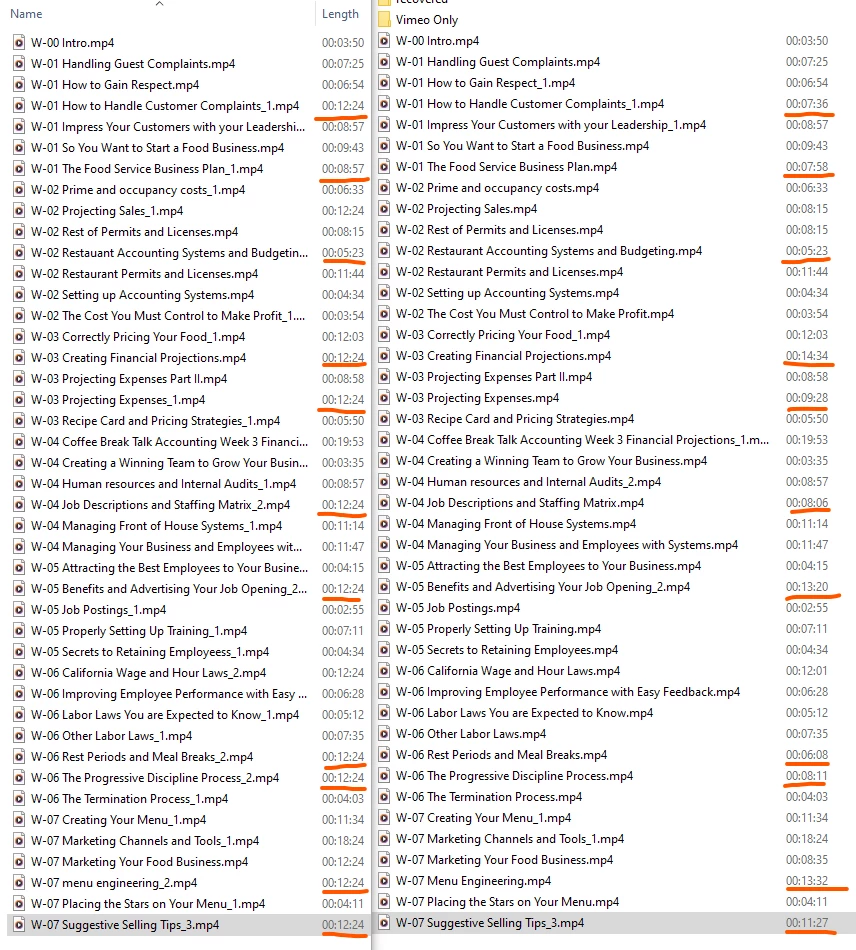
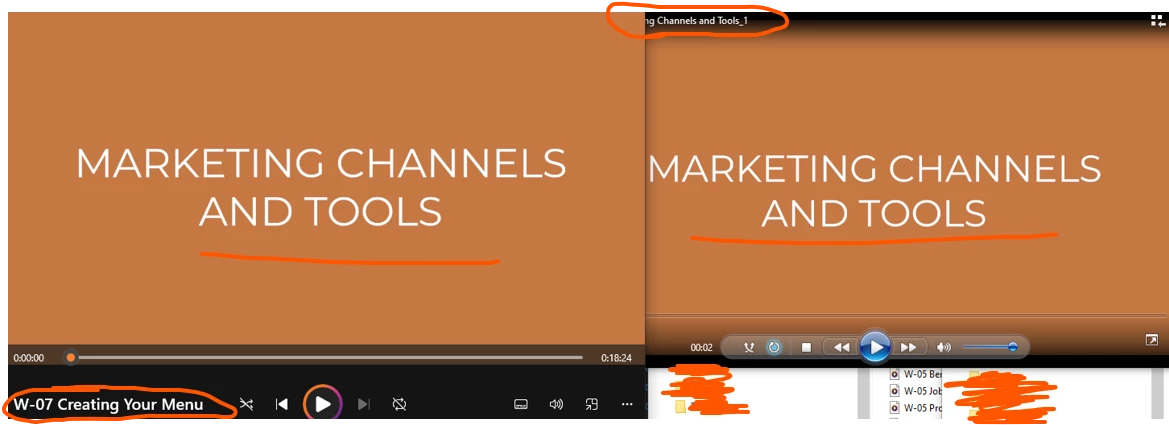
2. Some videos exported at random lengths that had nothing to do with the video I was exporting. I thought this was a setting issue in Adobe Premiere Export Tab at first so I ensured it was all set correctly and reexported everything. That was a mistake. That just showed me all the other problems with Adobe Premiere Pro 2023 export using media encoder. You can see what I mean in the images below.

As you can see the times are randomly chosen, but stay similar. I exported all the ones on the left using media encoder. Everything on the right was exported with Frame.IO. Both were exported multiple times to avoid the black screen error and all the other problems. The time difference of videos isn't even the worst part. Wait for the next number.
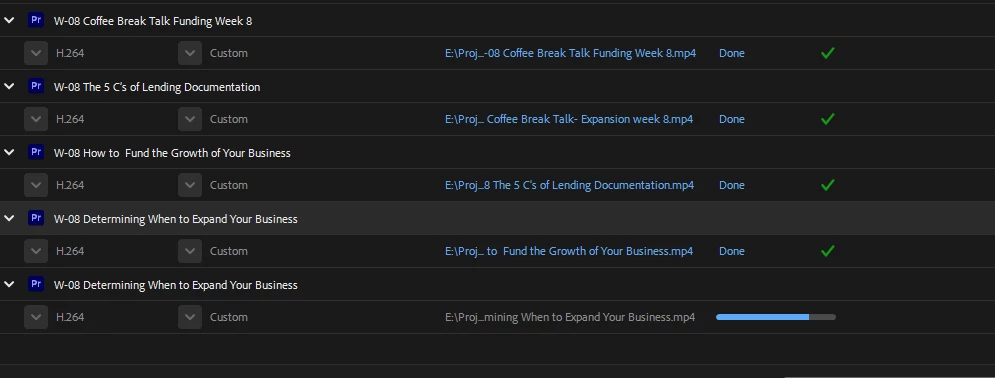
3. As I said, this is really bad. The timelines sent to upload via Frame.IO upload active sequence don't even export the correct video timeline, but it names the video with the correct timeline chosen. So I think I export Video B. I get a file saying Video B. It uploads a video to the Frame.IO server named Video B. But it is either Video A or Video C. It's absolutely BONKERS!!!!!!!! What the hell are you guys doing at Adobe to mess up Adobe Premiere Pro 2023 export??? Can you please get it corrected and give us options to export how we want using Media encoder! Here is an example:

Here you can see the timeline names and the filenames don't match. Premiere and media encoder are exporting the wrong timeline and name:
4. The presets don't stay the same. As I've said many times in many other posts. The Premiere Pro Export presets to Media Encoder never stay the same. They change at whim and can't be relied upon when 'Send to media encoder' is used. If the export tab is clicked, all the settings change randomly each time. Why is it that you can't save a stateful preset, or let the user choose a project-wide preset? Also as you will see in the next number the same goes for the export location!!
5. The export location. Never the same. When the preset changes, so does the export location. Also, when trying to choose an export location in Windows the default kicks you back to the root of the system. Annoying as hell as it is many clicks to get into a project and export folder. A total waste of time!
6. Captions. they export sometimes and sometimes they don't. I can't say much more, but I found myself having to export half the videos over again multiple times because Premiere Pro captions decided open captions would either export or not export on some videos and not others. It's like rolling dice with your export!! What the.**..
Overall I had to export 43 videos about 178 times to get working results. And not to mention I had to check every detail of every video exported to find out if i had to go back and re-export again.
All of this is a serious problem with Adobe Premiere Pro 2023 export and Media Encoder. The user has no control over the which location, what preset, what timeline will be exported for a video, whether there will be video even shown or if black video, the length of the video might turn out to be too short or too long as well, and you never know if captions will be shown on the video or not.
Adobe has literally *** their pants with export. Please fix it!
 AdChoices