
Answered
Premiere Pro Could Not Find Any Capable Video Play Modules.
iMac Pro Specs:
3Ghz 10-core Intel Xeon W
256GB DDR4
Radeon Pro Vega 64X 16GB
After updating to Catalina I started premiere on my iMac Pro and received this error:
Premiere Pro Could Not Find Any Capable Video Play Modules. Please update your video display drivers and start again.
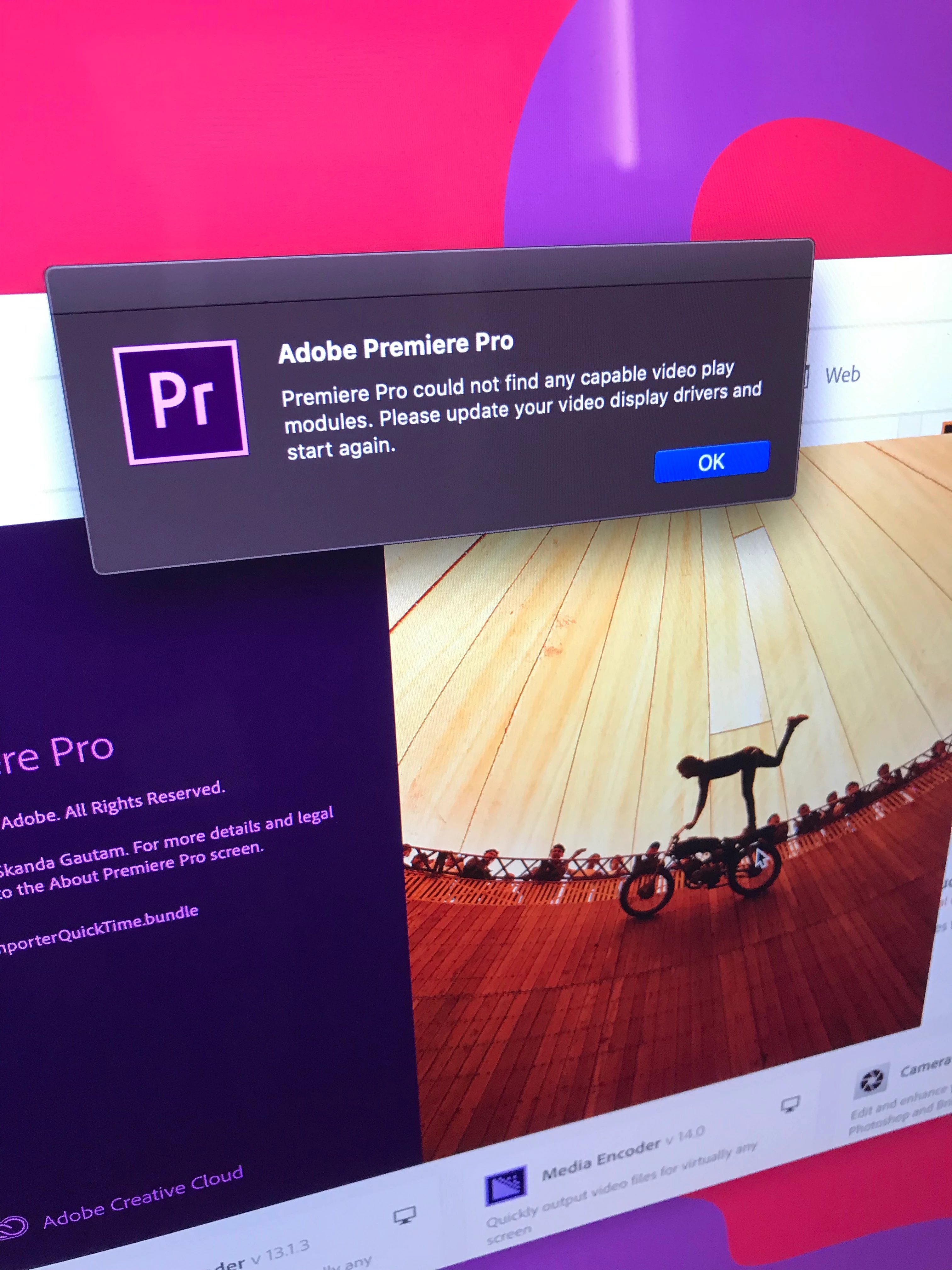
The drivers are facilitated by apple and this machine is fully updated with no software updates pending.
Troubleshooting:
- First I tried uninstalling the software and re-installing. I removed any trace of Premiere Pro from the machine.
- According to another post, user permissions could have been an issue. I followed the instructions to no avail.
- I also looked in to the security and privacy tab in the security section in the system preferences.
Please advise. Thank you.


 AdChoices