Inspiring
July 9, 2021
Answered

Premiere Pro is freezing and glitching, nothing is working

  • July 9, 2021
  • 2 replies
  • 613 views

Premiere Pro was fine earlier today, then suddenly, I couldn't click the effect tab or any other tab. I quit the application, tried again, only this time, I couldn't click anything. So I quit again, cleared my cache files, ran the program again, no avail. The only thing I can do is scrub and play the video. I minimized Premiere Pro to Google it, it let me leave for a second, and then this popped up.
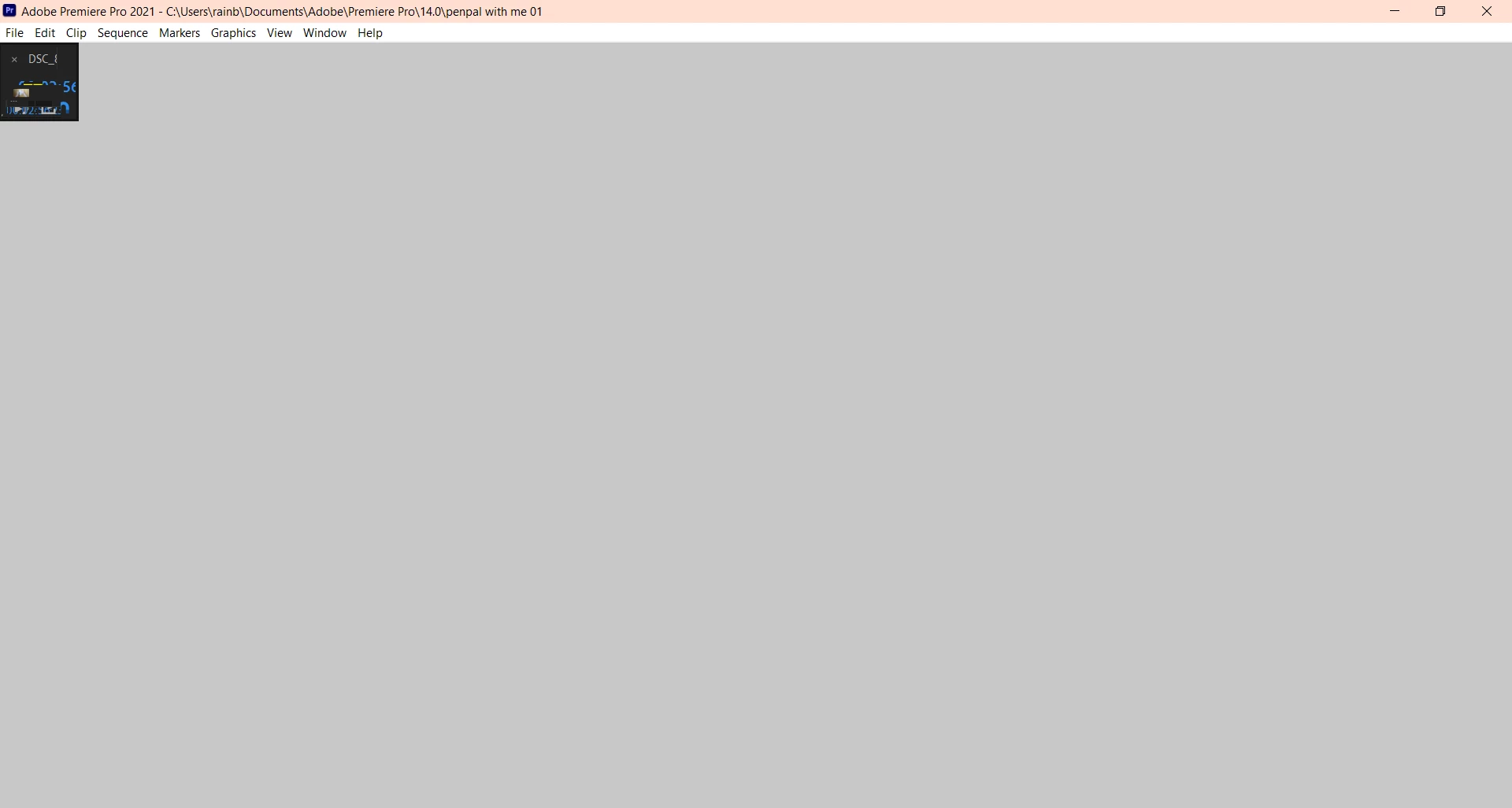


It's hard to see, but it's just a tiny square with everything in Premiere Pro overlapping? I've tried three more times and the same thing keeps happening, and I still can't do anything in Premiere. I've already tried resetting my workspace, it doesn't work. What do I do? Thank you!


[you start by asking in the correct forum]

Moving from Using the Community (which is about the forums) to the correct forum... Mod
To ask in the forum for your program please start at https://community.adobe.com/

This topic has been closed for replies.
Correct answer coreyyy

I finally figured it out! Apparently, I had tried color correcting a nested video, and Premiere Pro did not like it. I tried this two more times in new projects... same problem. Then I finally returned to the original project, deleted the nested sequence, and boom, problem solved. I have no idea why this happened. Just a weird bug I suppose...

2 replies

coreyyyAuthorCorrect answer
Inspiring
July 10, 2021

I finally figured it out! Apparently, I had tried color correcting a nested video, and Premiere Pro did not like it. I tried this two more times in new projects... same problem. Then I finally returned to the original project, deleted the nested sequence, and boom, problem solved. I have no idea why this happened. Just a weird bug I suppose...

John T Smith
Community Expert
Community Expert
July 9, 2021
coreyyyAuthor
Inspiring
July 9, 2021

I'm using Premiere Pro 2021 15.2 (current version, no updates to install) on my Dell G3 15 3500. I've had no prior problems with Premiere Pro, and I wasn't doing anything differently when I started having problems.


I've just downloaded the newest graphics driver by (Intel UHD 27.20.100.8935, A03) and it hasn't helped the problem. I've uninstalled and reinstalled Premiere Pro and there hasn't been any changes.


I hope this is enough information. I'm not tech savy. Thank you for your help. Let me know if you need any more info.