


Question
Premiere Pro is inverting color of Pixel 7 Pro videos. Windows Media has no issue - Why? how to fix
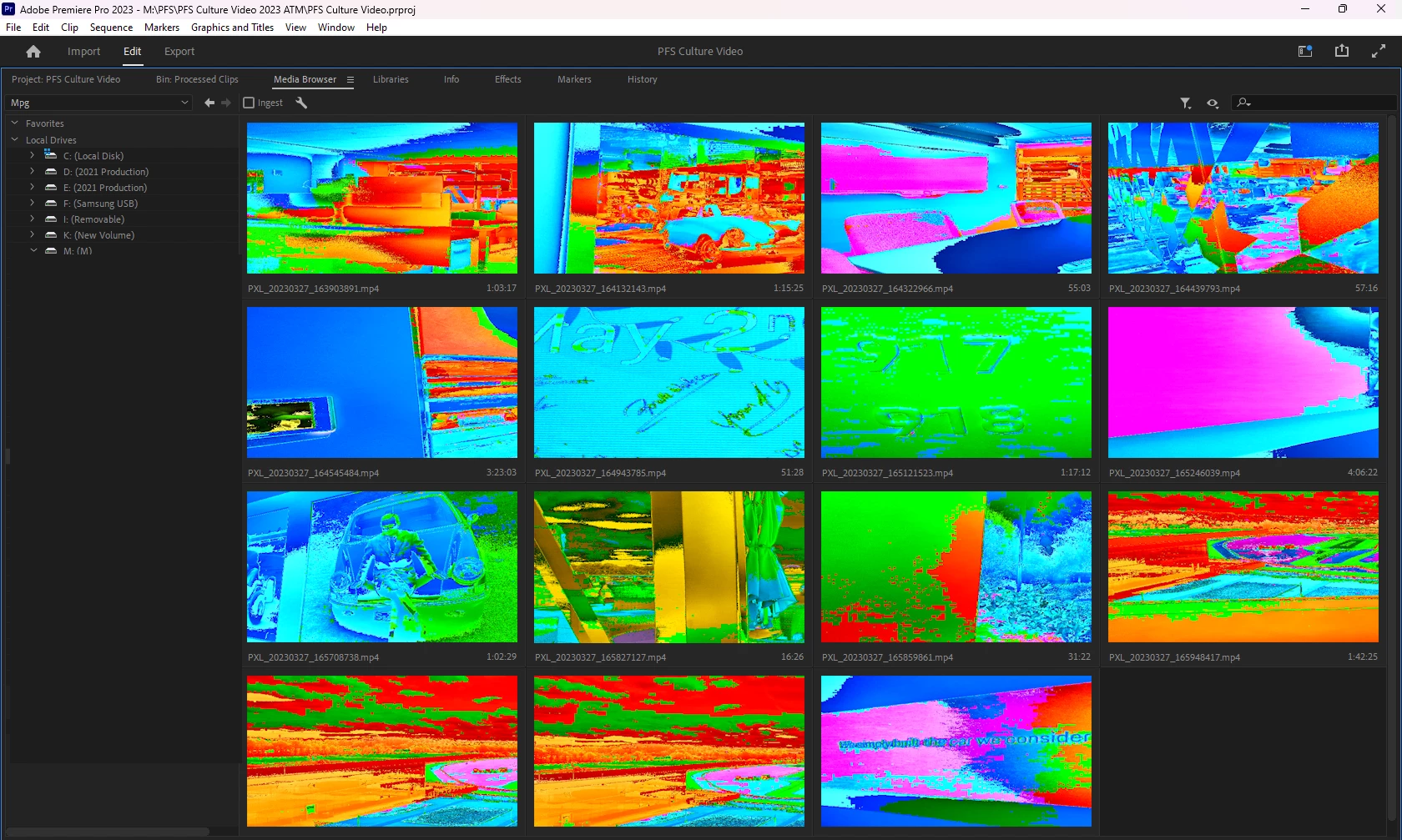
I have an issue with Premiere Pro inverting the color of Pixel 7 Pro HDR video. Bridge only shows a movie icon - no thumbnail. Double click and windows media plays the file correctly. Import it into a timeline in Premiere and it looks and plays like screen 1 below.
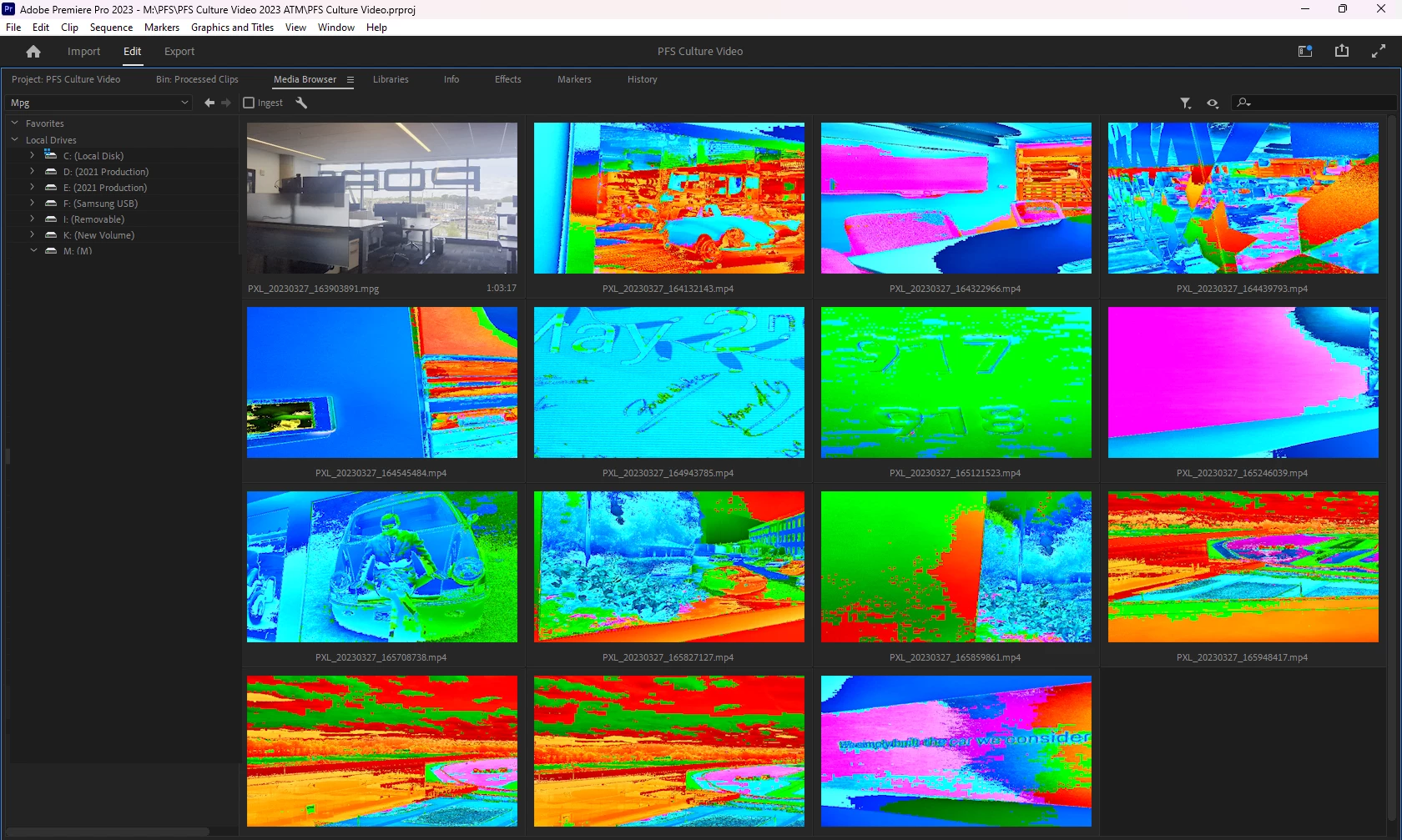
The work around is to rename it from .MP4 to .MPG. The first screen is all original .MP4 files from the pixel. The second is after changing the name of the first file to .MPG. I should not have to dupe and rename files from a Pixel 7 on a premium app like Premiere Pro.
What is the problem here? I do not think it is Pixel naming convention...
 AdChoices