
Participant
December 19, 2024
Question

Premiere Pro is not exporting the correct resolutions as settings

  • December 19, 2024
  • 6 replies
  • 323 views

I am trying to export a video in square ratio 1920 x 1920 but it clipped the ratio like this:
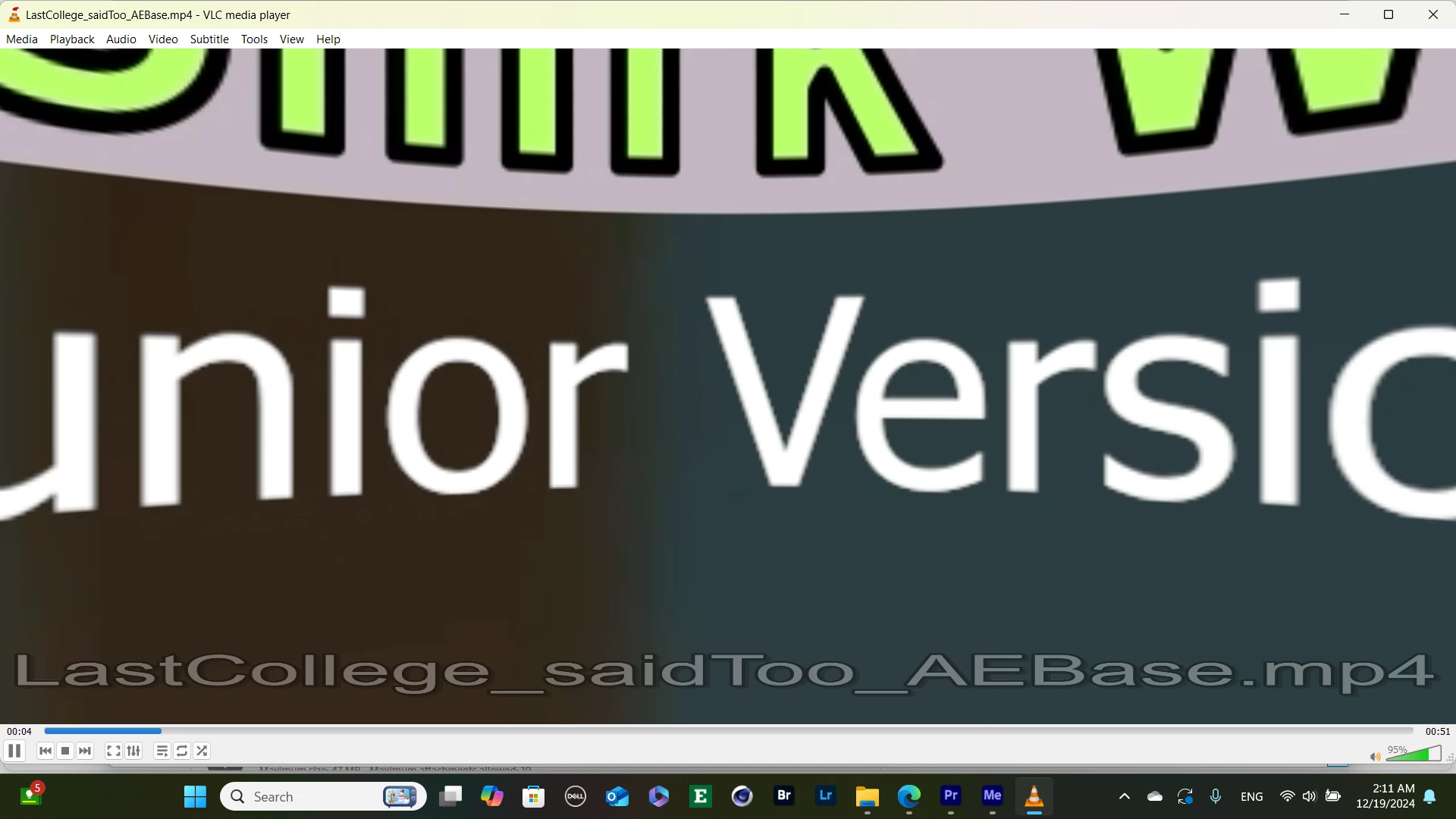
Normally I just start a sequence by "New sequence from Clip", and then it would follow the ratio.
I have been working in the same settings for weeks, and they are all good until tonight, 
I even tried to export another video that had exported correctly before, but tonight, it gives the same ratio problem! 
I have tried many ways including clearing the temps, start a new project/sequence, and still no change.
Wonder what happened?
The correct version should look like this:
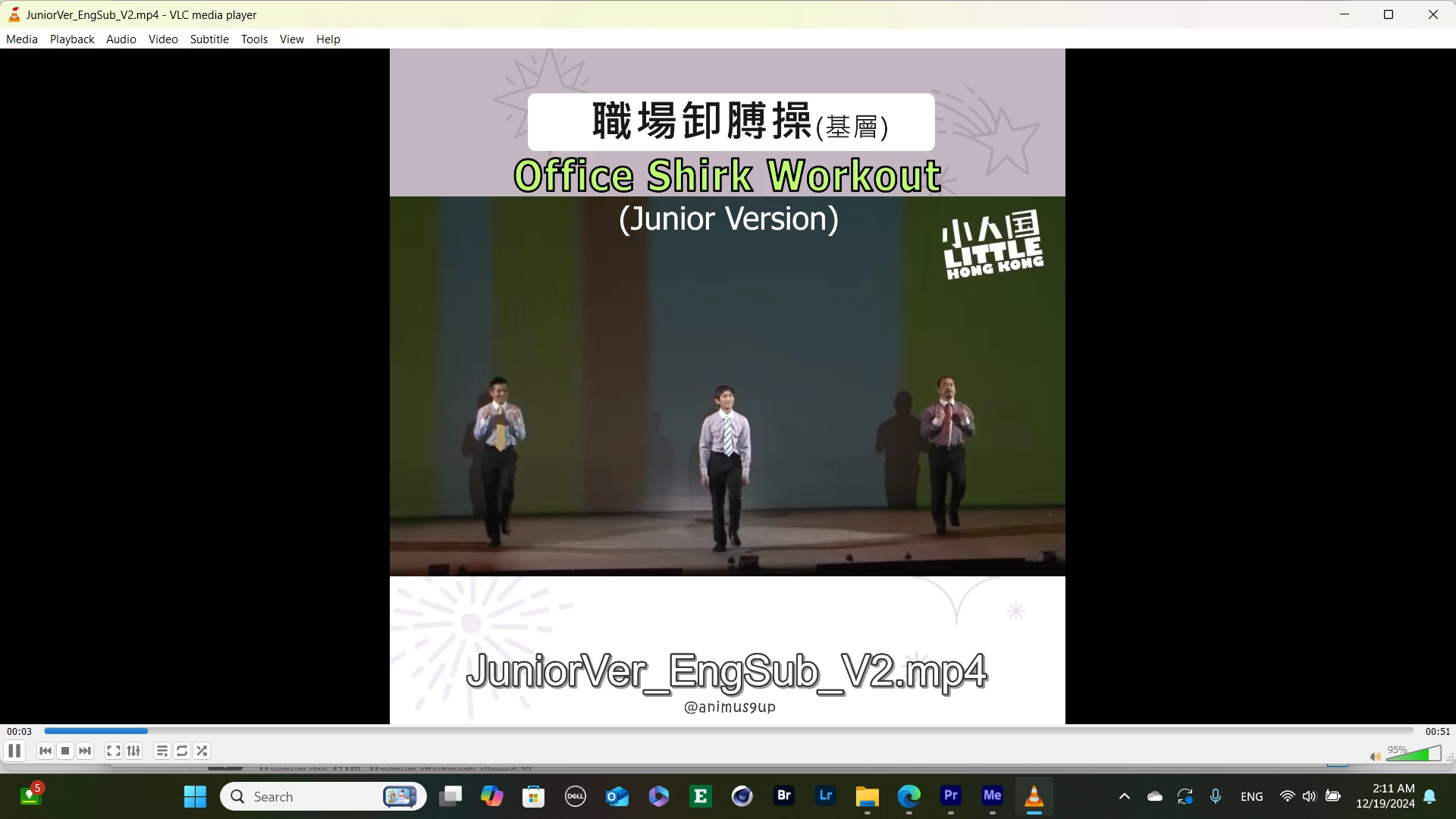
6 replies

Community Manager
December 19, 2024

Hi @Flamboyant_days6392,


Thanks for the message. Welcome to the forums.  Can you twirl down what your video settings are in the image?   Also, what is the original resolution of the footage?  

I hope we can help you soon.


Participant
December 19, 2024

To maintain the higher resolution I guess? I have been working on a few on that ratio and seems fine.
But thank you, here is my setting as you requested, I have tried different like "custom" or "Match source" tonight...


MyerPj
Community Expert
Community Expert
December 19, 2024

Thanks, we're getting warmer... Do you use the Export screen in PP? Up top left, is Import, Edit, Export. That's the screen we need, when you are just about to send it to ME. BTW: Why 1920x1920, it's an unusual file size, 1080x1080 is (somewhat) more common.

Participant
December 19, 2024

ANd here is my export screen as well

Participant
December 19, 2024

Here is my settings, I set it as 1920 x 1920, and was working fine for last several weeks except today, does it helps?

MyerPj
Community Expert
Community Expert
December 19, 2024

Info needed for a bug report

See the above for how to report a problem. Thanks for the two screen shots of VLC, but we need to see PP. How about your sequence settings and export screen to begin with.