
Premiere pro not responding when i add sequence in a sequence
When I add a sequence into a sequence,
or sometimes, randomly (usually after adding one specific file onto a sequence timeline),
The hole project file becomes corrupted and not usable anymore.
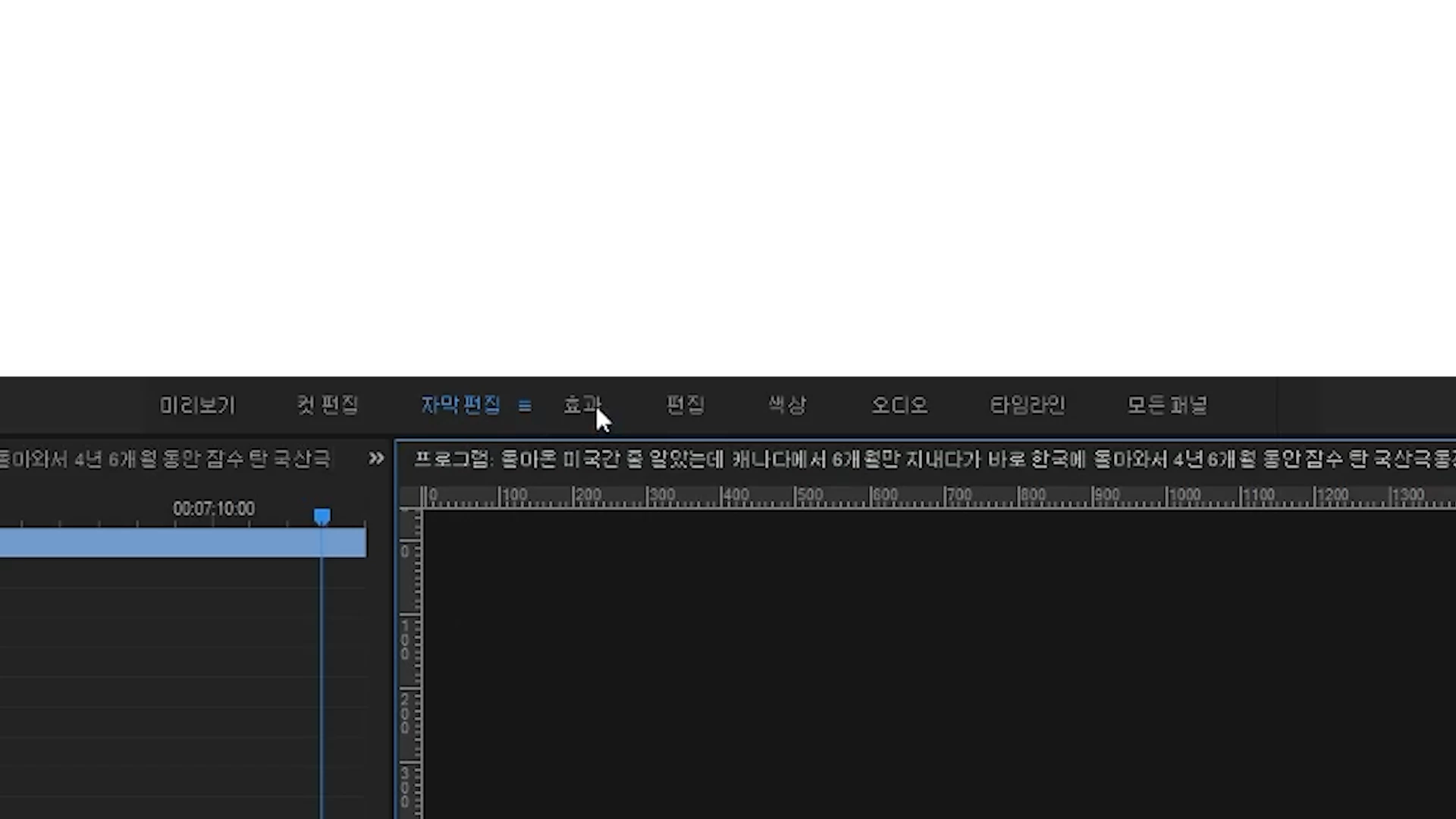
This is the original Workspace Bar.
but when it's corrupted,
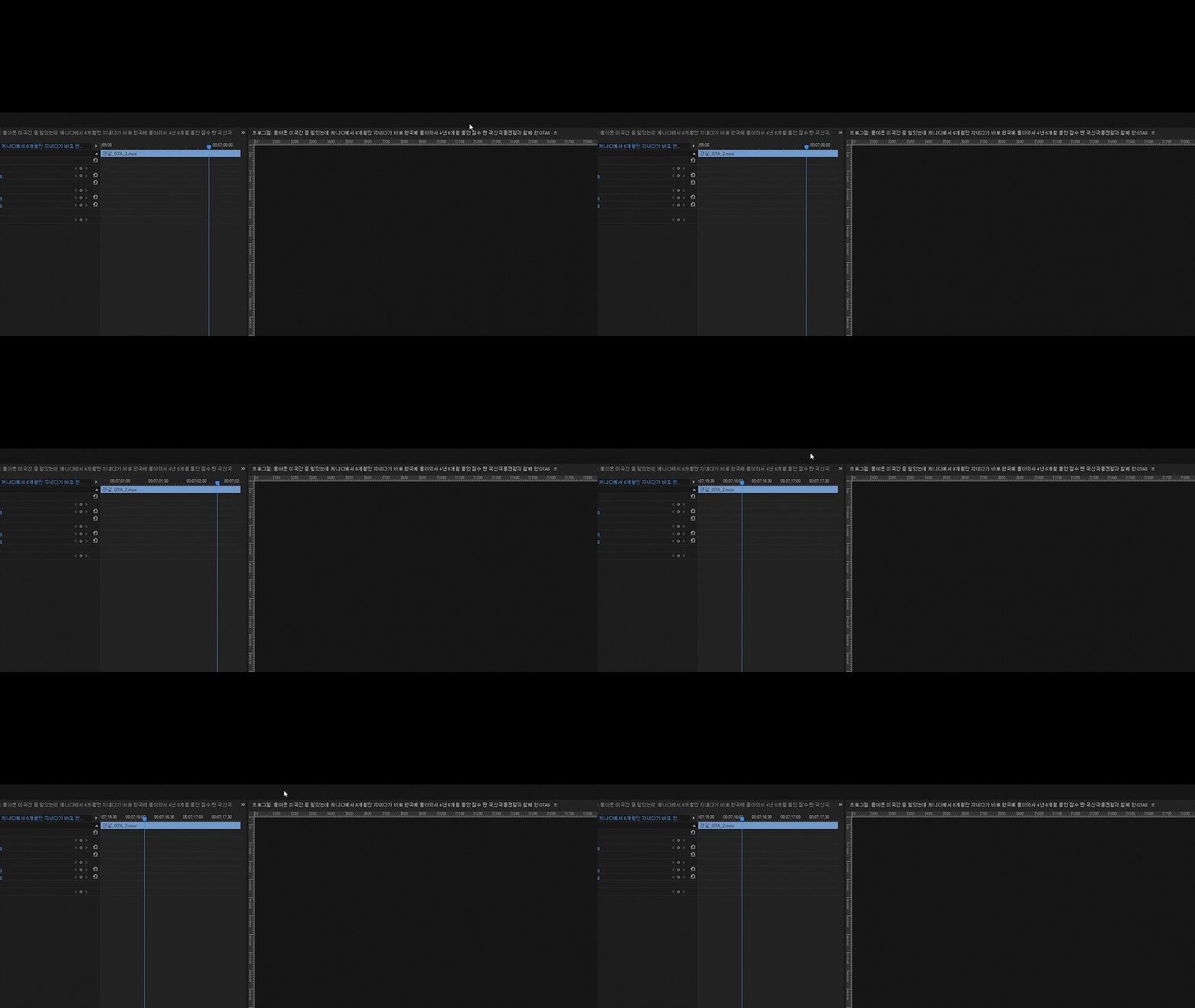
Workspace bar disappears. Of course I checked (turned on) Workspace. It just disappears.
Also,
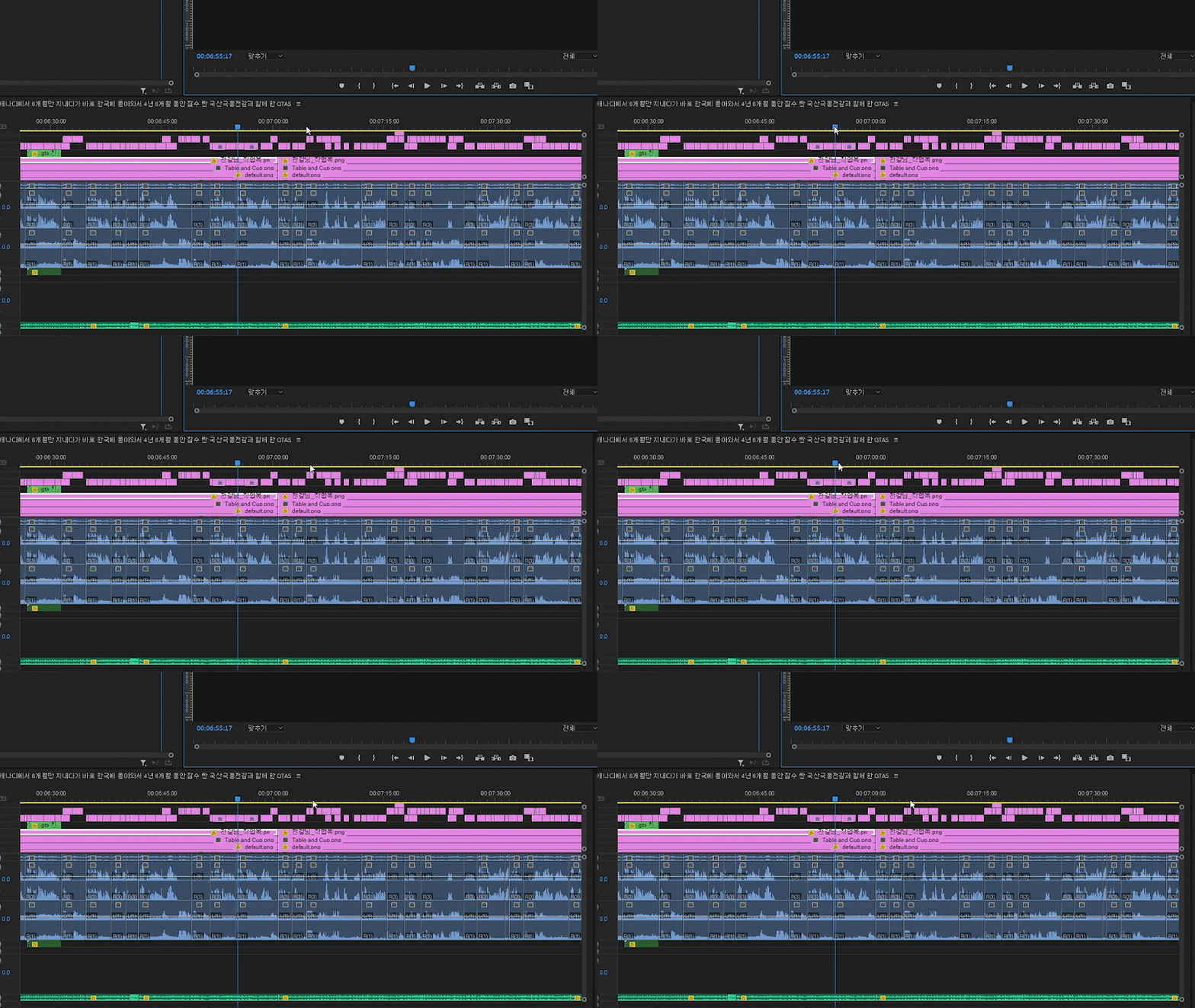
Timeline becomes irresponsible.
I can't play the preview Video, can't click any properties, and etc.
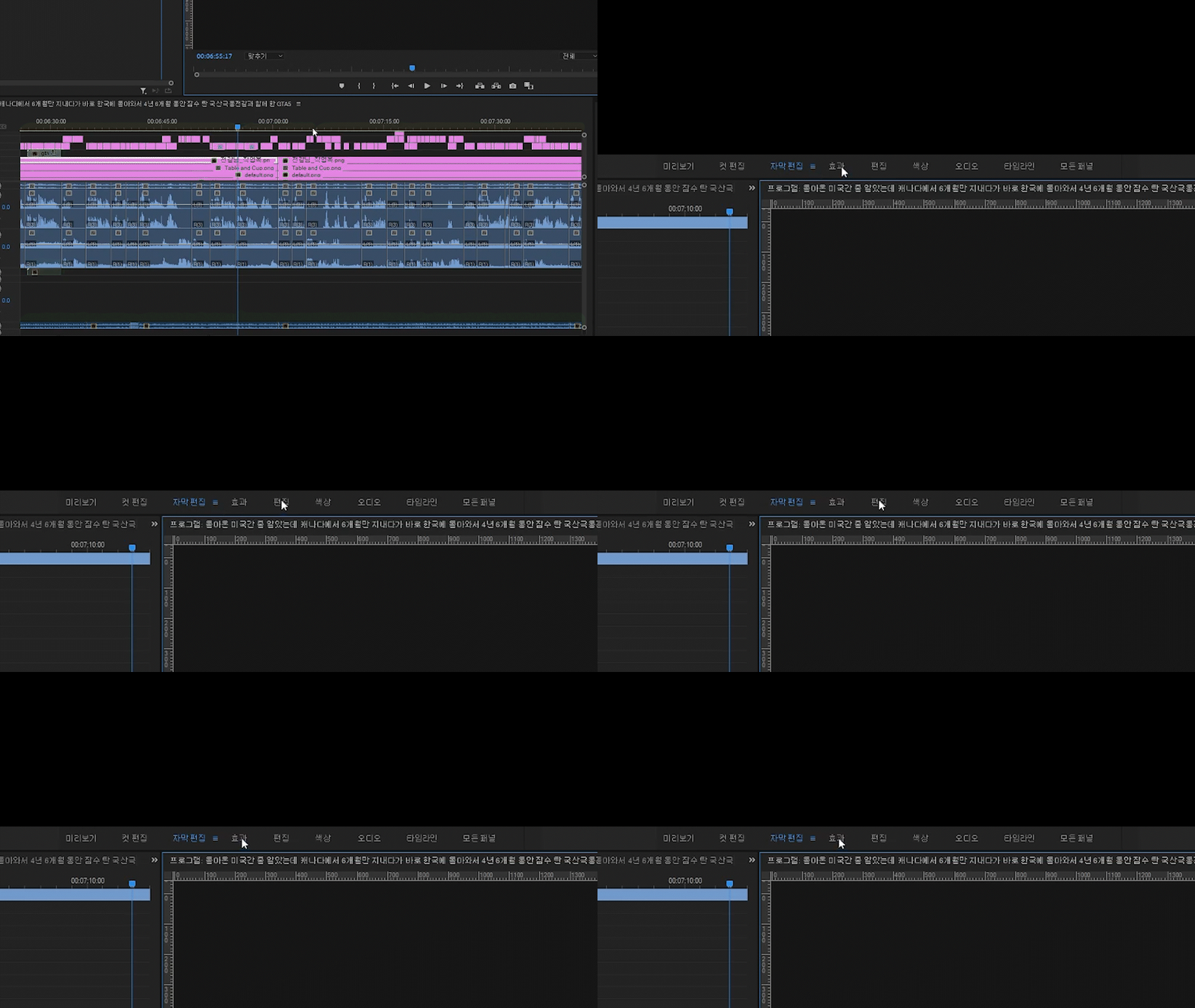
Workspace also becomes irresponsible. I can't change workspace anymore.
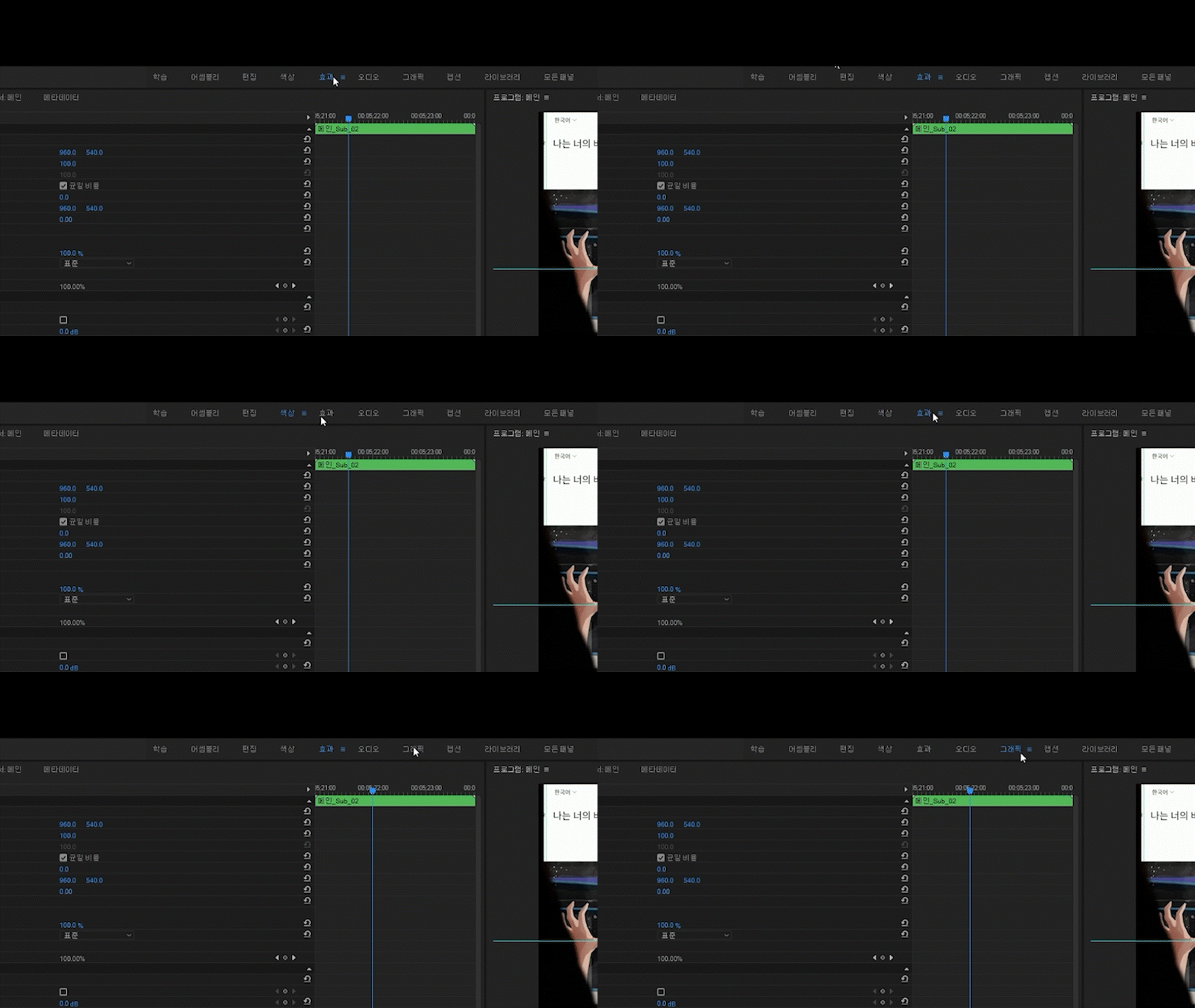
Sometimes, I can click it, but still, it just won't work.
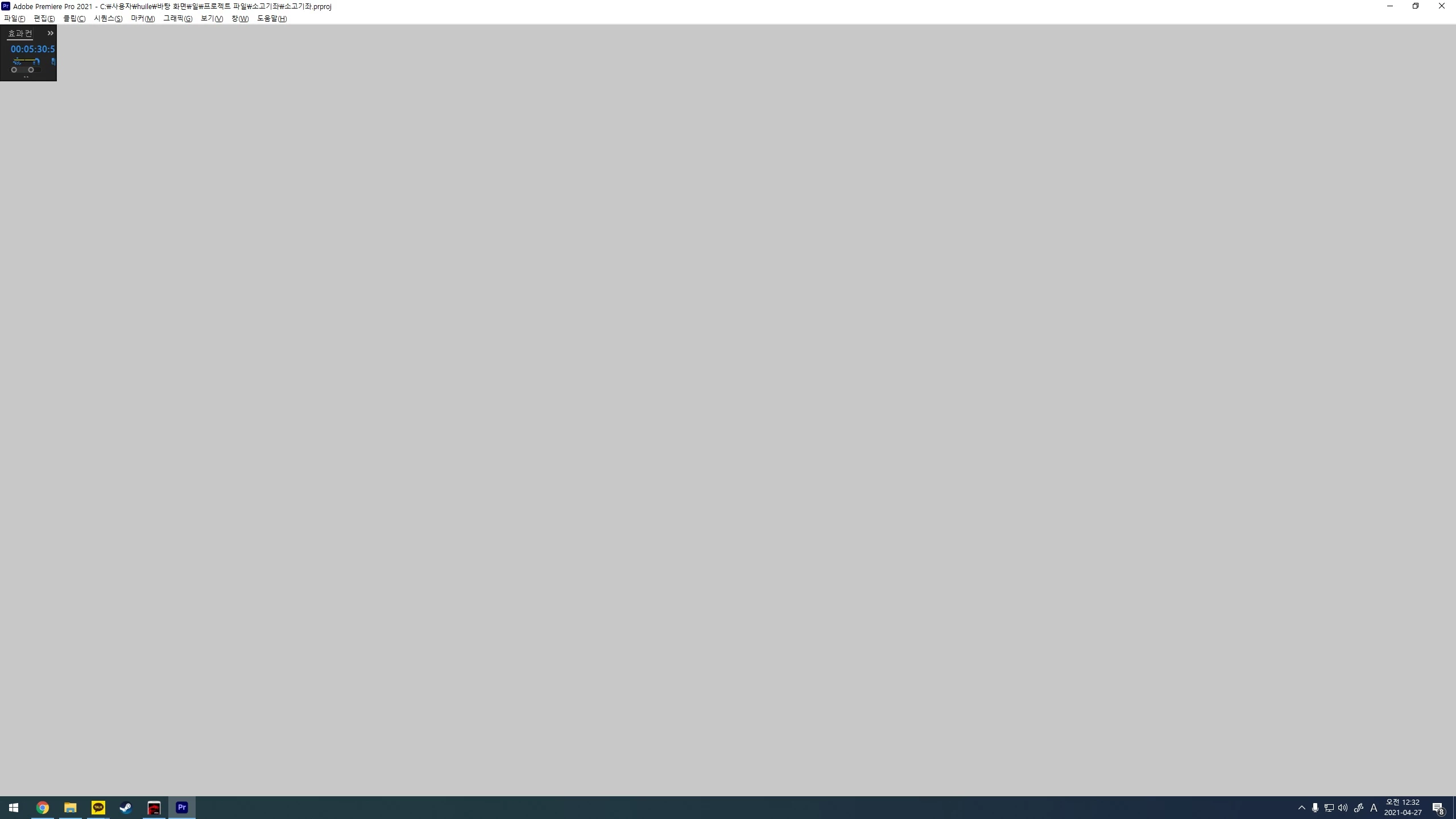
In the end, That little tiny dark grey square on top left corner is all i get for the project.
Once this happens, it stays permanently. It's either I have to go back to auto-saved file, or start from the bottom.
The worst thing about this is that
It slowly wrecks my project file, and at the point i realize it's here, i worked way too far to restart it.
Please tell me what makes this happen so at least i can avoid it,
or
please fix it. I had to throw away about 50 hours of work because of this problem.
It happens too often.
 AdChoices