

Answered
Premiere Pro stuck in "Loading ImporterQuicktime Bundle
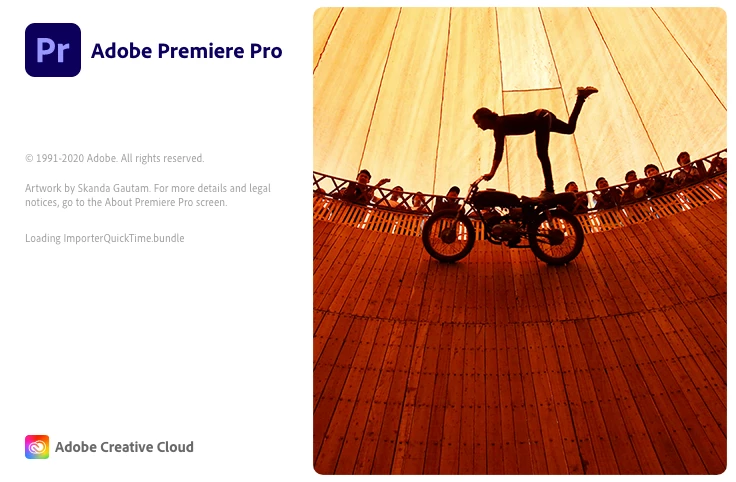 Do you know why Premiere won't start and stuck in this stage? I turned off Firewall, empty Adobe folder and reinstalled Adobe CC. It still does not work. Please help!

Do you know why Premiere won't start and stuck in this stage? I turned off Firewall, empty Adobe folder and reinstalled Adobe CC. It still does not work. Please help!
Already have an account? Login
Enter your E-mail address. We'll send you an e-mail with instructions to reset your password.

 AdChoices