

Participant
September 30, 2020
Answered

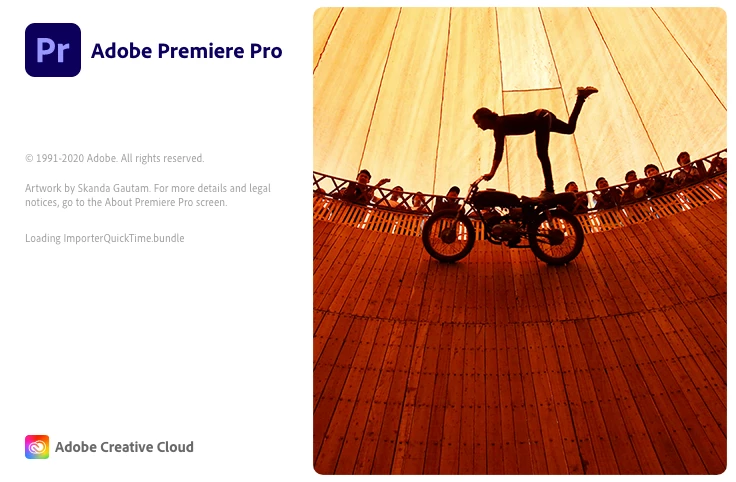
Premiere Pro stuck in "Loading ImporterQuicktime Bundle
  • September 30, 2020
  • 24 replies
  • 39822 views

Do you know why Premiere won't start and stuck in this stage? I turned off Firewall, empty Adobe folder and reinstalled Adobe CC. It still does not work. Please help!

Correct answer diarmidsloan

I've been through this at length with Apple Support, who have been superb, and got this resolved. It isn't an Adobe issue, but an underlying OS issue. 


On a Mac, the issue appears to be mainly due to missing Desktop and Documents folders within your user profile (Macintosh HD > Users > YOURNAME. Creating a new profile allowed it to work ok, although that is just a workaround / test, not a solution. I had recently uninstalled DropBox, but I believe iCloud Drive has a similar impact. Due to underlying OS permissions you cannot simply recreate these folders. 


Ultimately I had to delete the existing Documents and Desktop links (since they weren't linking anywhere) and reinstall the MacOS. This only took about 30 minutes and doesn't affect your existing files, it just fixes any underlying system files and folders. It recreated the Documents and Desktop folders and all started fine and is now running perfectly.

24 replies

Participant
November 16, 2020

I just deleted the old QuickTime 7 Pro, and it started working again.  They stopped supporting the program.

Legend
November 16, 2020

thanks for posting your solution.  Not enough people do this...

Kevin-Monahan
Community Manager
Community Manager
October 12, 2020

Sachiek,

Frustrating. Can we have more info on your system?


Thanks,
Kevin

Kevin Monahan - Sr. Community & Engagement Strategist – Pro Video and Audio
Participant
October 13, 2020

Thanks, Kevin. 
I have macOS Catalina Version 10.15.7
I am using Adobe Premiere Pro version 14.4.
This error really came out of nowhere, it might have been after I updated Premiere a few days ago.

Participant
October 13, 2020

I have tried reinstalling the programme and resetting my preferences, neither of those worked.

Participant
October 12, 2020

I am having the very same issue. Did you solve it?

curious_thinkingB833
Participant
August 5, 2021

im having the same issue on windows 10.

is there an answer to fix this bs


Participant
October 4, 2020

I have the same issue, except mine says .pre and not .bundle. been waitng nearly 20 mins to see if it will fix itself. i dont need to force close and lose my project.

Legend
October 5, 2020

I don't understand why force quitting while launching premiere will make you lose your project.   Maybe go in to a little more detail.  You might also tell us your system specs: OS version, Premiere version, amount of RAM, Hardware specs including graphics card.