Participant
November 4, 2024
Question

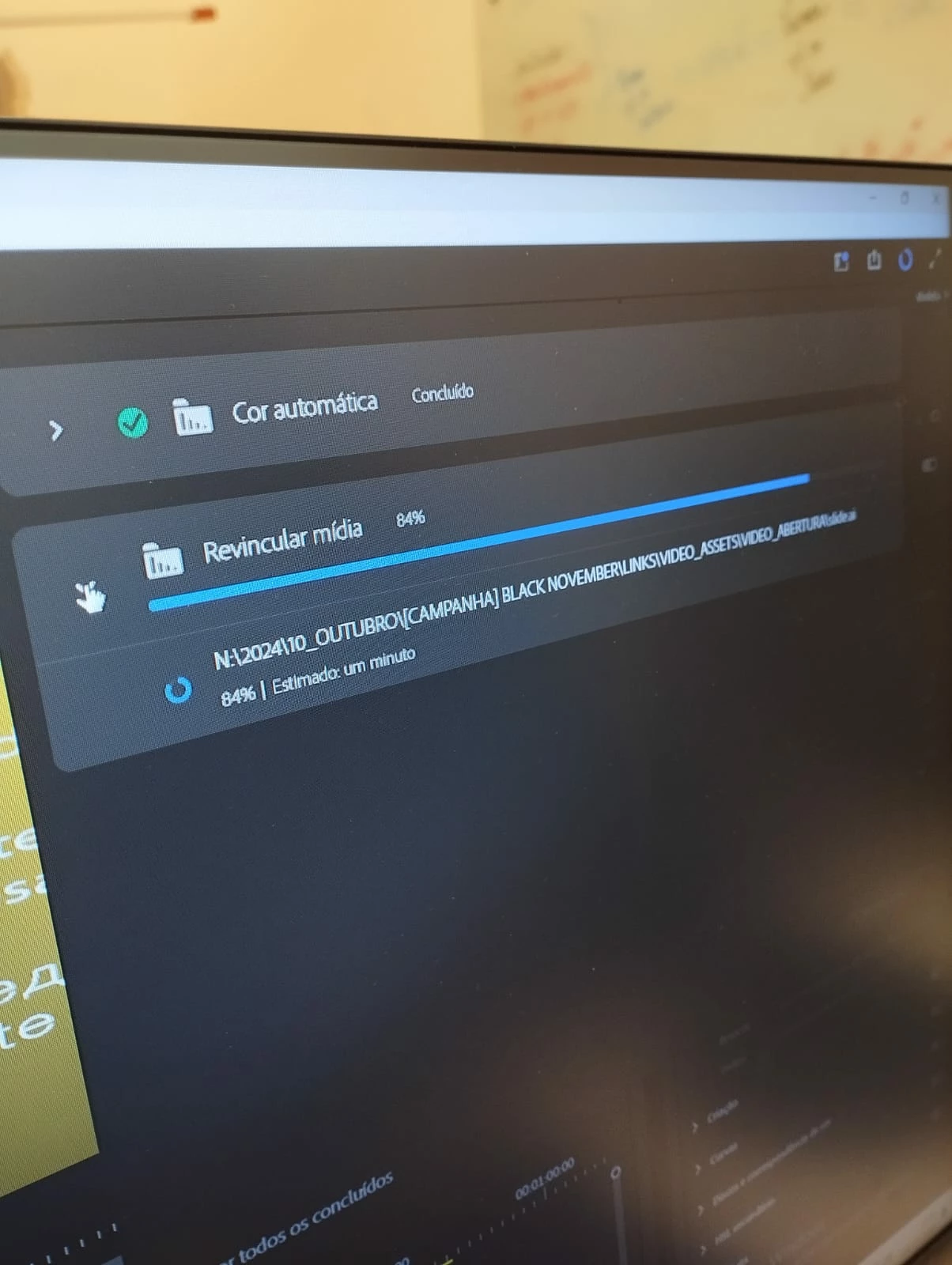
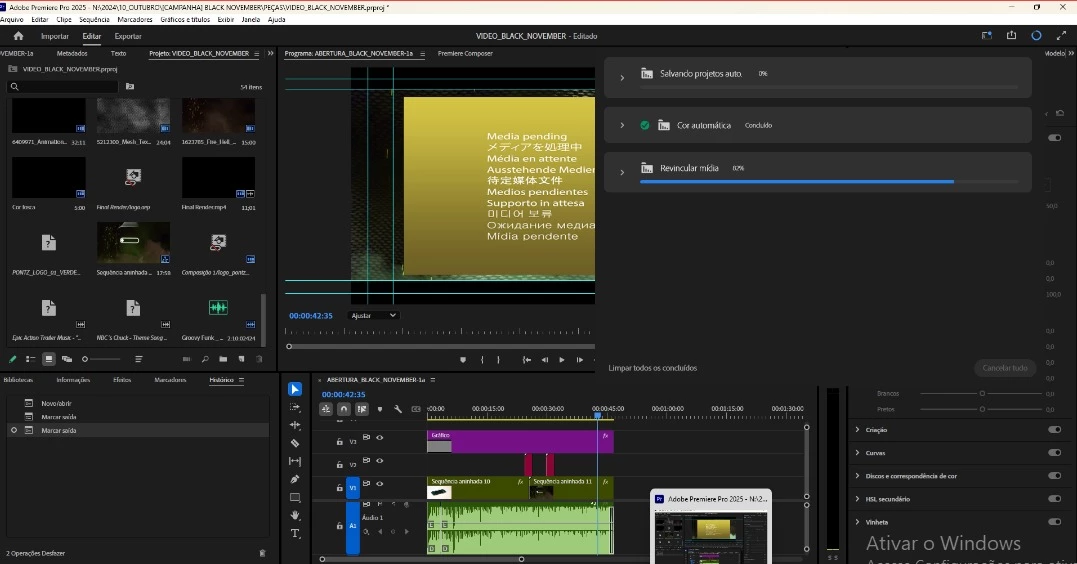
Relinking stuck at 72%. It is not a specific media issue.

  • November 4, 2024
  • 2 replies
  • 490 views

Hi! I am a support technician, and our company's designers are facing an issue.

I do not understand much about how Premiere works, but it seems that every time you open a project, Adobe relinks all connections made between the main project and other projects/assets. This can also include projects made in different Adobe software.

Last Friday (11/1/2024), everything was alright. One of the designers claims that Adobe had a version update last weekend to version 25.0.

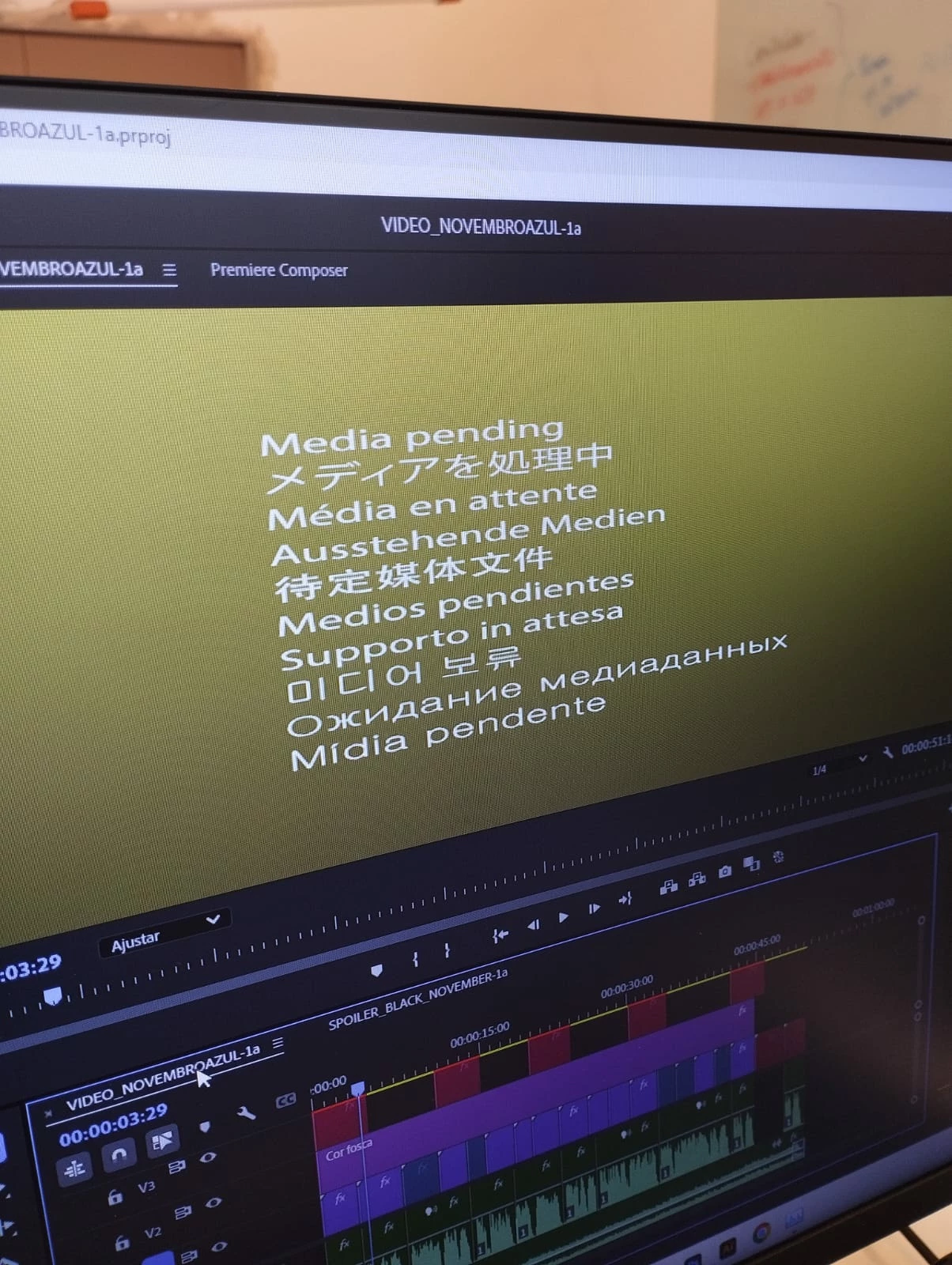
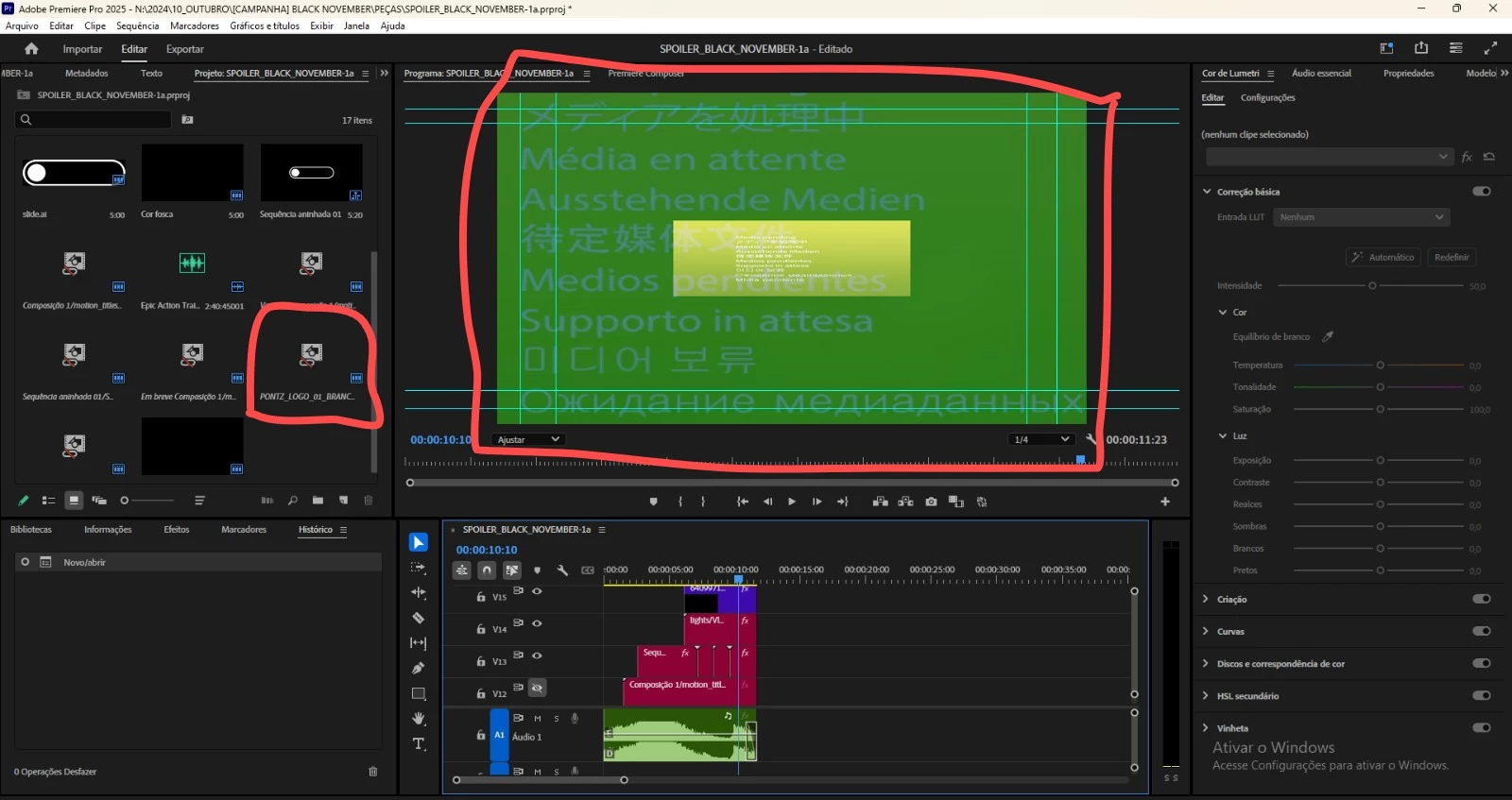
Here are some images related to the issue. We've tried uninstalling Premiere and removing the plugins, but it didn't work.

This topic has been closed for replies.

2 replies

ceed_8370Author
Participant
November 4, 2024


Adobe Premiere Pro version number: 25.0.0 (Build 61)
Operating system - Windows 11
System Info: CPU, GPU, RAM, HD:
CPU: 11th Gen Intel(R) Core(TM) i5-11400 @ 2.60GHz

GPU: NVIDIA Geforce RTX 3060

GPU driver (PC): 31.0.15.5183

RAM: 16GBs

Hard Drive: SSD 512GB IM2P33F8ABR2

Video format: The videos on the link are MP4/MOV H.264 4:2:0
Workflow details: I'll provide a video about the issue. I don't know design enough to provide that answer.

Steps to reproduce - It happens right after you open a project.

Expected result - The relinking should finish its proccess.
Actual result - The relink keeps stopping at 72%, or around 80 to 85.

Community Manager
November 4, 2024

Hi @ceed_8370  ,

Welcome to the Premiere Pro forums! We are glad to see you here. We need a few more details to try to help with the issue. Please see, How do I write a bug report?

Thanks for submitting your bug report. I hope we can help you soon. Sorry for the frustration! 

Thanks,
Rach