It seems like this normally works but lately when I use 'Replace With Clip > From Bin" with the new clip highlighted in the bin, it replaces it, but does not respect the In/Out points - it just places the new clip there at its start.
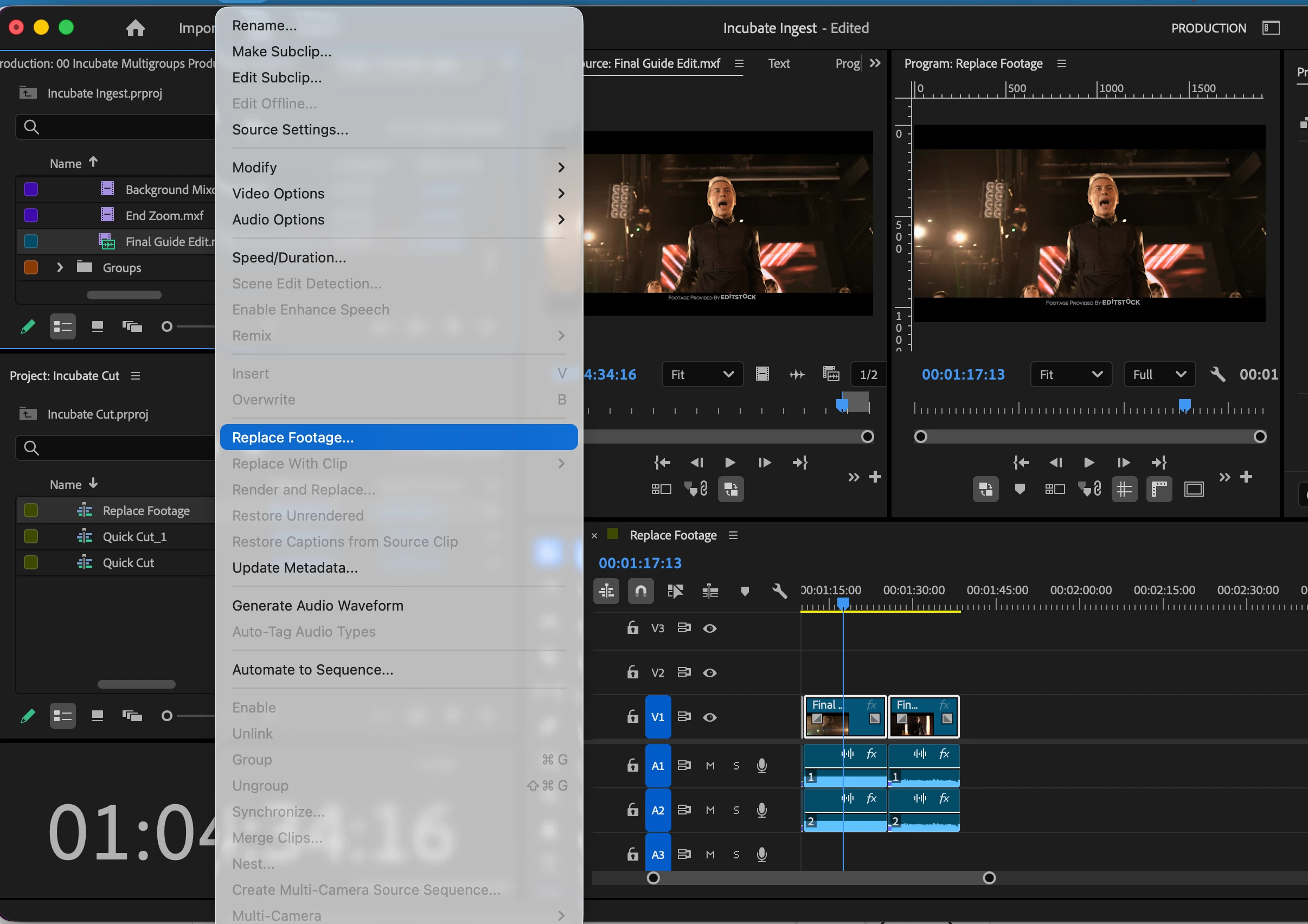
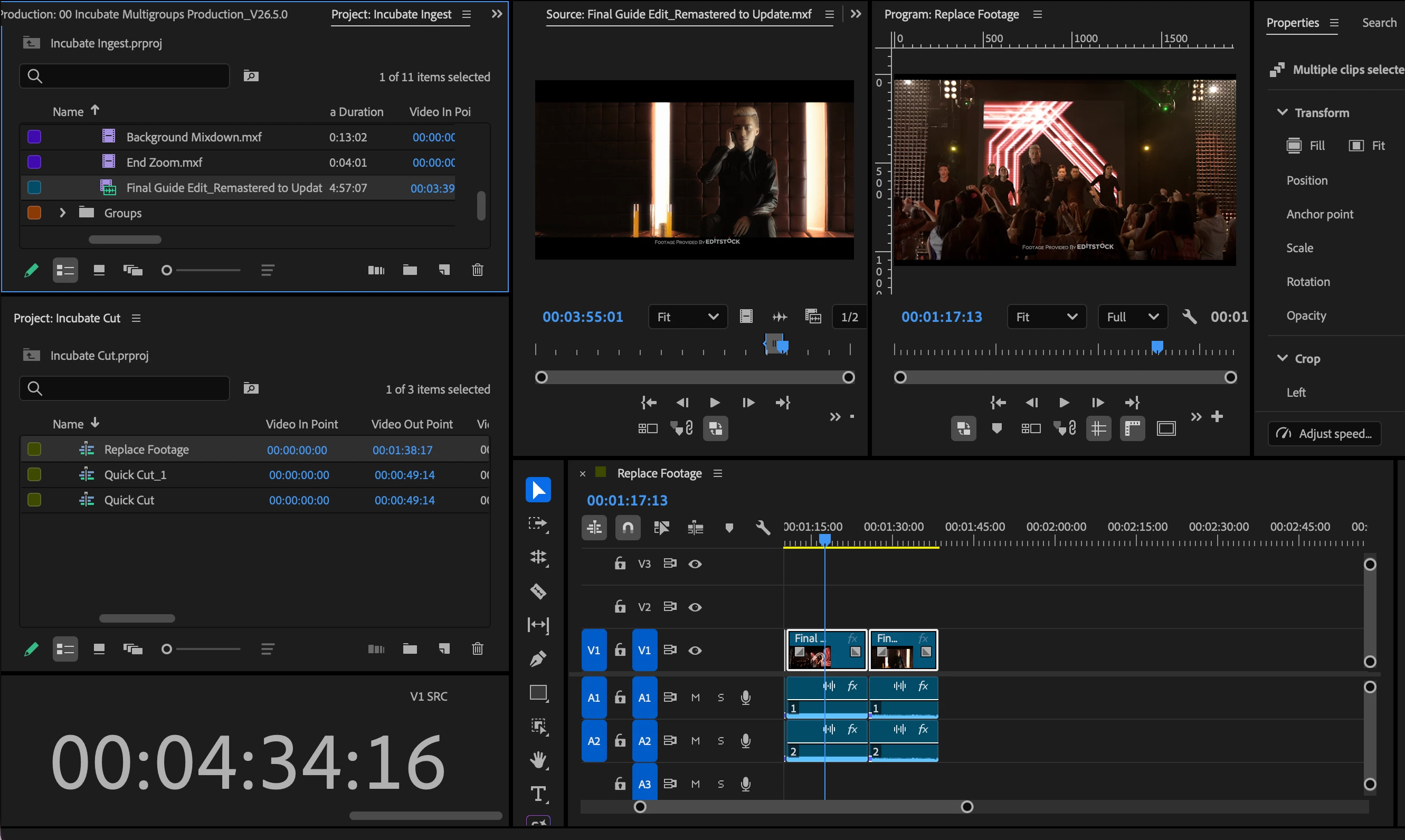
If you are versioning a clip, as in you had a previous Master you used in multiple spots within an edit, then received updated color, fx, etc, and wish to replace it throughout the Edit, the best practice would be to use “Clip → Replace Footage” from the Project window. This will Replace every instance of that clip in all edits, respecting the timecode.
Replace with Clip from Bin is intended to replace one clip with an entirely new clip, respecting the video in point of the selected Clip in the same bin as the sequence. If multiple clips are selected in the timeline, it will replace all of those shots with the same clip starting at the video in point of the selected clip.
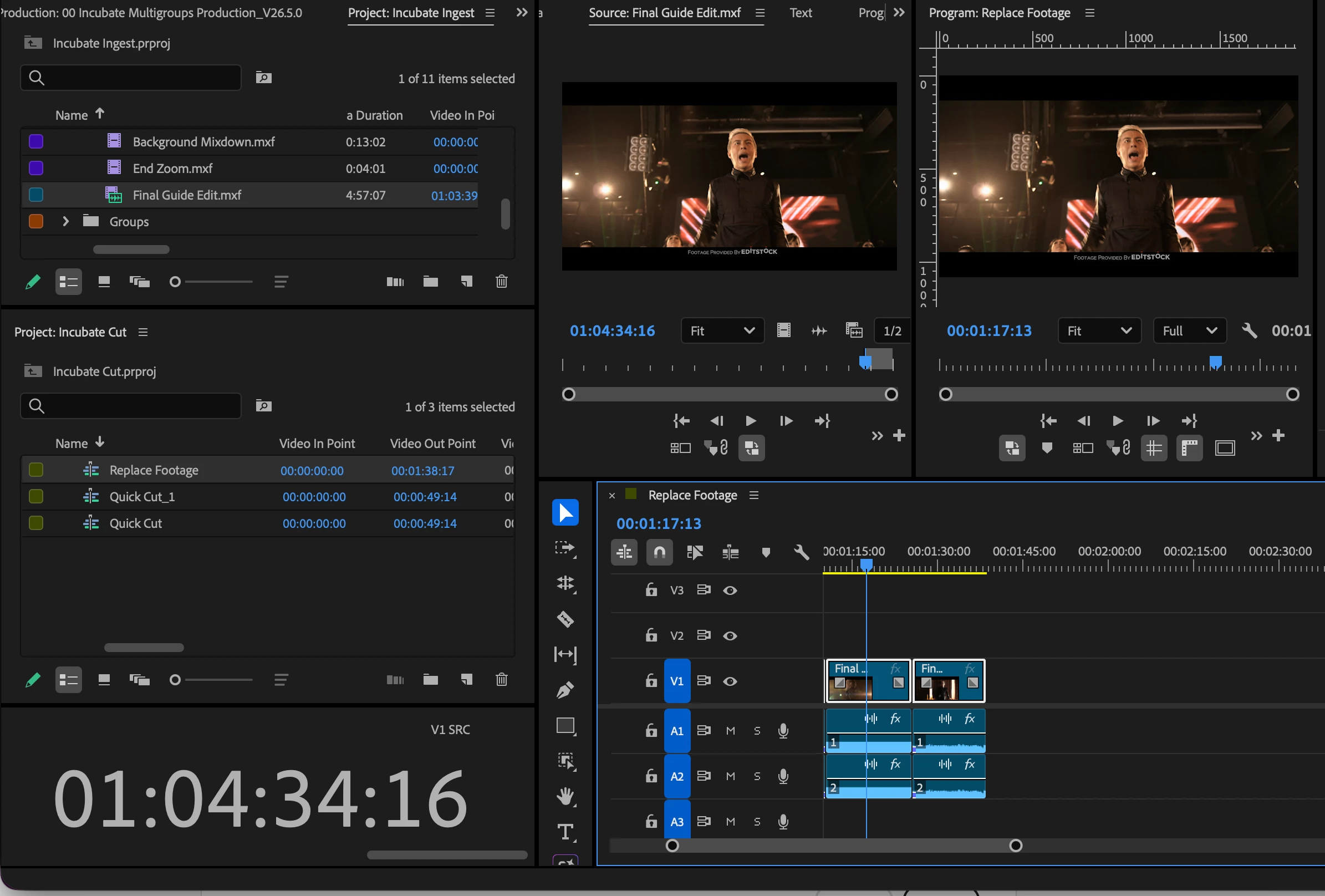
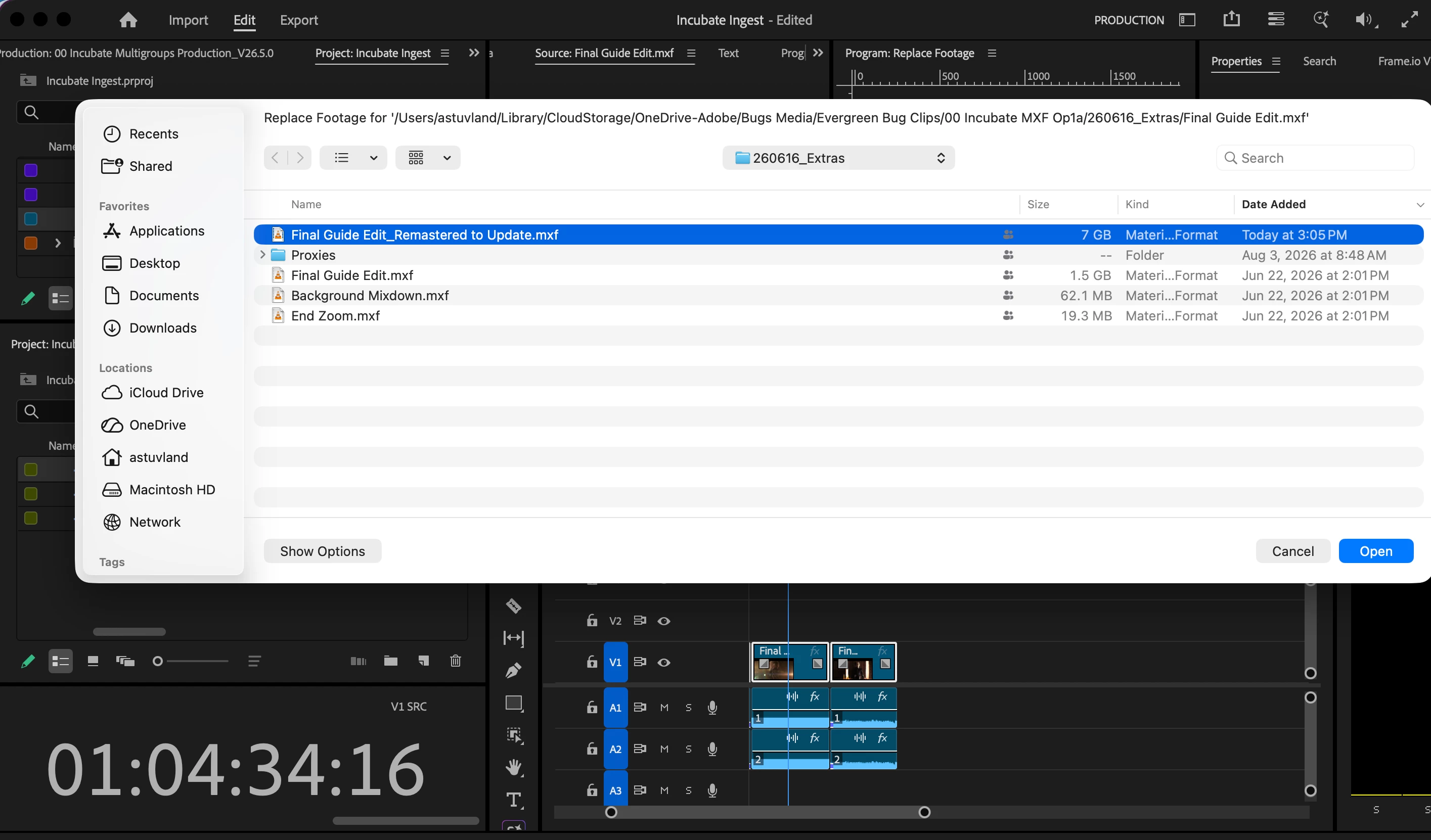
Original Sequence with Source TC ShowingClip → Replace Footage (Make sure you have the right clip selected in the Active Project Panel)Select your New MasterWill maintain Relative Timecode. New Master had been exported starting at hour 0, but was the same total run time of the old version.
Let me know if this isn’t working for you in the latest version.
I'm not totally sure what you mean by insufficient matrerial?
There is no shortage of ways of lining up footage manually, just wondering if the way this feature is functioning is how it is supposed to.
In other words, the scenario I'm in right now, is I'm just replacing Stock footage that has a watermark, with the newly purchased stock clips that are the exact same clip but clean.
So, in the scenario of a more complex edit, using "Replace With Clip" would be amazing if it repected the exact In/Out points that are already on the timeline.
Instead, I have to do it manually. (fwiw I'm just double clicking the clip on timeline, opening it in Source monitor, noting the In TC like 0:24 and matching it on new footage and dragging).
Wondering if I should do a feature request then. It's just weird because I swear this worked in the past. Maybe I'm wrong tho.





 AdChoices