
Search function when linking "missing" clips
Where is the search and automatic link function of clips in Premiere Pro 2025?
Premiere Pro 2024 Example
In Premiere Pro 2024 you get the search function when clicking "Locate" in the first step connecting/linking missing footage.
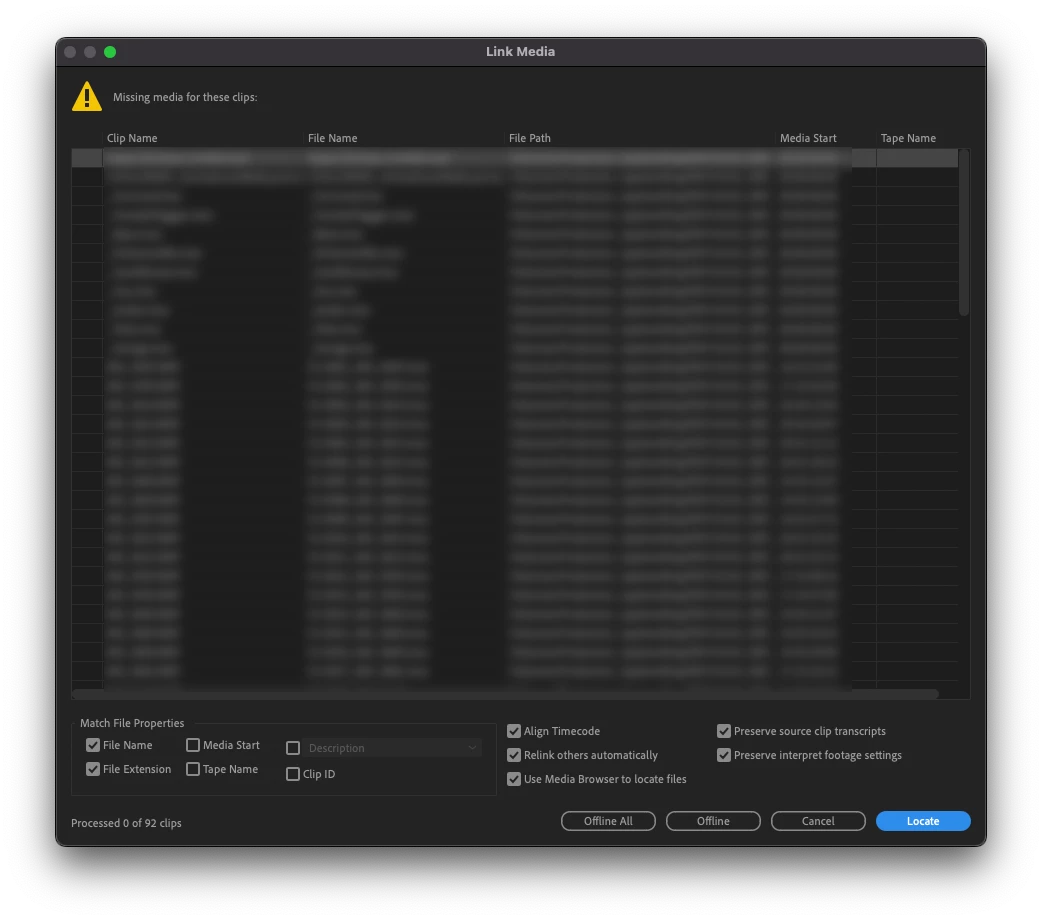
Below you can see the "Search" button in Premiere Pro 2024. Using this you can automatically connect loads of missing footage.
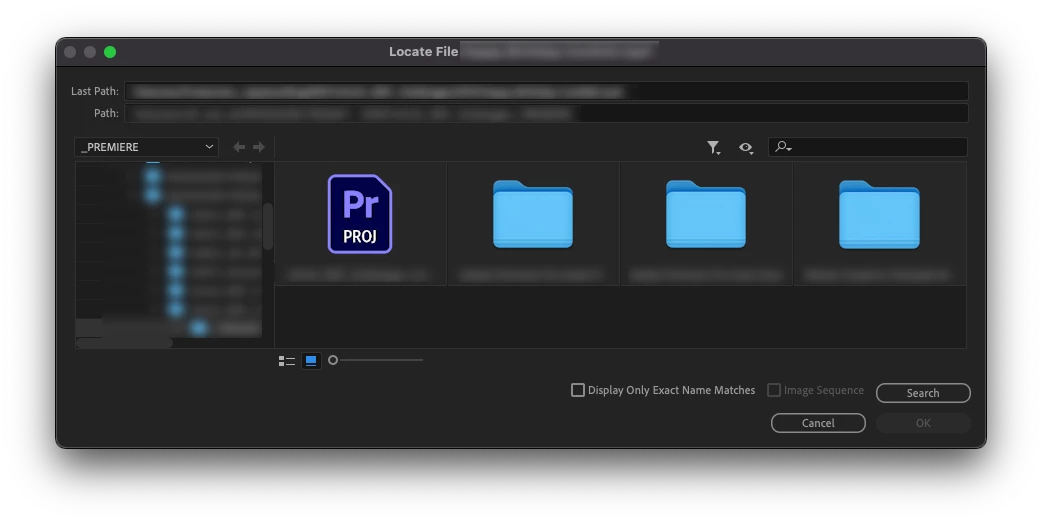
Premiere Pro 2025
In Premiere Pro 2025 there is a "Locate" button as you can see in the image below! But...
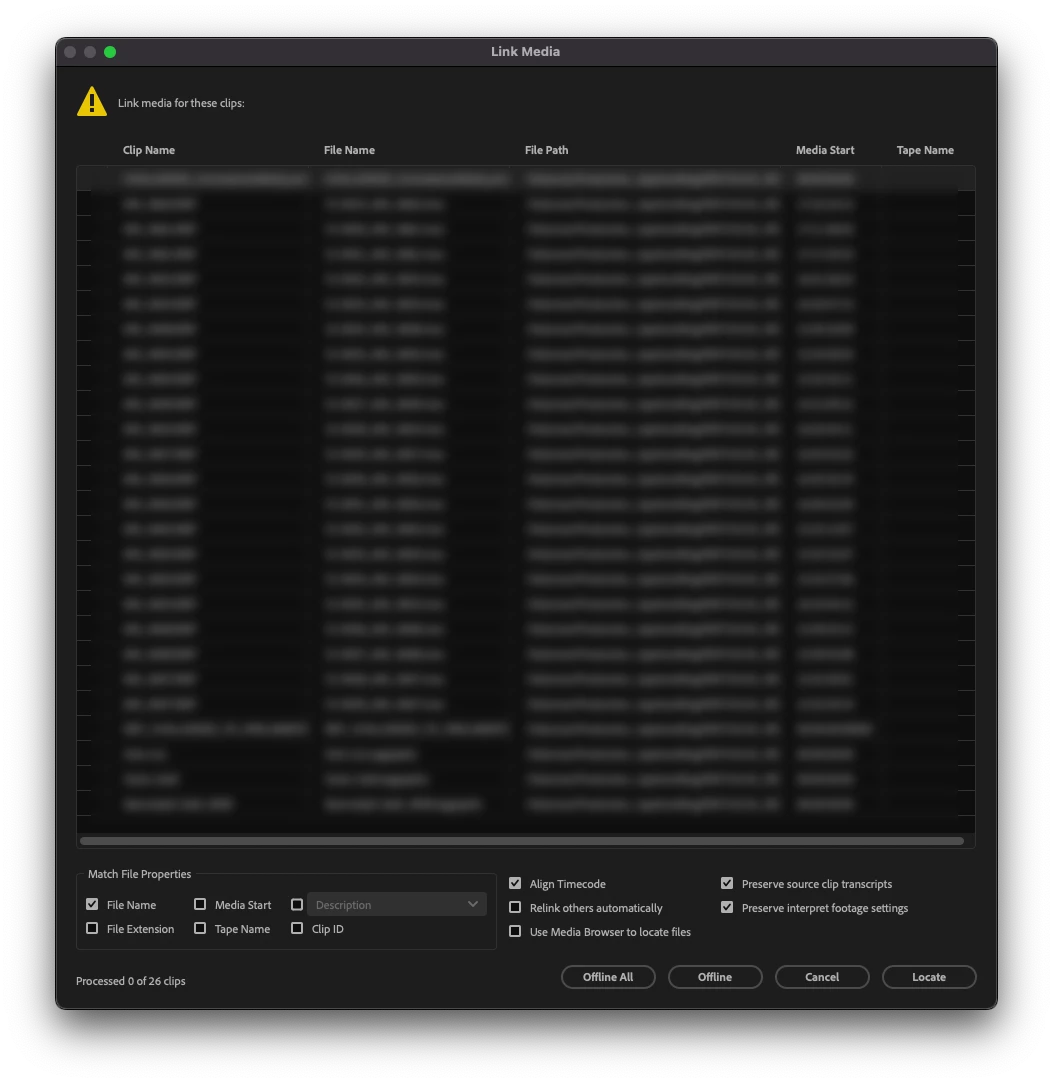
...in the next step you get the MacOs finder search instead of the search function within Premiere Pro. Why have you done this, its very problematic to use the MacOs Finder to locate and link the files one by one. This is just not functioning. I cant use the program now.
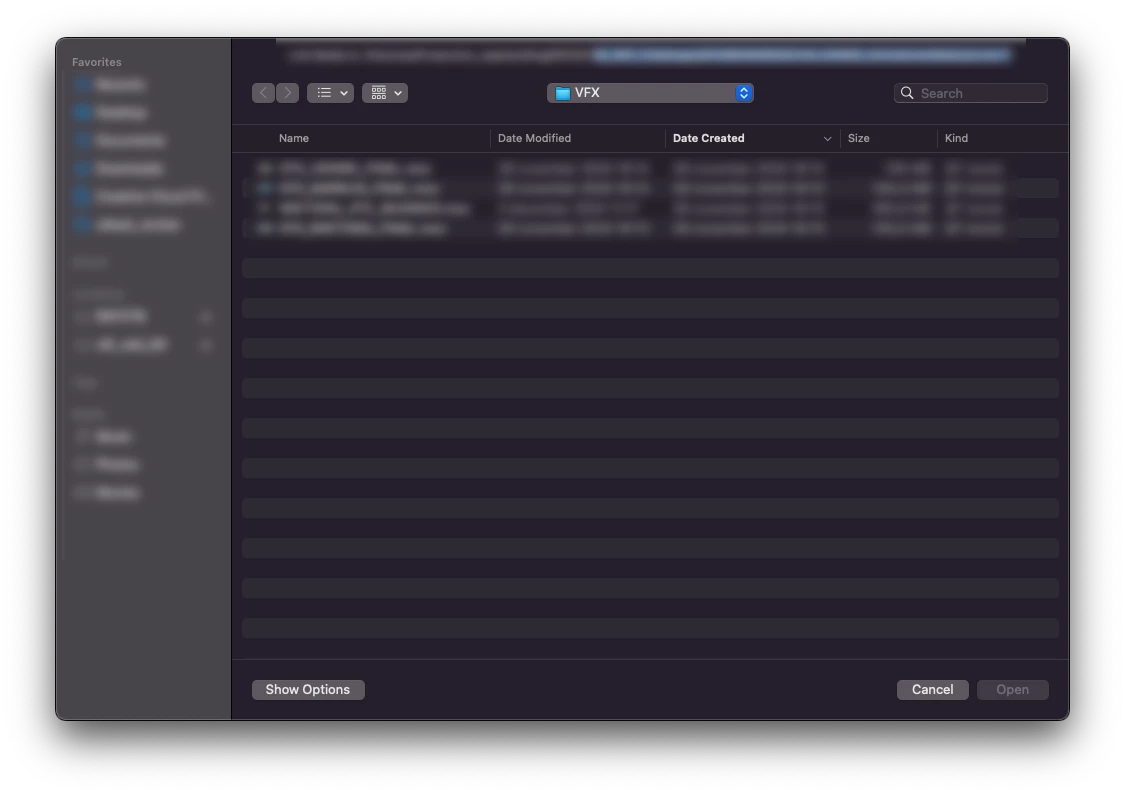
Is this a bug? Working with footage, linking and project management is so important that it works. I cant sit and manually link footage when there are hundreds of files....
Please explain if this feature has been moved or what you were thinking when you removed or moved this core feature!
Im using MacOs Sonoma 14.6.1, Apple Mac Studio M2 Ultra.
Regards
Mikael



 AdChoices