


Participant
June 10, 2019
Question

something wrong with premiere pro

  • June 10, 2019
  • 2 replies
  • 608 views

Hello,

I have big problem with PP:

I create new project
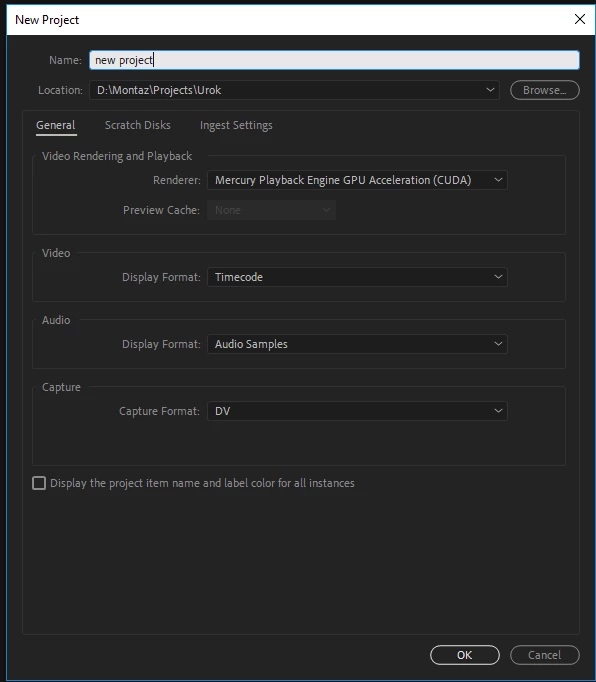
Then import new photo or video, and put it on timeline, but not see picture om main screen. When I press play, if it is video I hear sound but not see video (change renderer doesn't help) also when I press play, slider not moving, but I hear sound so he should move...
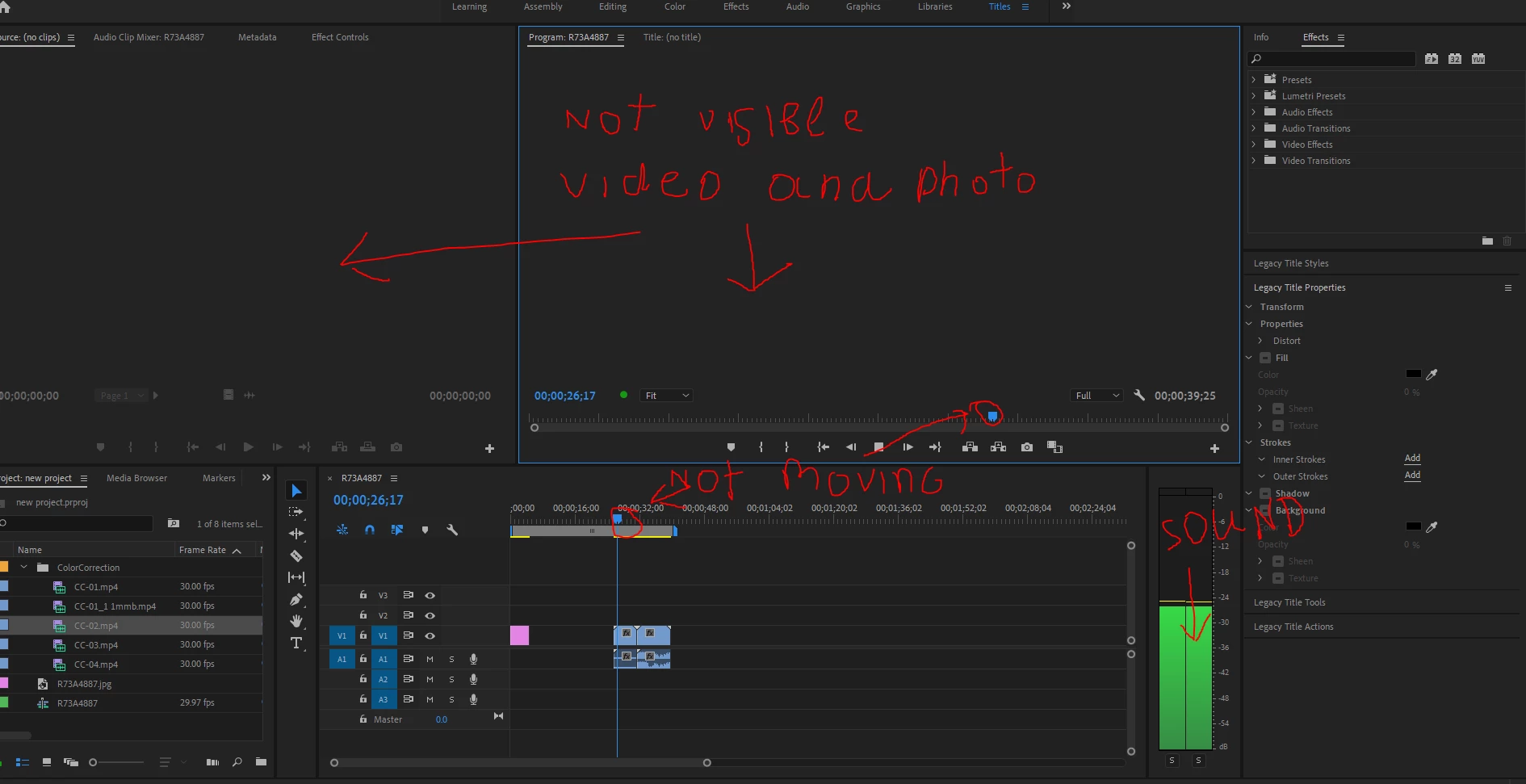
It start when I tried open file which I create with old PP version in 2017, after I saw this problem first time, i uninstall PP, but it doesn't help. Then I reinstall my windows 10, it helps, but after I tried open this old  project again, problem returned (may be reason is another because first 2-3 times PP opened this project correctly). So were need yours help!!!

    This topic has been closed for replies.

    2 replies

    Wes Howell
    Adobe Employee
    Adobe Employee
    June 10, 2019

    Manually deleting the media cache folders can often solve problems like this. I would recommend trying this.

    https://forums.adobe.com/thread/2152942

    If that doesn't help, it would be good to confirm that your GPU drivers are current (as suggested)

    Can you also add more info on the particular formats that are in use?

    Wes

    Peru Bob
    Community Expert
    Community Expert
    June 10, 2019

    Try resetting the preferences:

    FAQ: How to reset preferences in Premiere Pro?

    If that doesn't work, try resetting the Workspaces:

    Reset a workspace

    Reset the current workspace to return to its original, saved layout of panels.

    1. Do one of the following:
      • Click the Workspace menu icon and select Reset to Saved Layout.
      • Choose Window > Workspace > Reset to Saved Layout.

    from here:

    https://helpx.adobe.com/premiere-pro/using/workspaces.html

    If that doesn’t work ,try updating or rolling back your graphics driver directly from the video card manufacturer’s site.