

Still getting horizontal lines in video when exporting to 720x480 AVI with "deinterlace" turned on
Hello again fine professionals,
I'm using Premiere 6 on a Windows 7 machine.
I'm still getting horizontal lines in my video when exporting to 720x480 AVI, even with "deinterlace" turned on.
I had a question about it on another thread and robodog2 said it was interlace file lines that don't appear when using a progressive file export choice...
http://forums.adobe.com/thread/852077
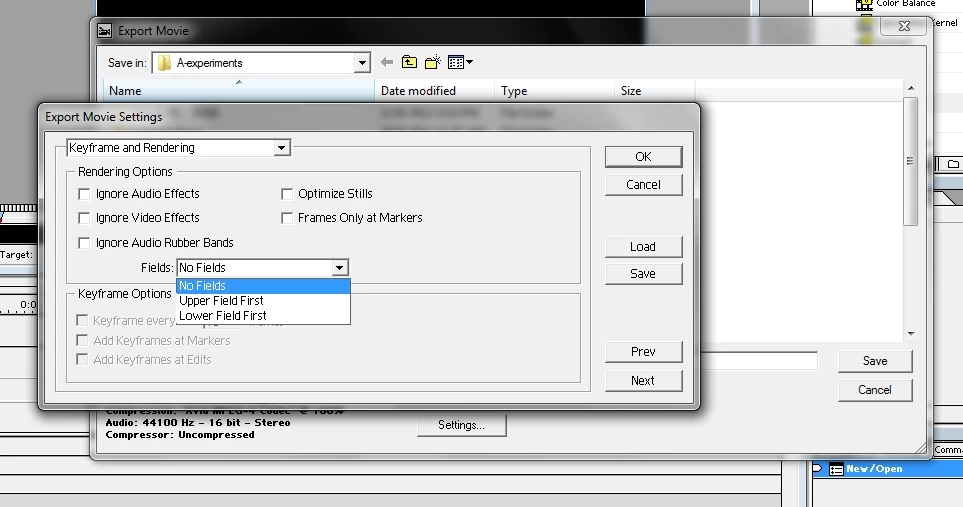
So I found the "Deinterlace" check box via "Export Timeline>Movie>Settings>Special Processing>Modify>Deinterlace", but whether or not I have that box checked, I still get the horizontal lines.
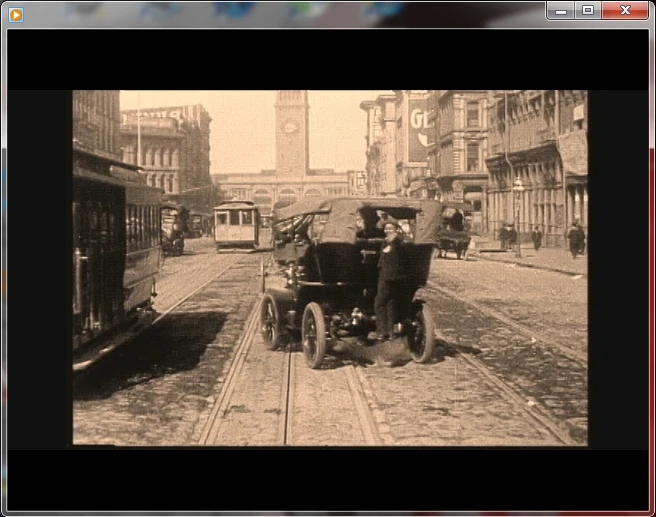
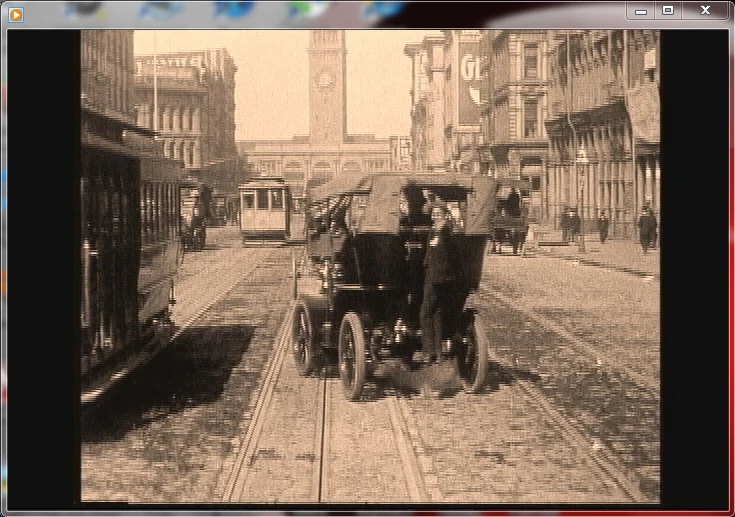
Below are the screenshots of the same base video before importing in to Premiere to get a reverse effect, and after I saved the resulting 720x480 AVI file... the final file appears with the same horizontal lines whether or not Deinterlace is checked.
The lines are even more prominant when viewing the video in Windows Media Player than they appear in these screenshots below... the lines actually have very prominent edge characteristics. The lines look like an old TV sometimes used to when the antenna wasn't getting good reception. Also, I'm saving successfully via the "Export Timeline>Movie" path by using different codecs (this is no longer a file generated from previewing, as I was talking about in the previous thread on this topic)... so I am sure of all of the settings with this version and I'm getting this result with three different codecs, with and without the "Deinterlace" box checked... I had the same experience over and over last night while working with a different file too.
Does anyone know what is causing this?... please see the images below
Thanks,
digiday
Before saving in Premiere - Clean original 720x480, 30 fps AVI file
After saving in Premiere 6
Horizontal lines showing in this Premiere 6, 720x480, 30 fps AVI file
 AdChoices