Participant
April 24, 2021
Answered

TEXT window in Captions workspace doesn't appear in Premiere Pro 15.1

  • April 24, 2021
  • 2 replies
  • 2257 views

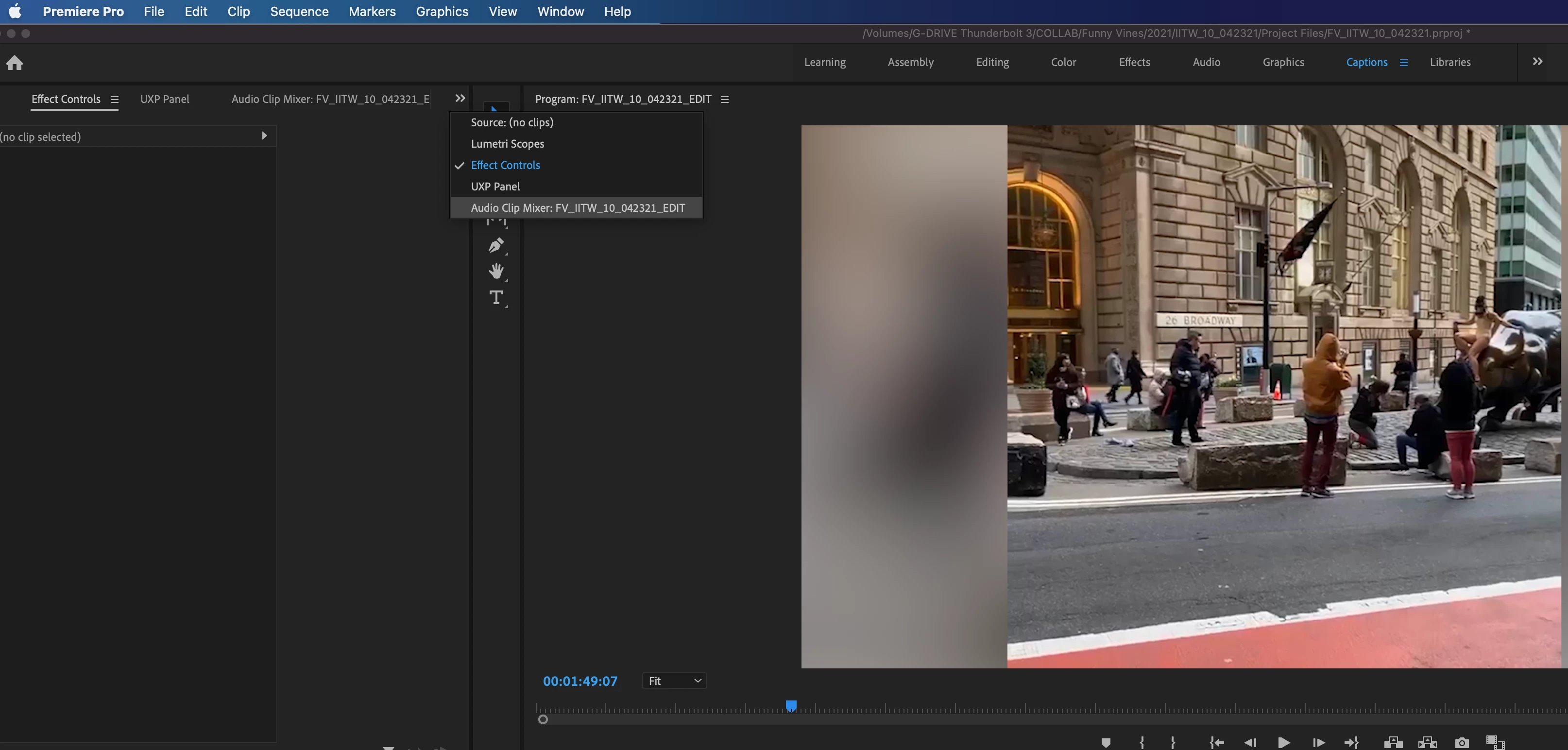
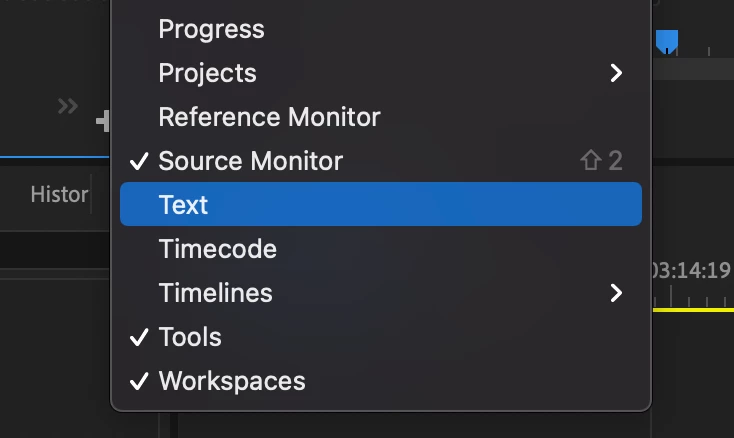
TEXT window in Captions workspace doesn't appear!


I am having this issue where the TEXT window in the captions workspace isn't showing up for me. Because of this, I can't upload an SRT file. Has anyone experienced this? When I try to click Window > Text, it also doesn't mark it with a check next to the name nor does it show up. Please help!


Here are a few screenshots of that...
 

This topic has been closed for replies.
Correct answer Bruce Bullis

I know only what was reported here. The digital anarchy blog post suggests it won't run with it "on".


@Bruce Bullis Bruce, can you enlighten us? @Trent Happel Trent has this been filed as a bug?


Stan


Digital Anarchy have found that performance of the ExtendScript calls their panel uses, are dramatically better, with New World (scripting model) OFF. 

However, many features of PPro require that New World scripting be ON. 

Yes, there is a bug against that New World slowness.

2 replies

Participant
April 27, 2021

Appreciate the info Bruce!

Participant
August 13, 2021

Hello, I'm having the same problem but i don't have that plugin. Is there another solution?

Stan Jones
Community Expert
Community Expert
April 24, 2021

Jason,


Do you have the Digital Anarchy Transcriptive plugin?


See this post:

https://community.adobe.com/t5/premiere-pro/no-captions-in-15-0/m-p/11933720#M338483


Stan

Participant
April 26, 2021

Hey Stan,


I do have the Digital Anarchy Transcriptive plugin installed. Do you suggest I turn "New World" off from the start?

Stan Jones
Community Expert
Community Expert
April 27, 2021

I know only what was reported here. The digital anarchy blog post suggests it won't run with it "on".


@Bruce Bullis Bruce, can you enlighten us? @Trent Happel Trent has this been filed as a bug?


Stan